5. Commissioning
MiR Fleet PC Getting Started (en) 01/2021 - v.1.5 ©Copyright 2019-2021: Mobile Industrial Robots A/S. 34
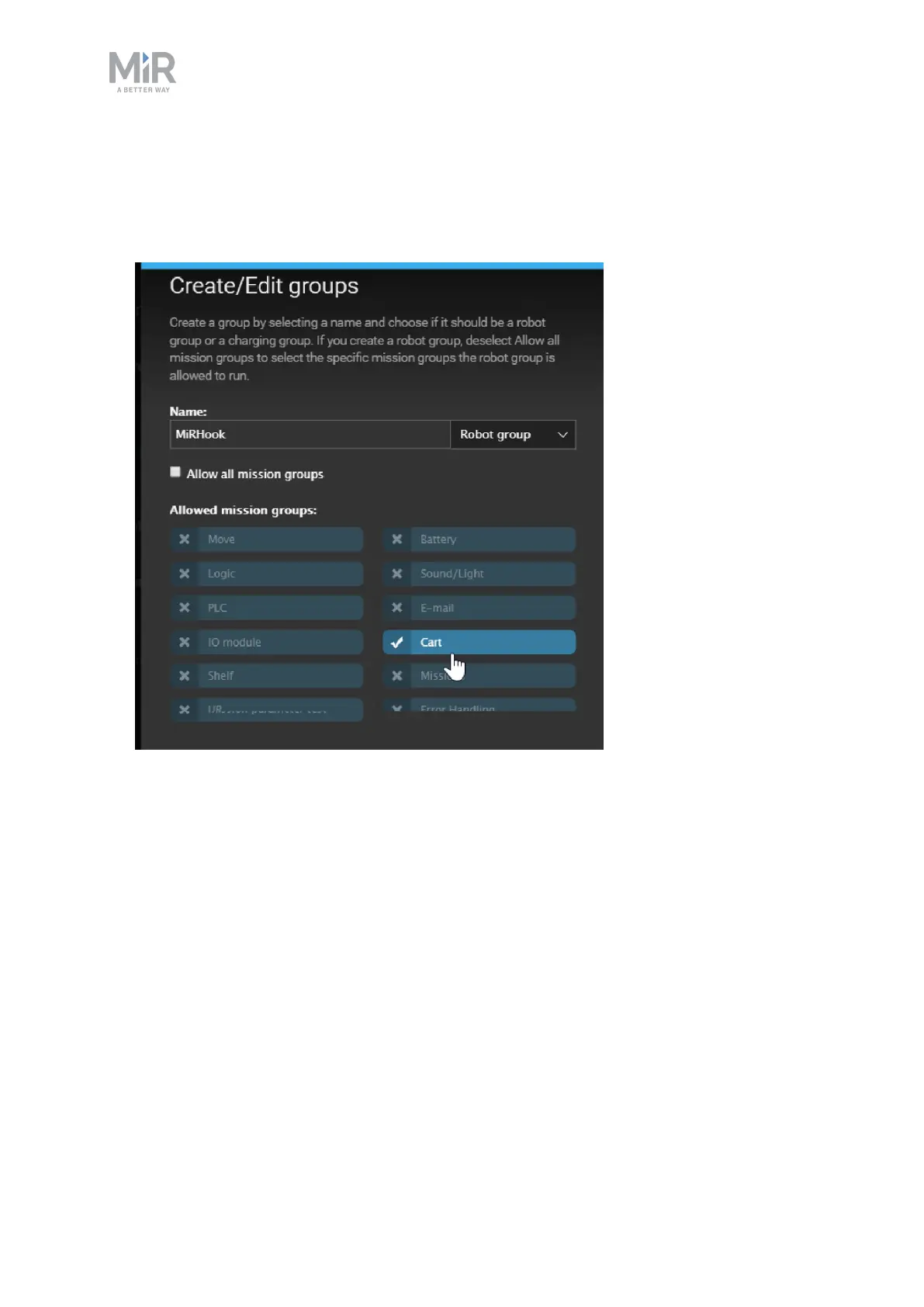
3. Select the Mission group you want to add to the Robot group. When you create a Robot
group, the extra option Allow all Mission groups is selected by default. If you want to
add a more limited number of Mission groups, deselect this option, and select the
Mission group(s) you want to add.



 To Next Page