•
•
•
•
•
•
Setup of the applications
MiR / UR Interface Operating Guide 11/2018 v.2.0 28
7
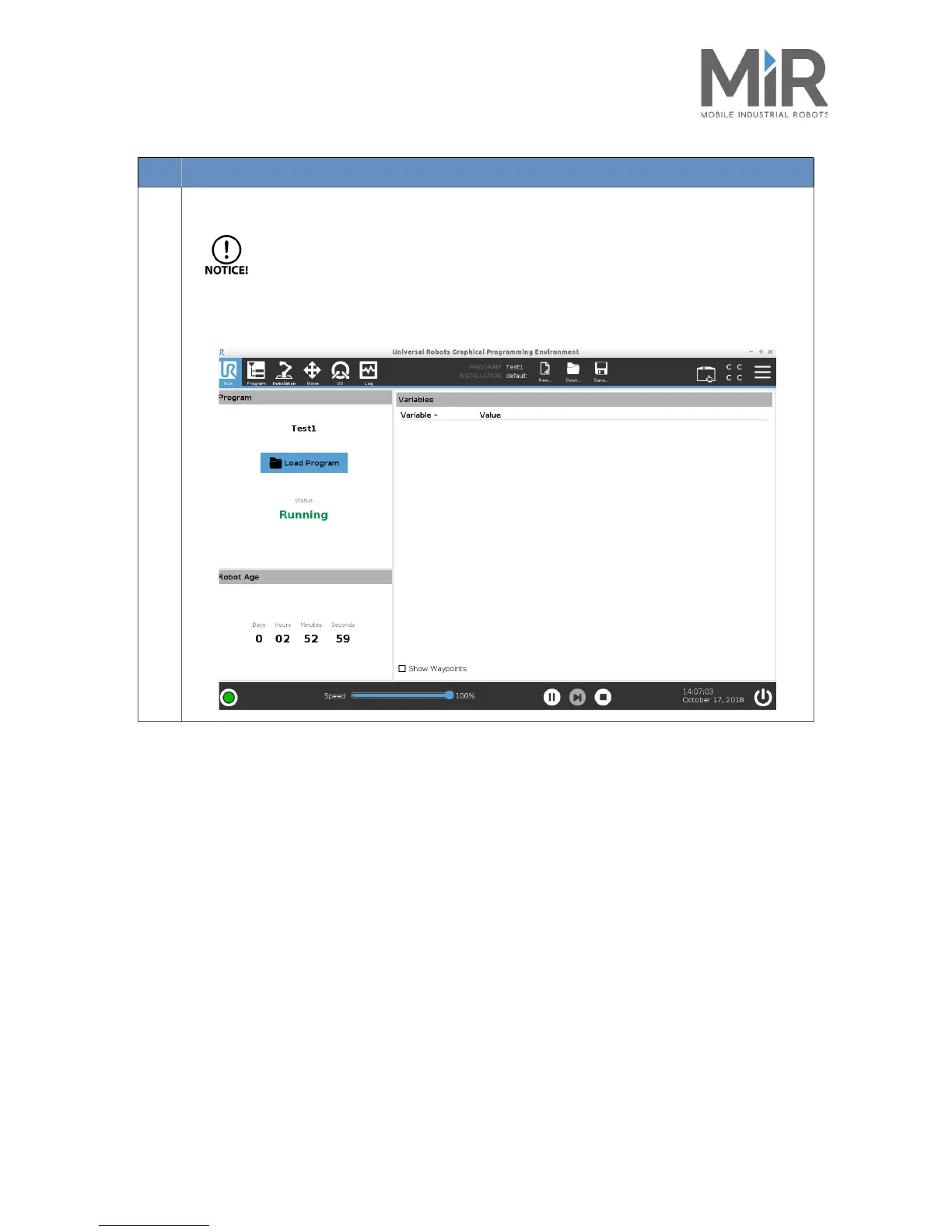
The program returns to the Run screen where it will execute your program.
Make sure, that the UR program does not loop.
Make sure, that the first and last joint configurations are the same. Otherwise the screen will go into
Set Robot in position.
Step Action




 To Next Page