•
•
•
•
•
•
Mechanical
MiR / UR Interface Operating Guide 11/2018 v.2.0 3
2.2 Docking
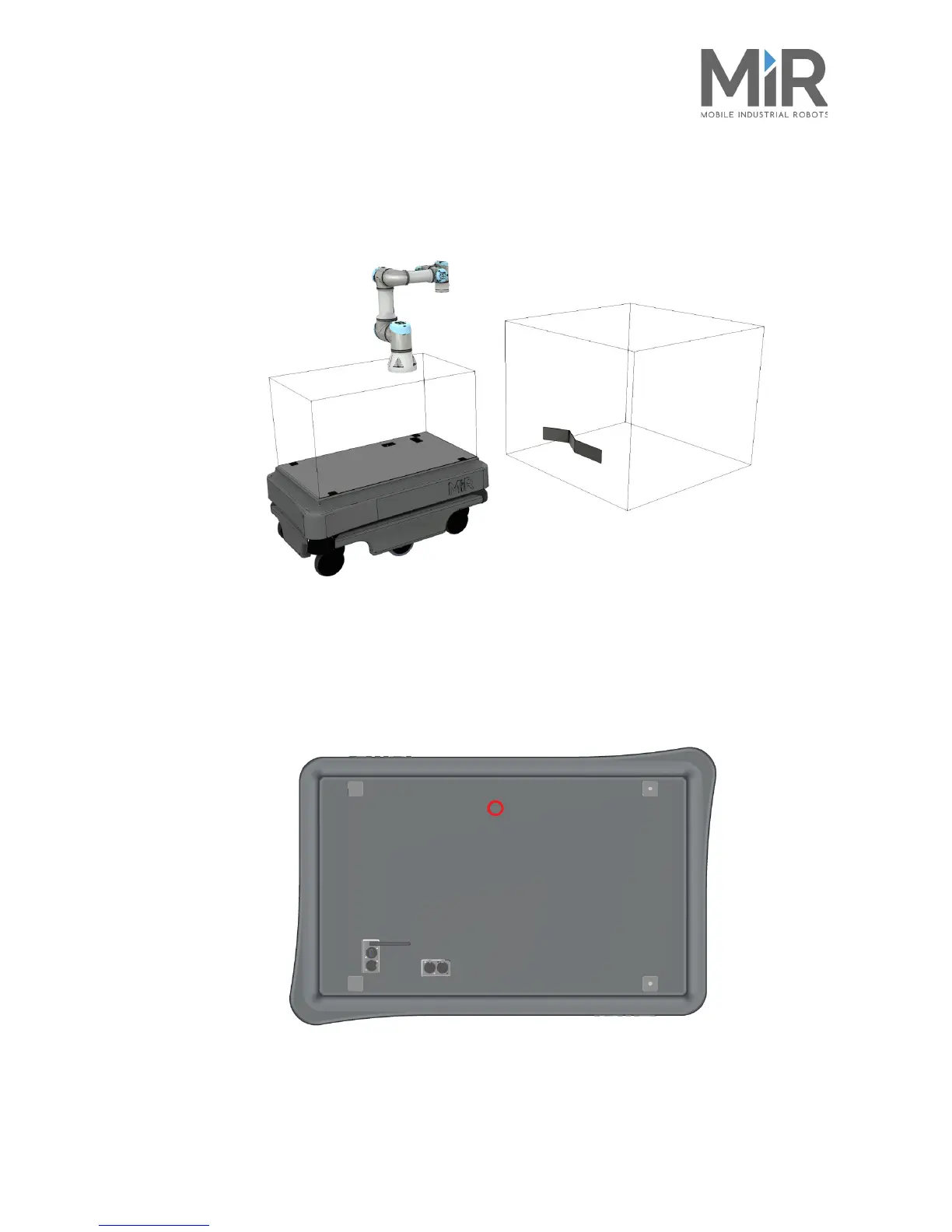
To improve the precision of the MiR100/MiR200 positioning, use a VL-marker at the stations
where the UR Robot arm performs an action.
Figure 2.2. Use a VL-marker to position MiR100/MiR200 correctly.
2.3 Cable management
To pass through the power, safety and communication cables, a hole must be drilled in
MiR100/MiR200’s top cover. The following illustration shows the recommended hole’s
position, marked with red.
Figure 2.3. The recommended position of the hole for the cables.




 To Next Page