•
•
•
•
•
•
Setup of the applications
MiR / UR Interface Operating Guide 11/2018 v.2.0 29
5.2.4 Network settings
8
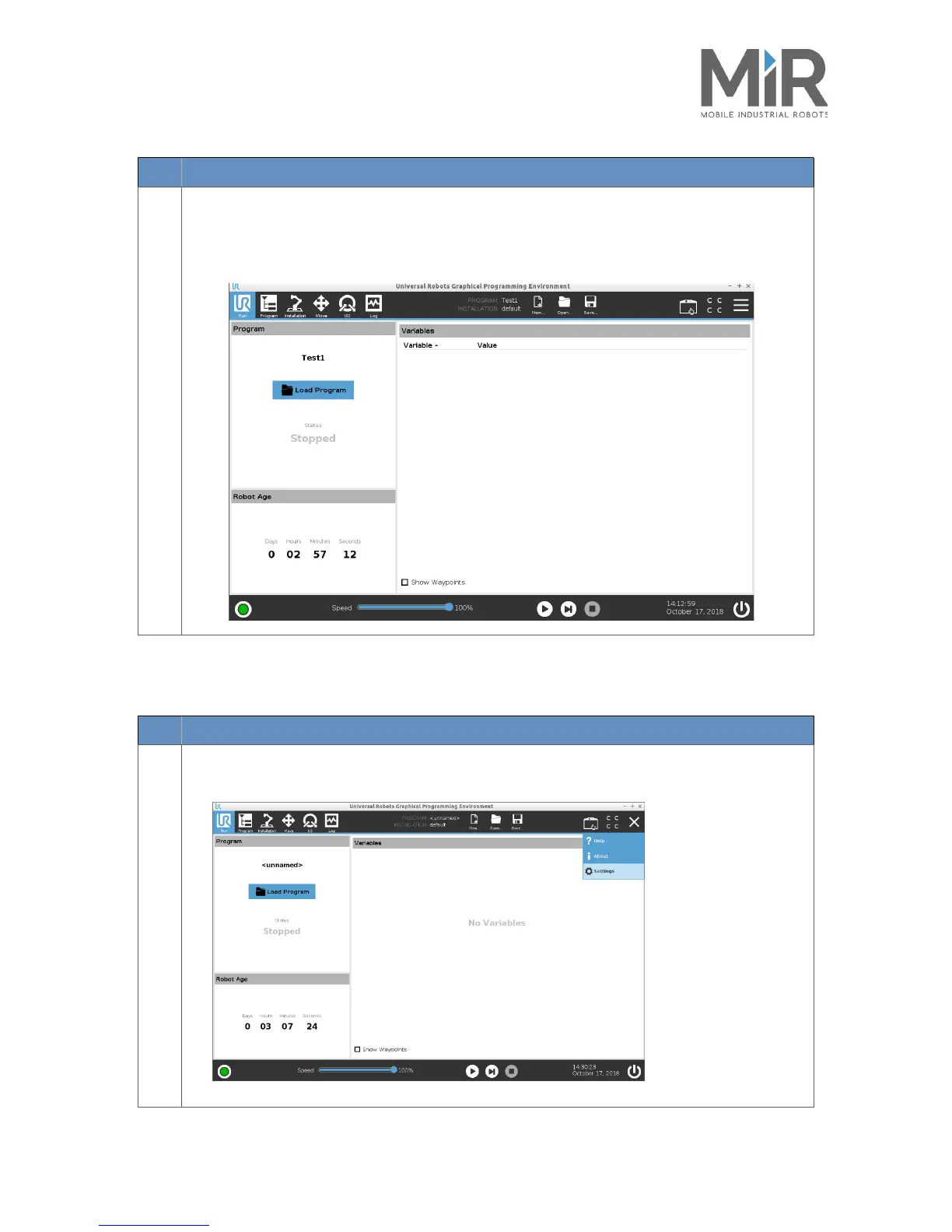
The UR Robot arm will now have stopped after you executed the program.
If the program is as you desire, you are now ready to implement it.
Otherwise, adjust the program, test it and then implement it.
Step Action
Step Action
1
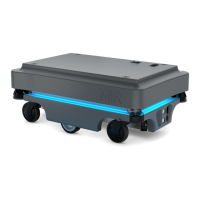
The IP address of the UR Robot arm is displayed in the UR network settings. This is done via the
touchscreen of the UR by pressing the three horizontal stripes in the upper right corner.




 To Next Page