OPERATION
Mirage 2000/4000/6000 User’s Manual
3-57
NOTES: 1) Increasing the Dark Interval decreases the peak brightness of the image.
Use only if necessary—you may prefer some color artifacts rather than reduced
brightness, or vice versa. 2) Higher input frame rates limit the range of Dark Interval
adjustment. 3) You may have to adjust Gamma (if available—it is set to “Default” if
the Adjust Primary Colors function is also in use) to account for the longer dark
interval. 4) Faster glasses enable use of a briefer dark interval.
V-Position and Synchronization
By default, the projector begins display on its first (top) line of pixels. However, it is
important to remember that a V-Position adjustment (accessed in the Size and
Position menu) determines the first active line in the source, moving your display
accordingly. Such an adjustment, therefore, increases or decreases the delay in your
display signal, in turn changing the required synchronization in your 3D application.
•
IF V-POSITION IS HIGH ➙
More delay, so display starts later in the signal
•
IF V-POSITION IS LOW ➙ Less delay, so display starts earlier in the signal
Note that H-Position and Blanking controls do not affect timing parameters.
The following sources are optimized for active 3D images using the projector and
active glasses. Clamp Tip is “off”. The first signal in the table is 1024 x 1024 and all
others are 1280 x 1024.
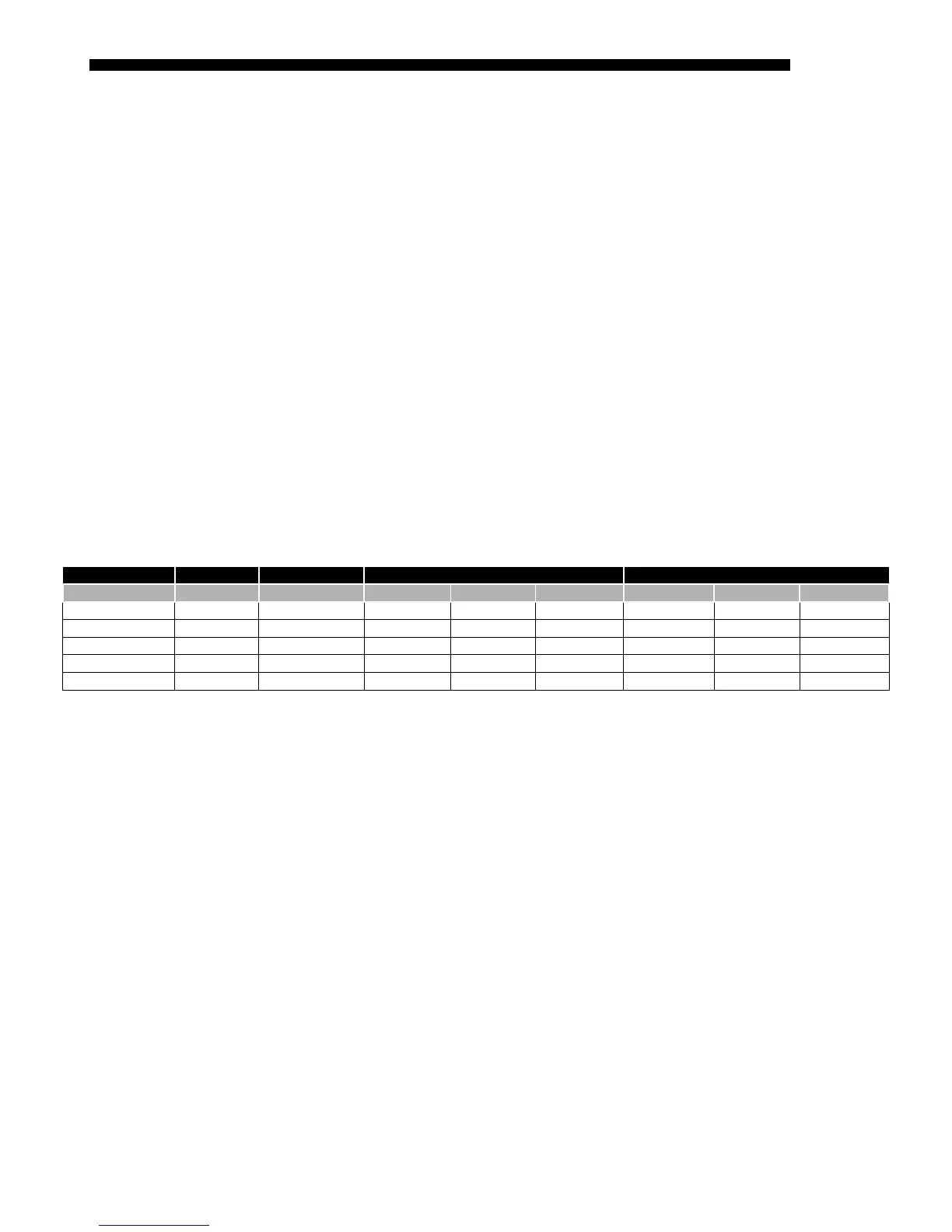
Table 3.3. Compatible 3D Sources
Horizontal Timing Parameters (Pixels) Vertical Timing Parameters (Lines)
Glasses Speed Vert. Rate Pixel Rate Front Porch Sync Width Back Porch Front Porch Sync Width Back Porch
closed <600 µs 96 Hz
✽
146.127 MHz 144 80 188 2 4 30
closed <600 µs 96 Hz 152.928 MHz 50 60 110 2 4 32
closed <600 µs 100 Hz 159.300 MHz 50 60 110 2 4 32
closed <600 µs 105 Hz 159.382 MHz 20 40 92 2 4 30
closed in 200 µs 108 Hz 159.329 MHz 20 40 84 2 4 6
✽
1024 x 1024. All others shown are 1280 x 1024.
Refer to the following guide when 3D images displayed by your projector do not
appear as you expect:
FLICKERING IMAGE: Make sure your source signal is 96 Hz or higher.
IMAGE IS COMPRESSED HORIZONTALLY: Increase pixel tracking to 1424 or higher. If
already maximized, the pixel clock rate of the source is too high for the projector.
CAN’T SELECT “MINIMUM DELAY”: If this option is disabled (gray), you likely do not
have an appropriate signal connected. Check your source—make sure it meets the
criteria listed earlier in 3D Source Requirements and Conditions.
3D CROSS-TALK (GHOSTING): 1) Make sure the IR emitter is not blocked and that its
signals can reach glasses. 2) If using a Pi Cell polarizer and passive glasses, make sure
you are using a screen that maintains polarity. 3) Are depleted batteries slowing down the
active glasses? 4) Fix timing parameters in your source. 5) Adjust Dark Interval setting.
NO IMAGE, JUMPY IMAGE, OR NOISE AT IMAGE TOP: Your video card’s minimum
timings for blanking and pulsed width are too slow for use with the projector.
WITHOUT GLASSES, I SEE ONLY A SINGLE IMAGE
: You are not in 3D mode. Make
sure “Minimum Delay” processing mode is selected in the Image Settings menu.
Com
atible 3D Sources
'
3D Troubleshootin
'



 To Next Page