Mirtone QuickStart Front Panel Programming Getting Started Guide 25
Zones and output groups
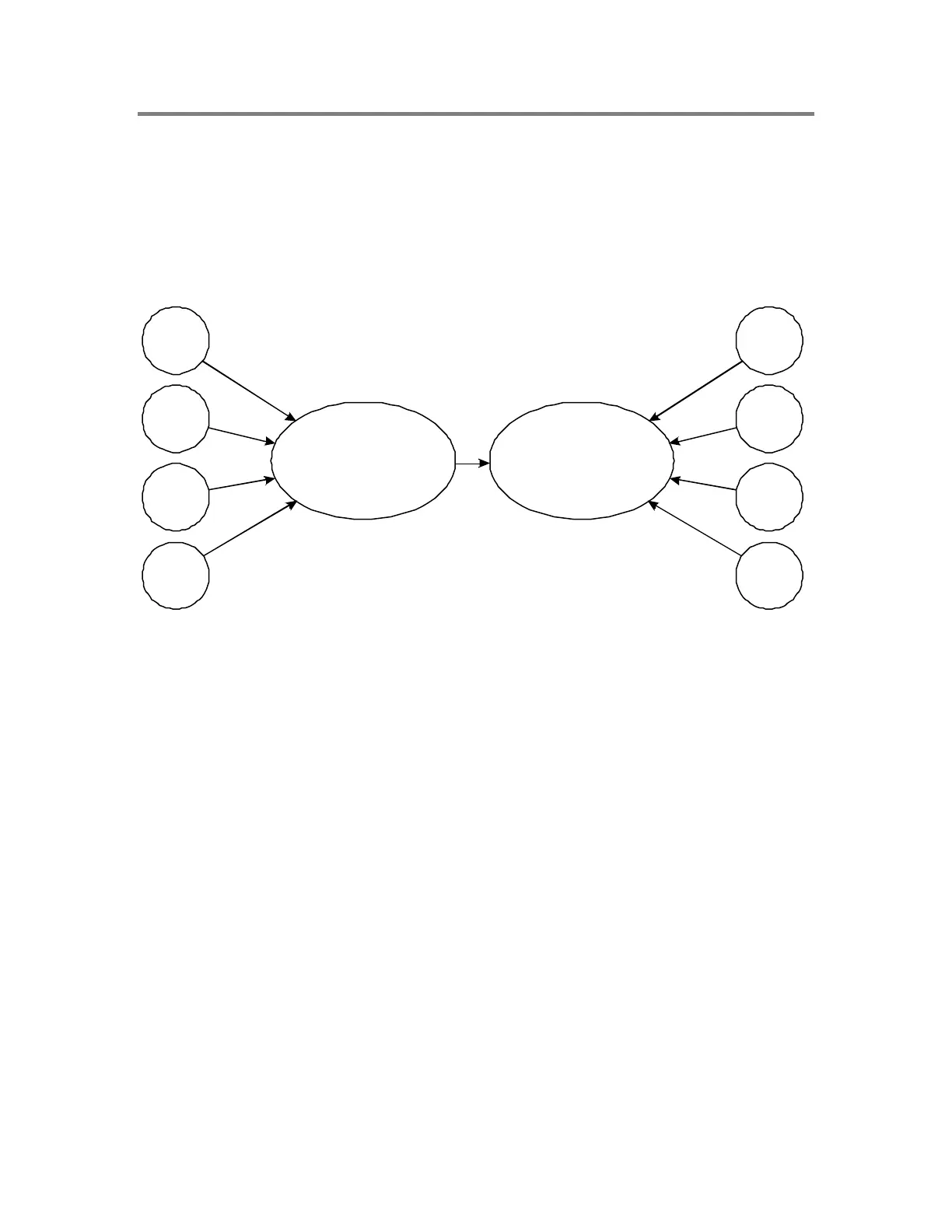
In QuickStart, programming the relationships between inputs and outputs is best
accomplished by using zones and output groups. Zones contain input devices or circuits.
Output groups contain output devices or circuits. Zones are linked to specific output
groups. When any device in a zone goes active, that zone goes active, which in turn
activates an output group, which activates all the output devices in that output group.
Input
Input
Input
Input
Output
Zone
Output group
All MIR-QS panels can support up to 248 output groups. The MIR-QSC and MIR-QS1
can support up to 30 zones, while the MIR-QS4 can support up to 500 zones.
An output group can include signals, relays, and dialer strings. It can contain one item or
several items.
When a panel is AutoLearned, any device that is configured as visual or audible is
automatically assigned to output group 250. In addition, a first alarm zone is created
which includes all alarm input devices. By default, the first alarm zone is correlated to
output group 250.
This is how the panel configures itself as a general alarm system when AutoLearned. If a
general alarm system is all that is required, then you may not have to create any
additional output groups.
When you use FPP, it’s important to remember that all output devices must be part of an
output group in order for them to operate. This includes dialer strings if the default
strings created earlier during AutoLearn are not sufficient.
For this example we are not using output group 250, so first we show how to delete it,
then how to create the new output groups required.



 To Next Page