Mirtone QuickStart Front Panel Programming Getting Started Guide 8
Running AutoLearn
The first step in programming a new system is to run AutoLearn. This configures the
modules installed in the panel plus any remote annunciators connected to the system.
Note: If the system has remote annunciators, you must AutoLearn each remote
annunciator first to assign it an address. AutoLearn the panel last, after you have
AutoLearned all the remote annunciators.
If your panel has a DLD dialer, be sure to have the following information available
before beginning: subscriber account numbers, telephone numbers, transmission formats,
and default dialer strings (a list of dialer strings follows later in this guide).
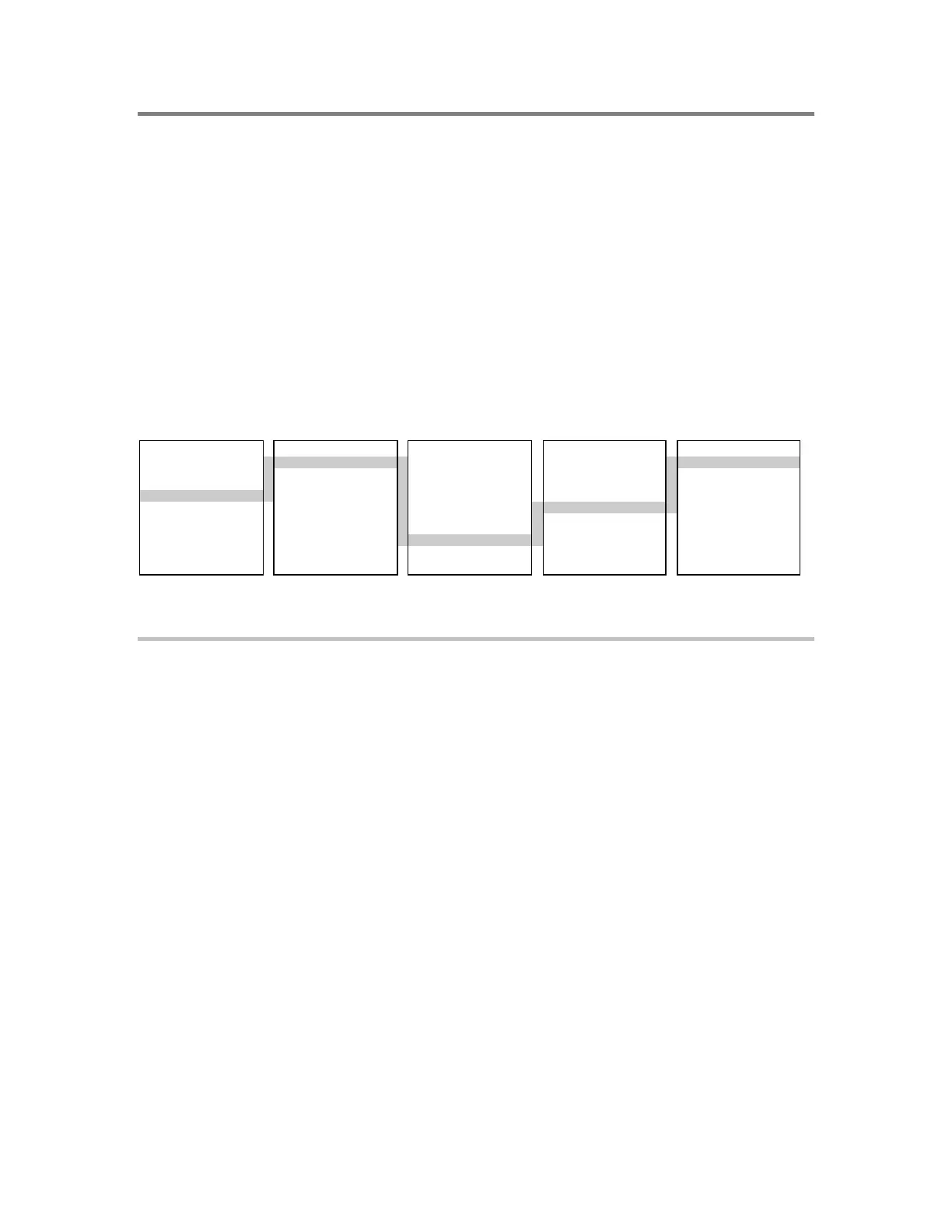
Here is the sequence of menus, screens, and commands you use to run AutoLearn.
MAIN MENU ENTER PASSWORD MAIN MENU PROGRAM CONFIGURE
1) Status XXXX 1) Status 1) Time/Date 1) AutoLearn
2) Reports 2) Reports 2) Edit Password 2) System
3) Test 3) Test 3) Restart 3) Cards
4) Login 4) Enable 4) Clear History 4) Zone
5) Disable 5) Configure 5) Outputs
6) Activate 6) ECP Port 6) Exit
7) Restore
8) Program
9) Login
To AutoLearn remote annunciators:
1. At the remote annunciator, press Menu on the keypad.
2. From the Main Menu, choose Login and enter the level 4 password. (Default: 4444.)
The system displays the Main Menu for level 4.
3. Choose Program > Configure > AutoLearn.
The system prompts you to enter a Panel ID.
4. Press the Del (delete) key twice then enter an unused address between 02 and 09.
(Address 01 is reserved for the main panel.)
The system prompts you to enter the total number of panels connected to the RS-485
riser. This number should include all annunciators and the main panel.
5. Press the Del key twice then enter the number of panels on the riser.
The system prompts you to select the wiring class for the RS-485 riser.
6. Select the wiring configuration for the RS-485 data line. The wiring must be the same
for all panels.



 To Next Page