Mirtone QuickStart Front Panel Programming Getting Started Guide 26
Output groups - creating and deleting
If you aren’t at the Configure menu, log in and navigate to it as before.
Deleting output group 250
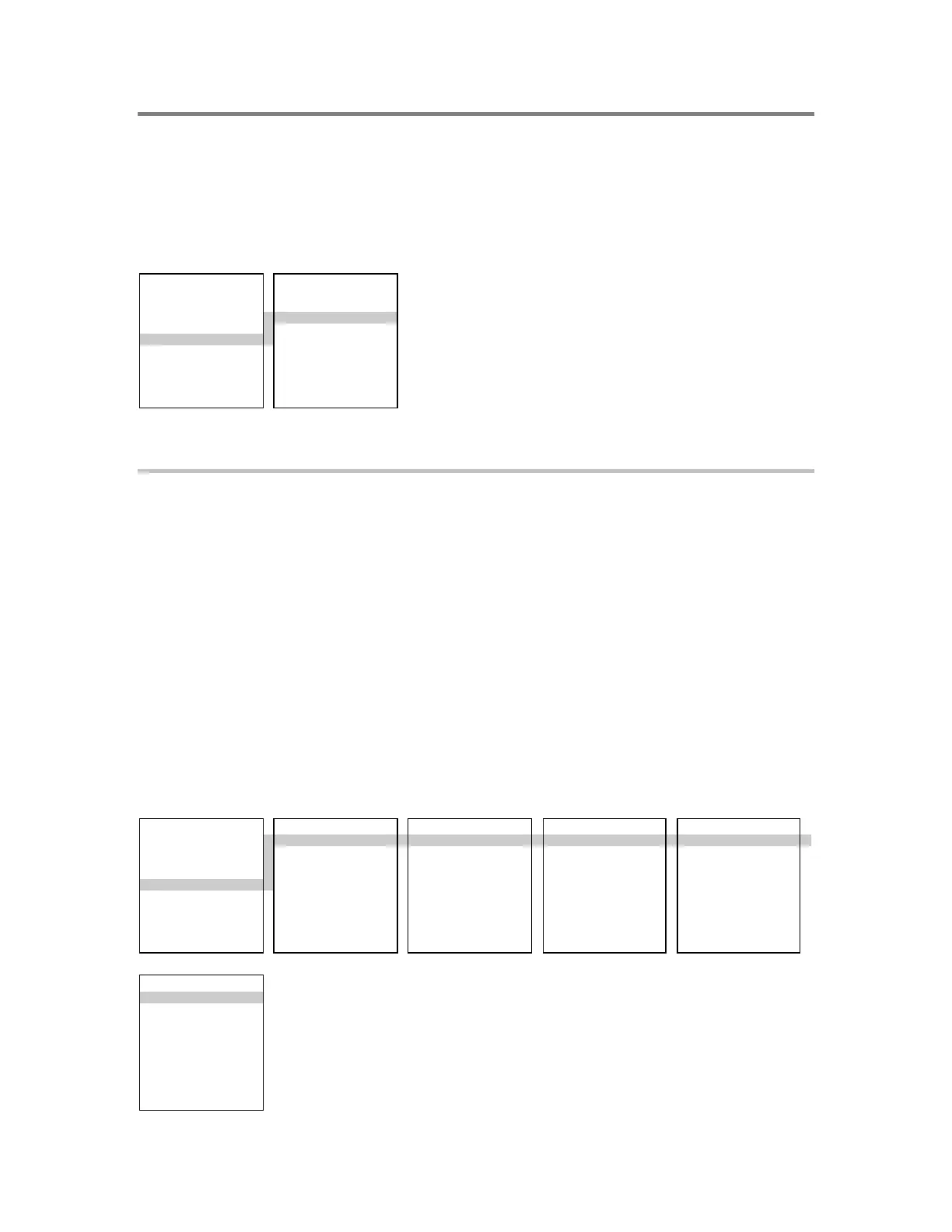
CONFIGURE EDIT OUTPU
1) AutoLearn 1) Add
2) System 2) Edit
3) Cards 3) Delete
4) Zone
5) Outputs
6) Exit
To delete output group 250:
1. From the Configure menu, choose Outputs.
2. Choose Delete.
The system displays a list of the output groups.
3. Choose output group 250, then press Enter on the panel.
Note: Output group 249 contains responses for use with service groups, and should
not be deleted.
4. Choose Save Edits. This returns you to the Configure menu.
Creating output groups
CONFIGURE EDIT OUTPUT OUTPUT GROUP OUTPUT TYPE OUTPUT RESPONSES
1) AutoLearn 1) Add 1) Responses 1) Active 1) Add
2) System 2) Edit 2) Review 2) Trouble 2) Remove
3) Cards 3) Delete 3) Exit
4) Zone
5) Outputs
6) Exit
RESPONSE TYPE
1) Relay
2) Dialer
3) Delay



 To Next Page