Mirtone QuickStart Front Panel Programming Getting Started Guide 16
Running AutoLoop
After AutoLearning the system, the next step is to run AutoLoop for the SLIC
addressable cards. This causes the system to find all the addressable devices connected to
the SLIC, assign them addresses, and program them with default values. You need to run
AutoLoop for each SLIC card installed in the panel.
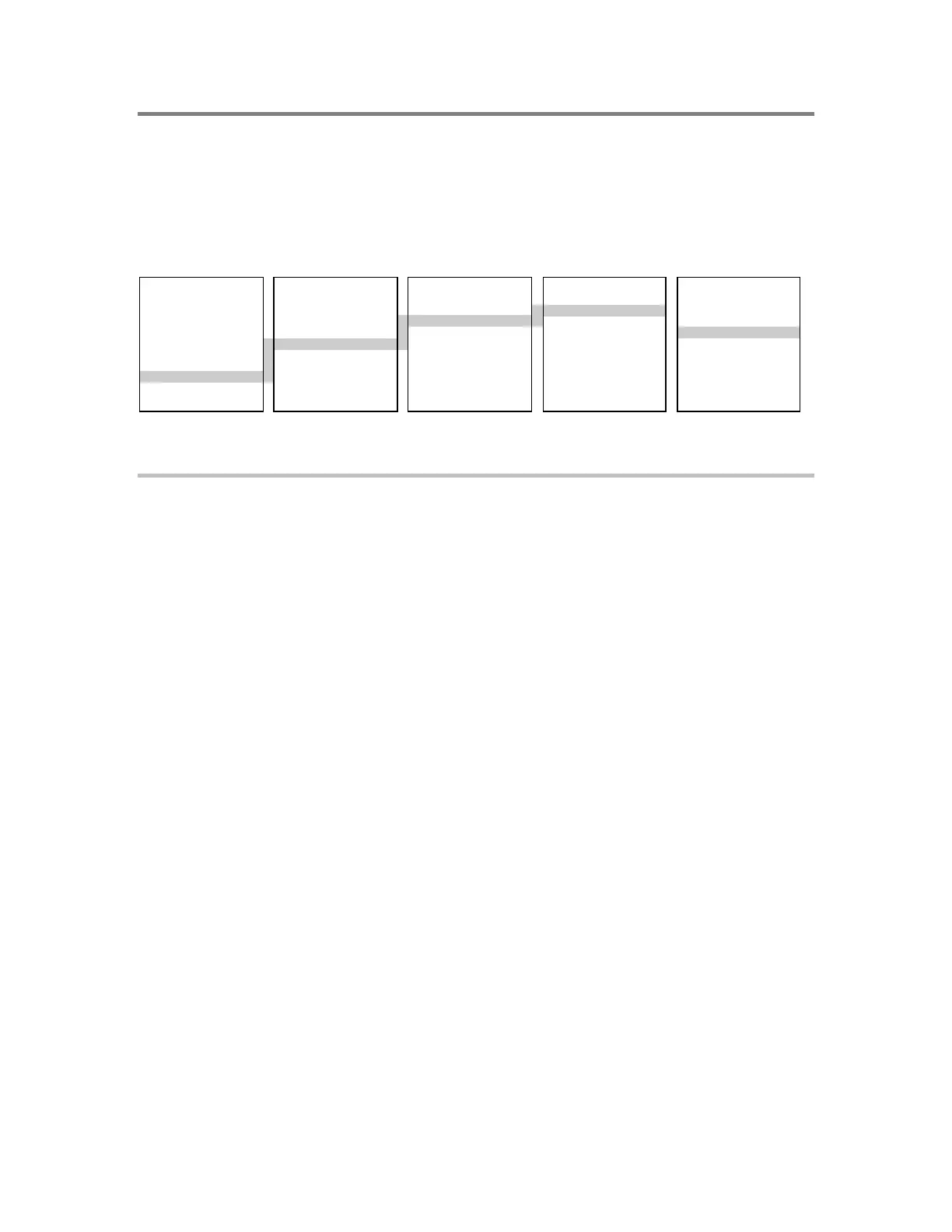
MAIN MENU PROGRAM CONFIGURE CARDS SLIC
1) Status 1) Time/Date 1) AutoLearn 1) Add 1) Config Card
2) Reports 2) Edit Password 2) System 2) Edit 2) Config Detect
3) Test 3) Restart 3) Cards 3) Delete 3) Config Module
4) Enable 4) Clear History 4) Zone 4) Autoloop
5) Disable 5) Configure 5) Outputs 5) Accept Map
6) Activate 6) ECP Port 6) Exit 6) Exit
7) Restore
8) Program
9) Login
To AutoLoop SLIC cards:
1. At the control panel, press Menu and log in as a level 4 user.
2. Choose Program > Configure.
The system displays a message to advise you that it is initializing the SIGA devices.
Wait until this process finishes and the message is removed before proceeding.
3. Choose Cards > Edit.
4. Enter the card number (address) of the SLIC card.
The system knows the card at that address is an SLIC, and displays the SLIC menu. If
it were a different type of card, the system would display a specific menu for that type
of card.
5. From the SLIC menu, choose AutoLoop.
The LCD displays a count of the detector and module addresses on the loop.
6. If the count is correct, press Enter to accept and wait until the database is updated.
—or—
If the device count is incorrect, press Delete and resolve the problem before
continuing.
7. When the database update finishes, choose Exit from the SLIC menu.
8. Repeat steps 3 through 7 for each SLIC in the panel (our example has just one).
9. Choose Exit from the Configure menu when all SLIC cards have been AutoLooped.



 To Next Page