Mirtone QuickStart Front Panel Programming Getting Started Guide 10
Dialer configuration - setup
For systems with a DLD dialer installed, as in our example project, the next step is to
enter the dialer information. This happens on the Dialer Setup screen.
If your actual project has no dialer, the panel automatically reboots as it did when first
powered up. When the panel finishes rebooting, an “Unconfigured Device” trouble
message displays if there is an SLIC card installed in the panel. To clear this trouble, you
would run AutoLoop. (See the topic, “Running AutoLoop,” later in this guide.)
Caution: While the system is rebooting (initializing), do not run AutoLoop. Wait until
the system finishes rebooting. Running AutoLoop before the reboot finishes could
corrupt the database.
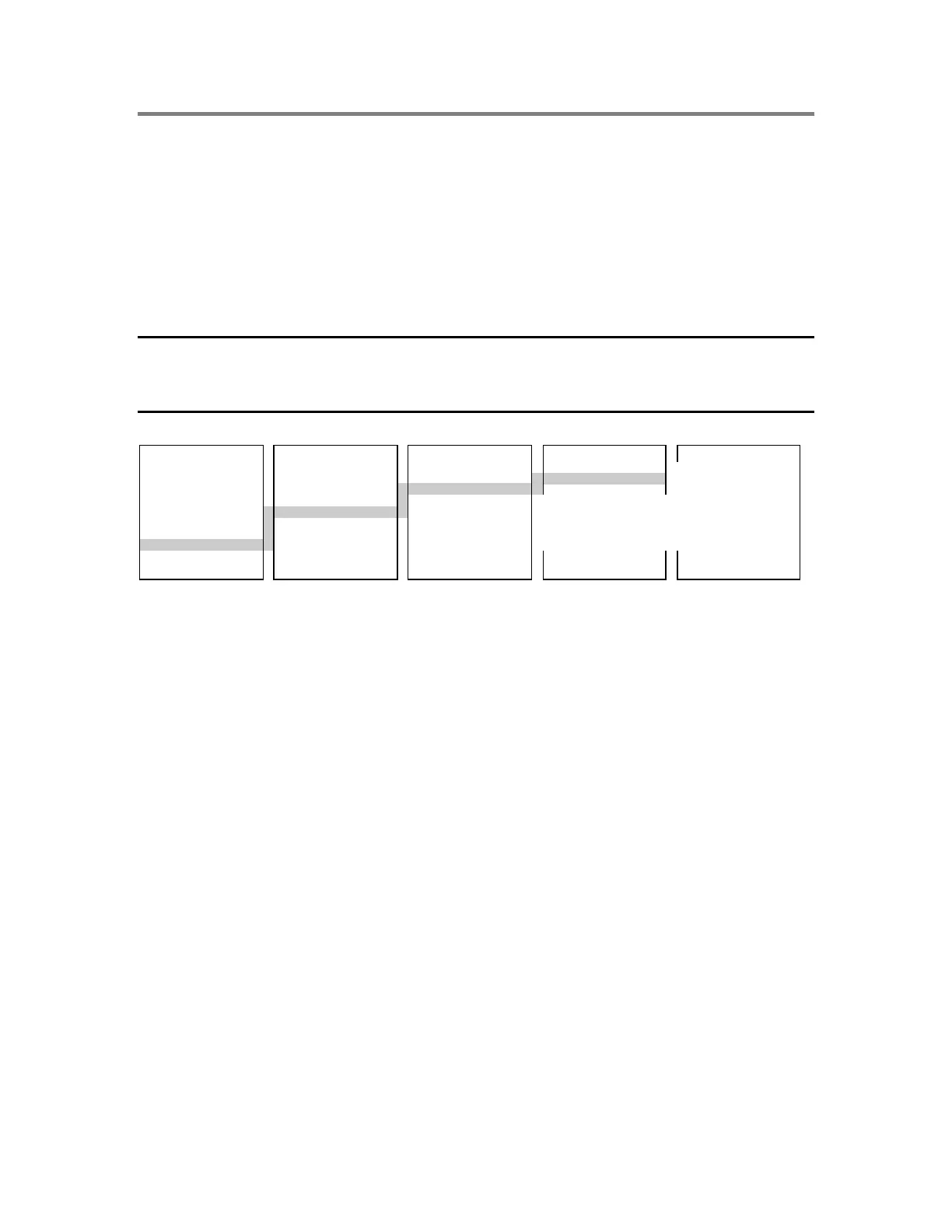
MAIN MENU PROGRAM CONFIGURE CARDS DIALER SETUP
1) Status 1) Time/Date 1) AutoLearn 1) Add 1) #’s of CMS
2) Reports 2) Edit Password 2) System 2) Edit 2) CMS Phone Number
3) Test 3) Restart 3) Cards 3) Delete 3) Retry Count
4) Enable 4) Clear History 4) Zone 4) Accounts
5) Disable 5) Configure 5) Outputs 5) Default Msgs
6) Activate 6) Exit
7) Restore
8) Program
9) Login
During the AutoLearn process, the system displays the Dialer Setup menu automatically
if there is a DLD dialer installed in the panel. At a minimum, you must enter the phone
numbers, at least one account number, and the default strings. Otherwise, the panel
continues to display an “Unconfigured Card” trouble message for the dialer.
You can always use the menus to go back to the dialer configuration later, and make any
changes required. The number of CMS (central monitoring stations) defaults to 1, and the
Retry Count defaults to 5.
Note: To use the menus to edit the dialer information at a later time, enter card address
14 when prompted. Address 14 is reserved for the DLD and is the only number that can
be used. Entering this card number displays the Dialer Setup menu.
Number of receivers, phone numbers, and retry attempts
Begin programming the dialer by setting up the number of receivers and phone numbers.
The sequence of menus, screens, and commands you use is shown below.



 To Next Page