Installation and Configuration Guide
22
Indicators
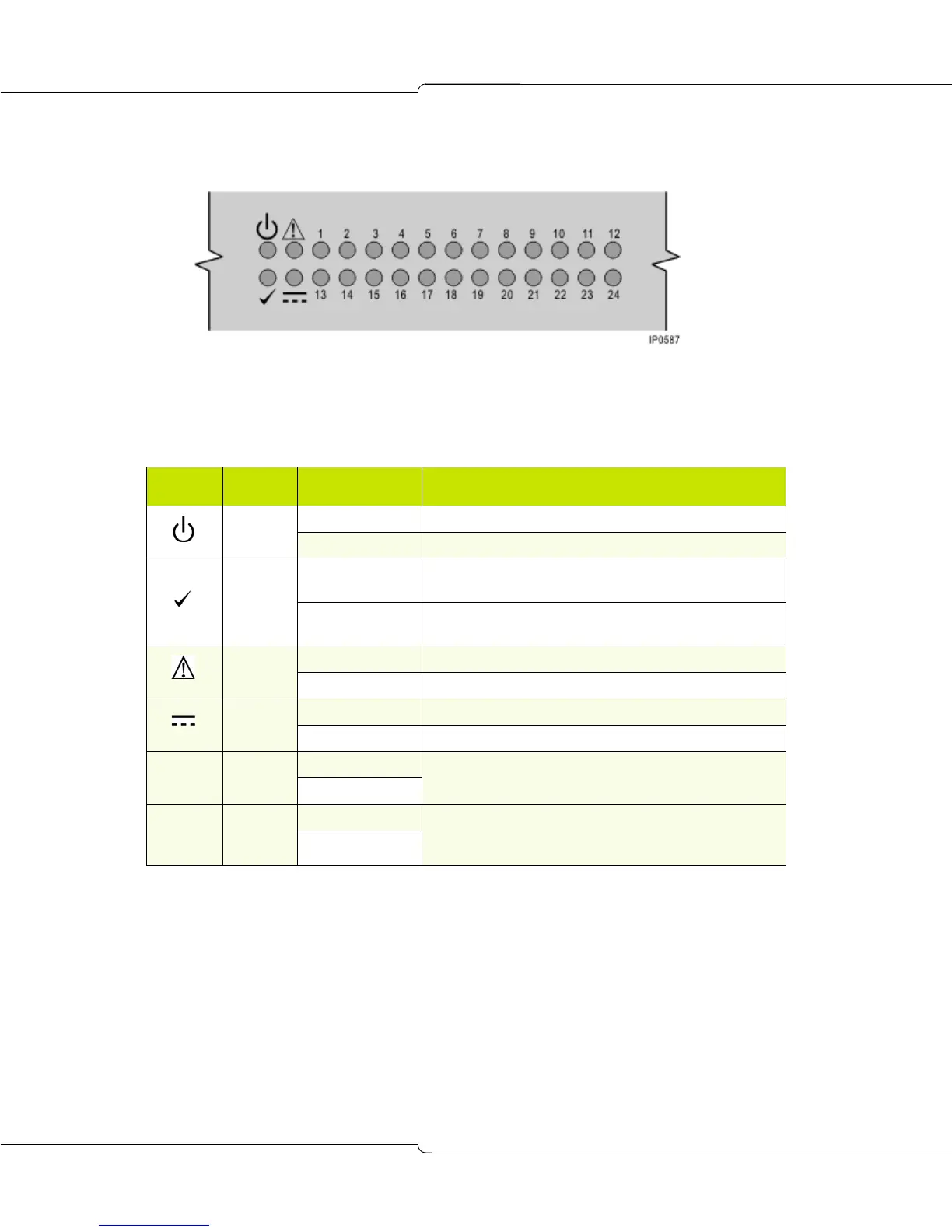
The front panel displays four unit and 24 channel indicators as shown in FIGURE 4.
Figure 4: Unit and Channel Indicators
The following tables list the indicator functions during startup and normal operation.
Table 6: Indicator Functions During 3300 CITELlink Gateway Startup
Indicator Name Status Description
System
power
ON Power input is normal.
OFF Power supply failure.
Unit
function
FLASHING If channel indicators 1 to 8 are counting down from right
to left, the software is loading.
NOT FLASHING
(May be on or off)
Unit has failed.
Service
required
ON Unit requires service. Contact your dealer.
OFF Normal operation
Phone
power
ON Inline power to phone is normal
OFF Inline power to phone has failed
1 to 8 Channel
status
ON Indicates the progress of the software boot process. (Lit
LEDs indicate components yet to be loaded)
OFF
13 to 20 Channel
status
ON Indicates the progress of each stage in the software boot
process. (Lit LEDS indicate software yet to be loaded for
the component.)
OFF













 To Next Page