Personalizing Your Phone
Page 24 Mitel
®
5360 IP Phone User Guide – , April 2013
Using the Dialpad Buttons to Enter Characters
You can use the dialpad buttons to enter text or numbers for features such as Do-Not-Disturb
(see page 69) and Station Speed Dial (see page 38).
The following are guidelines when entering dialpad characters:
• Press (Message) to switch from Alpha Mode to Numeric Mode. The (Message)
button stays lit in Alpha Mode and is off in Numeric Mode.
• Press (Hold) to move the cursor to the left and delete characters.
• Press (Transfer) to move the cursor to the right.
• In Numeric Mode, press # for a hyphen (-).
• In Numeric Mode, press * for a colon (:).
• Press #, (Speaker), or lift and replace the handset to save entries.
To use the dialpad to enter characters:
Press the dialpad buttons as shown in the following table.
For example, to enter May 31, you could use the following sequence:
1. In Alpha Mode ( [Message] button is lit), press 6 once to enter an “M.”
2. Press 2 five times to enter an “a.”
3. Press 9 eight times to enter a “y.”
4. Press (Transfer) to enter a space.
5. Press (Message) to switch to Numeric Mode.
6. Press 3.
7. Press 1.
8. Press (Speaker), #, or lift the handset to save the entry.
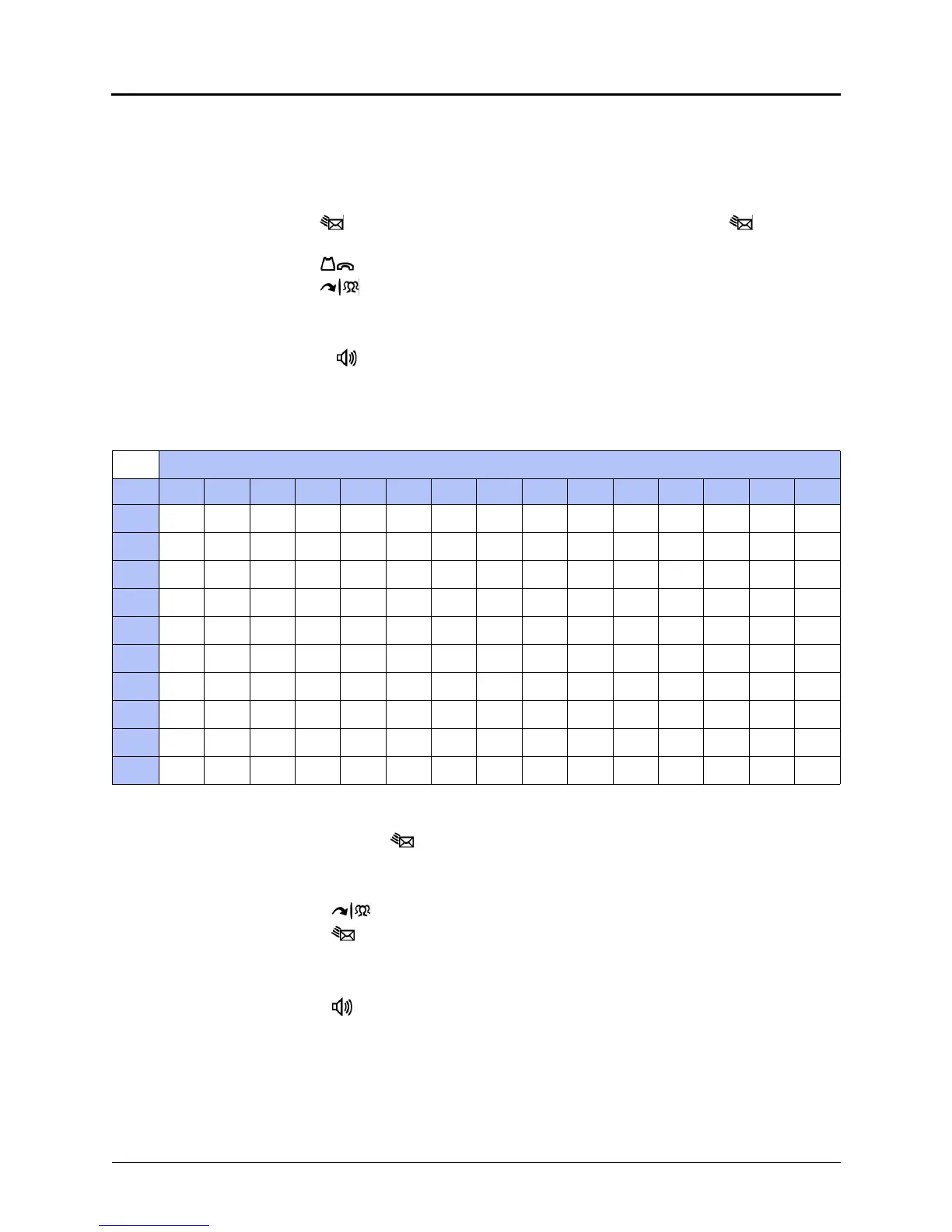
Dialpad Characters — American English and British English
Number of Times Dialpad Button is Pressed
Button
1 2 3 4 5 6 7 8 9 10 11 12 13 14 15
1
:-/,.;()&+*!?#1
2
ABC2a b c
3
DEF3d e f
4
GH I 4 g h i
5
JKL5 j k l
6
MNO 6mn o
7
PQRS7 p q r s
8
TUV8 t u v
9
WXYZ9wxyz
0
0



 To Next Page