Keys, display, and menu guidance
Mitel 6940 SIP 21
eud-1765/2.0 – R6.0 – 06.2018
In addition to an alphanumeric keyboard, your phone offers an on-screen
keyboard for entering digits, letters of the alphabet, and some special
characters. Note that when the on-screen keyboard is displayed, the soft-
keys on the phone are not visible. Exit the on-screen keyboard to access
the softkeys on the phone.
LED overview
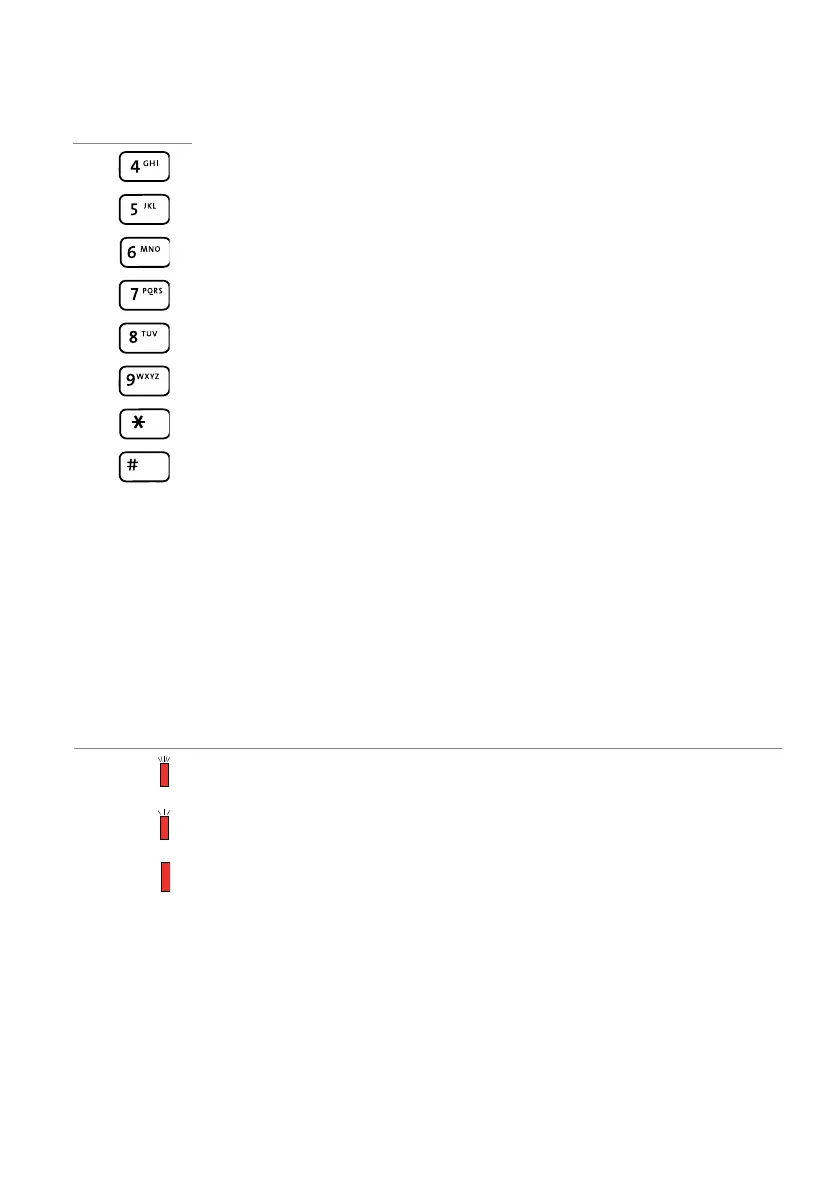
G H I 4 Í Ï Î И Й К Л g h i 4 ì í ï î и й к л
J K L 5 М Н О П j k l 5 м н о п
M N O 6 Ñ Ö Ó Ò Ô Õ Ø Р С Т У m n o 6 ñ ö ó ò ô õ ø р с т у
P Q R S 7 ß Ф Х Ц Ч p q r s 7 ß ф х Ч ч
T U V 8 Ü Ú Ù Û Ш Щ Ъ Ы t u v 8 ü ú ù û ш щ ъ ы
W X Y Z 9 Ь З Ю Я w x y z 9 ь з ю я
* <Space> * <Space>
# / \ @ # / \ @
Upper case Lower case
Message LED:
State Description
Flashes fast • Incoming call
• Appointment call
Flashes slowly • New voice message
• Callback requested / Notification
Lit Phone locked


 To Next Page