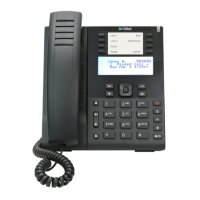
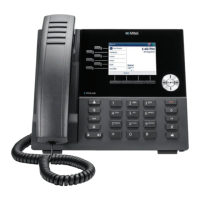
Reception phone
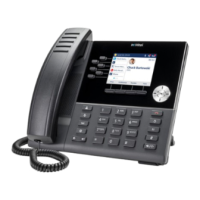
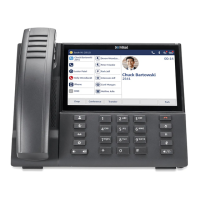
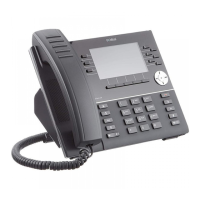
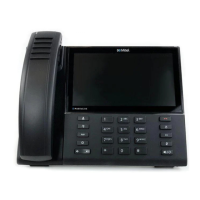
Mitel 6940 SIP 125
eud-1765/2.0 – R6.0 – 06.2018
Additional settings
You can make further settings or modifications in the reception
menu.
Room configuration
In the Room configuration of a certain room you can view and modify the
following entries:
• Room state: Occupancy status of the room. The room is either Free, or
Occupied.
Manage do not disturb while in connection
Press the Do not disturb function key or go to Menu > Reception menu > Do
not disturb on the reception phone.
The room number corresponding to the call in speech is pre-entered. You,
as a receptionist, can change the room number. Press Ok to confirm the
room number.
➔ You can use the Room list key to search for the room.
The terminal displays the screen for activating or deactivating do not disturb.
Confirm the activation or deactivation by pressing Yes.
➔ The do not disturb function is activated or deactivated.
Calling a room with do not disturb active
There is an emergency and you want to call a room for which do not disturb
is active. You, as a receptionist, can make a call, but, are warned that do not
disturb is active for the room before the call is made.
Dial the room’s phone number or press the busy lamp field key set for the
room to make a call.
➔The terminal displays the screen indicating that do not disturb is active for
this room.
Press the Call room softkey to proceed with the call.
➔ The room telephone rings.
➔ The terminal displays the normal calling screen.


 To Next Page