16 Mitel 6940 SIP
eud-1765/2.0 – R6.0 – 06.2018
Keys, display, and menu guidance
Operating your phone
Most keys and functions are described in the key legend. Other over-
views and operating aids can also be found here.
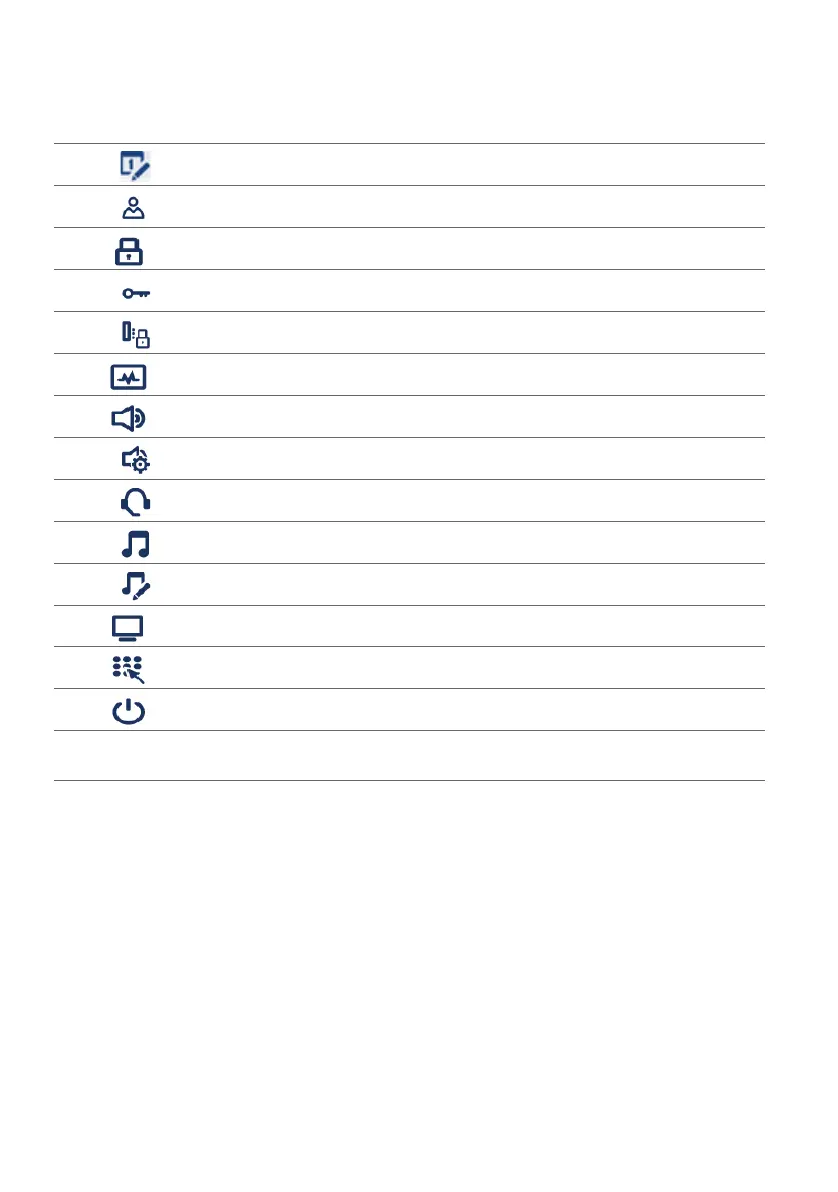
Overview system menu
The system menu is accessed using the softkey Menu. This contains the
following menu entries. Refer to the relevant chapters of this user’s guide
for further information on these menu entries.
• Set Date and Time
Directory
Lock
• Password
• Phone lock
Status
Audio
•Audio Mode
• Headset
• Ring Tones
• Tone Set
Display
Live Dialpad
Restart
Note: Settings under the menu item Advanced are protected by a password and are
reserved for your system administrator.
Settings key



 To Next Page