Keys, display, and menu guidance
Mitel 6940 SIP 13
eud-1765/2.0 – R6.0 – 06.2018
Display symbols
12 Alphanumeric keys (A-Z,
a-z, 0-9)
Entering characters and digits.
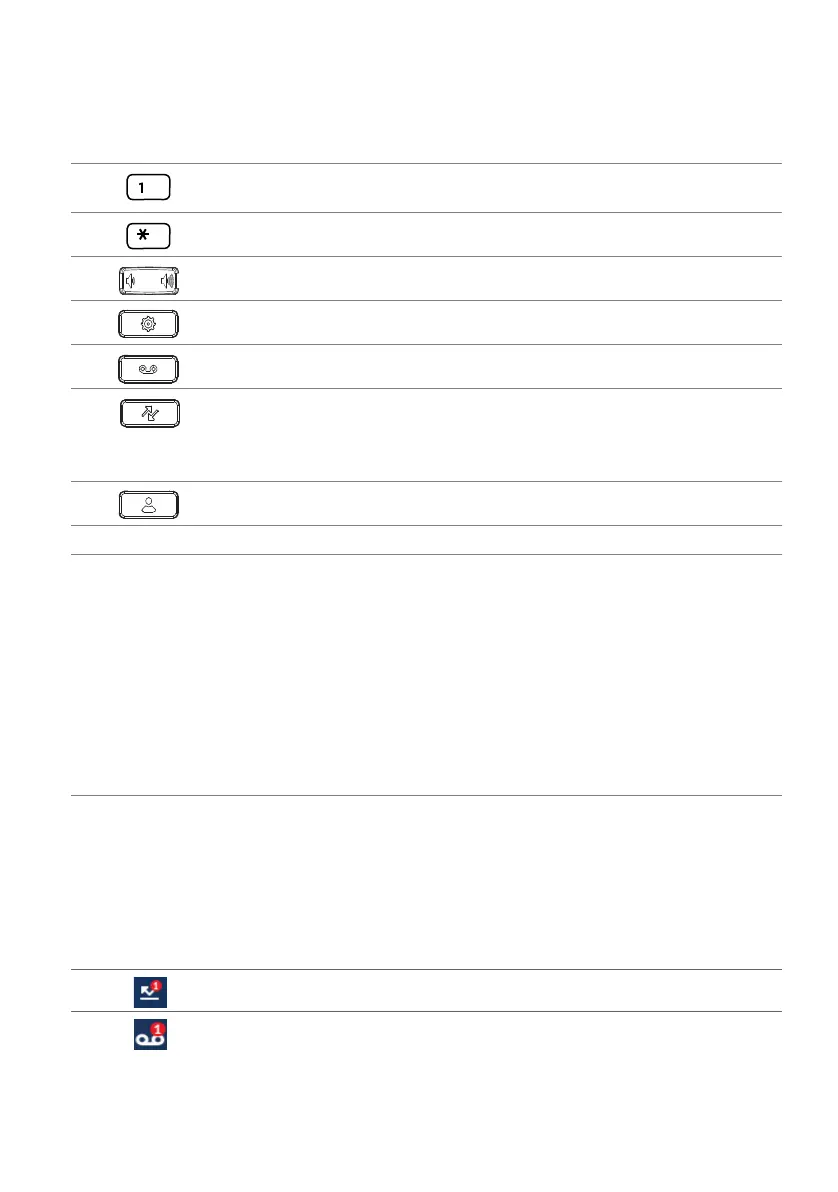
13 Asterisk key Entering * or space.
14 Volume keys Adjusting volume.
15 Settings key Calling up a local settings menu (options list).
16 Voice mail Accessing your voice mail service.
17 Call history • Calling up the call history menu:
– unanswered
– answered
– redial list
18 Directory lookup Calling up the directory lookup.
19 Speaker
20 Rear:
• Connection for power supply.
• Connection for USB 2.0.
• Integrated Bluetooth module 4.1.
• Connection for expansion key module.
• GigE dual connection for PC and LAN.
• Connection for headset.
• Connection for headset via USB or Bluetooth.
• Connection for Power over Ethernet (PoE), class 3 (support for PoE + when
an expansion key module is connected).
1)
depending on configuration
No
.
Key icon Key name Description and Usage
Status bar
Missed calls
New voice message



 To Next Page