Reception phone
Mitel 6940 SIP 117
eud-1765/2.0 – R6.0 – 06.2018
section "Using the busy lamp field key", page 73.
Operating the reception phone
Check-in
A new guest arrives and wants to check in.
You can execute a check-in while the phone is in the idle state or in an
active call.
For room settings see the Chapter "Room configuration", page 125.
Note: Check-in is also available through the menu: Menu > Reception menu >
Room configuration > Enter room number> Check-in.
Check-out
The guest's stay has ended and the guest wants to check out.
A warning message is displayed if the room status during check-out is still
open; for instance, if a notification is still available, or if the room telephone
is still being used, or if a guest checked-in as part of a group. First process
the report, if any, then start the check-out afresh.
You can execute a check-out while the phone is in the idle state or on an
active call.
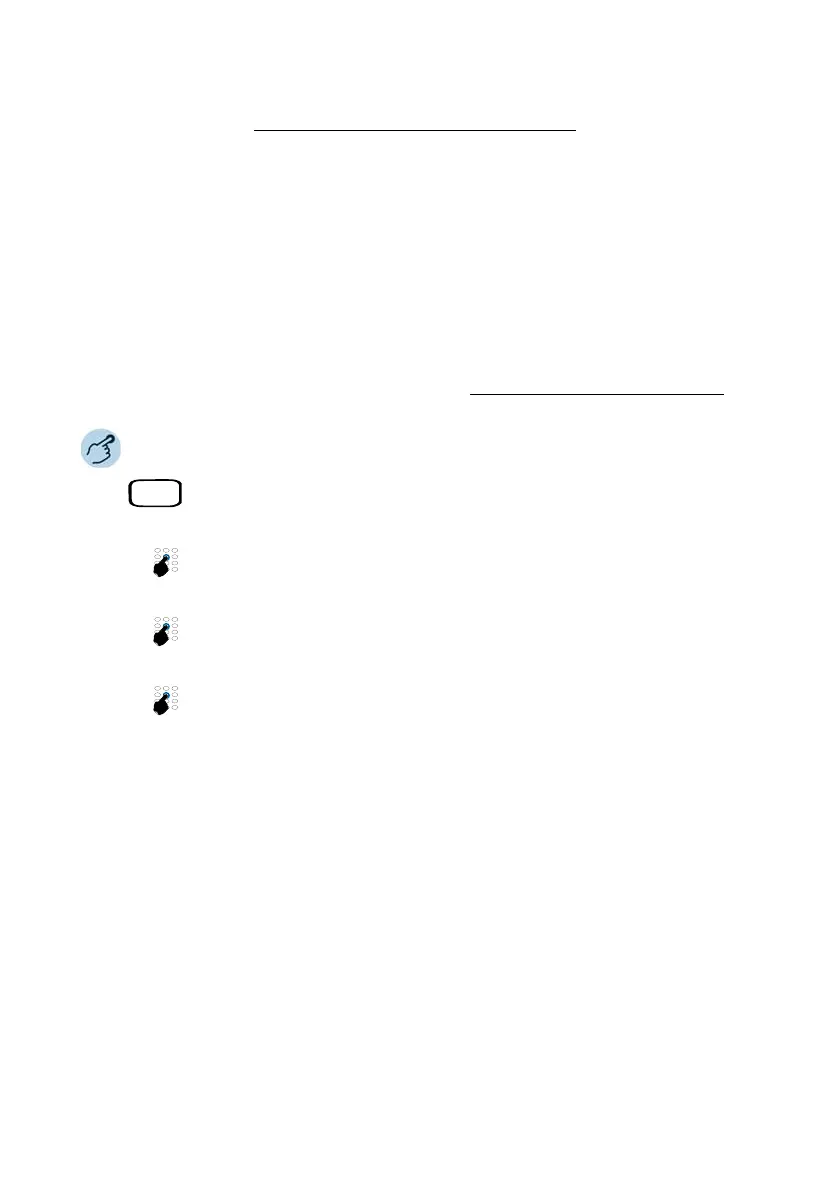
Check in a guest
Press the Check-in/check-out key (if you have defined it) or go to the Recep-
tion menu on the reception phone.
Enter the room number. Alternatively, use the Room list menu to check
whether the room is free, occupied, reserved for a group, cleaned, not
cleaned, and so on.
Enter the guest's name and confirm by pressing Ok. Alternately, you can
leave the guest name blank and press Ok to go the next step.
➔ The room configuration view is displayed.
Make further settings
Make further settings if needed.
➔ Settings are saved.
➔ The guest is checked in.



 To Next Page