26 Mitel 6940 SIP
eud-1765/2.0 – R6.0 – 06.2018
Keys, display, and menu guidance
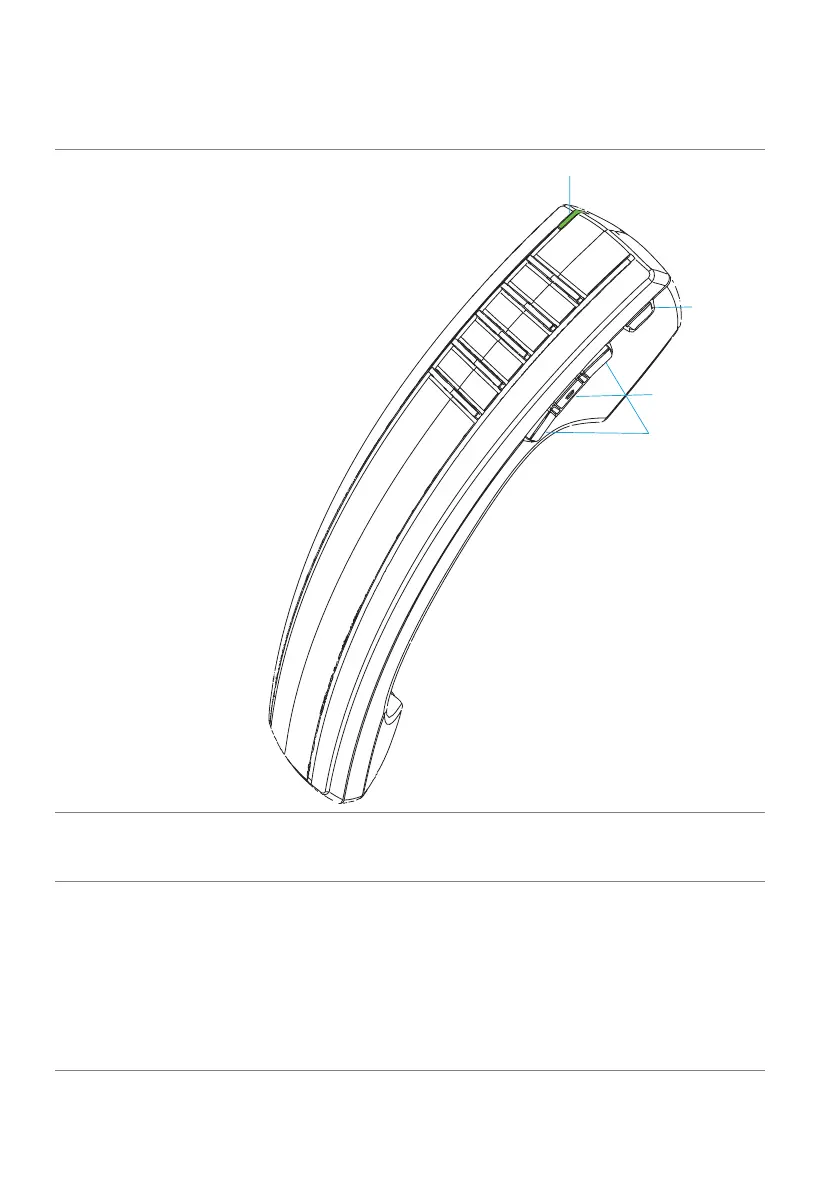
Mitel Cordless Bluetooth handset
1LED
Blue-Indicates that the handset is in use.
Green-Indicates that the handset battery is
charging.
2 Hookswitch key
Lifting the handset from the cradle activates the
handset. If the handset is already out of the cra-
dle, pressing the Hookswitch key is equivalent to
taking the handset off the hook.
Pressing the key again is equivalent to placing the
handset on hook.
Pressing the Hookswitch key while on a call on a
speaker phone moves the call to the cordless
handset.



 To Next Page