Phoning
Mitel 6940 SIP 75
eud-1765/2.0 – R6.0 – 06.2018
Answering a call for a team partner
Your team partner is called. The LCD on the busy lamp field key flashes.
You know that your team partner is not at his desk at present and therefore
decide to answer the call.
You take over the call by pressing the busy lamp field key. As soon as you
have answered the call, your team partner is free again.
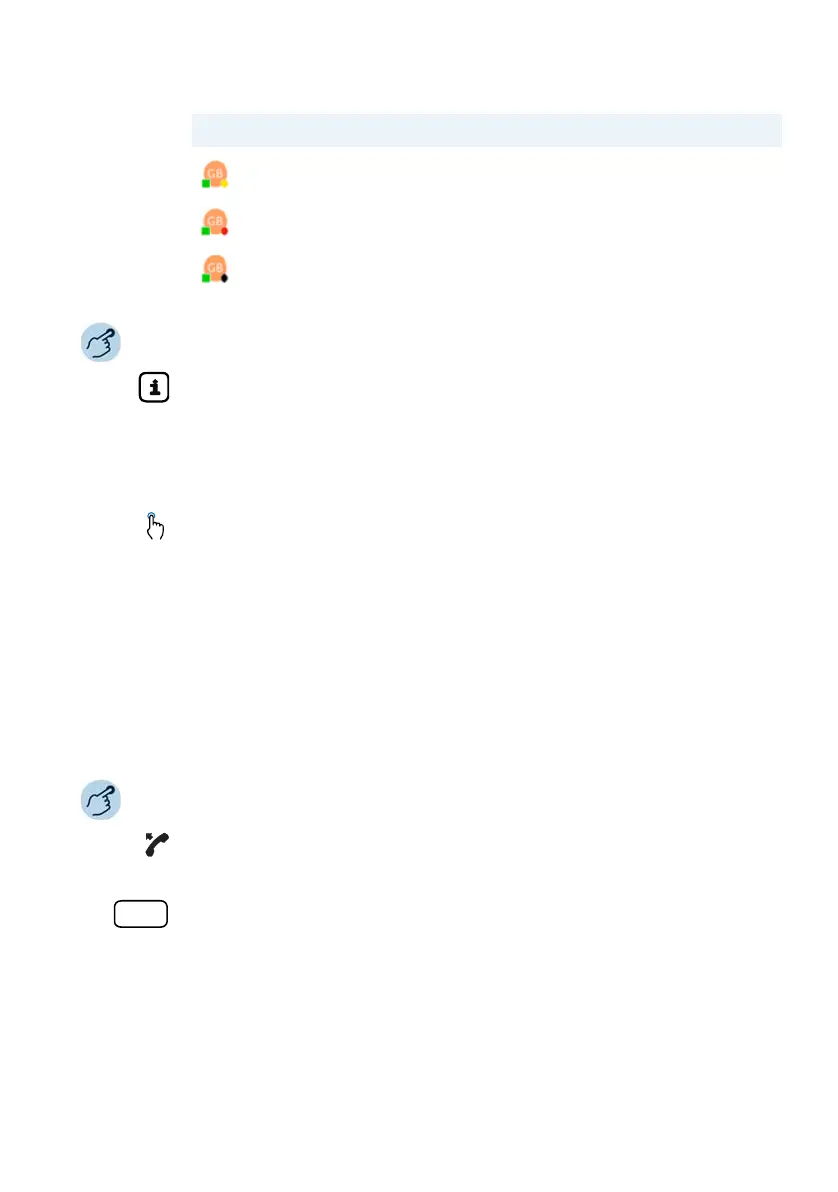
Meeting
Busy
Not available
Softkey Icon Presence on busy lamp field state
Check presence status:
1. Press the info key.
2. Press the desired busy lamp field key.
➔The phone status of the team partner is displayed.
Note:
Press another busy lamp field key to receive additional contact information.
Calling a team partner:
Press the required busy lamp field key to call the team partner.
Answering a call for a team partner:
Pick up the handset as long as the busy lamp field key LCD is flashing.
➔You hear the dialing tone.
Press the busy lamp field key.
➔You are connected with the person who is calling your team partner.



 To Next Page