86 Mitel 6940 SIP
eud-1765/2.0 – R6.0 – 06.2018
Phoning
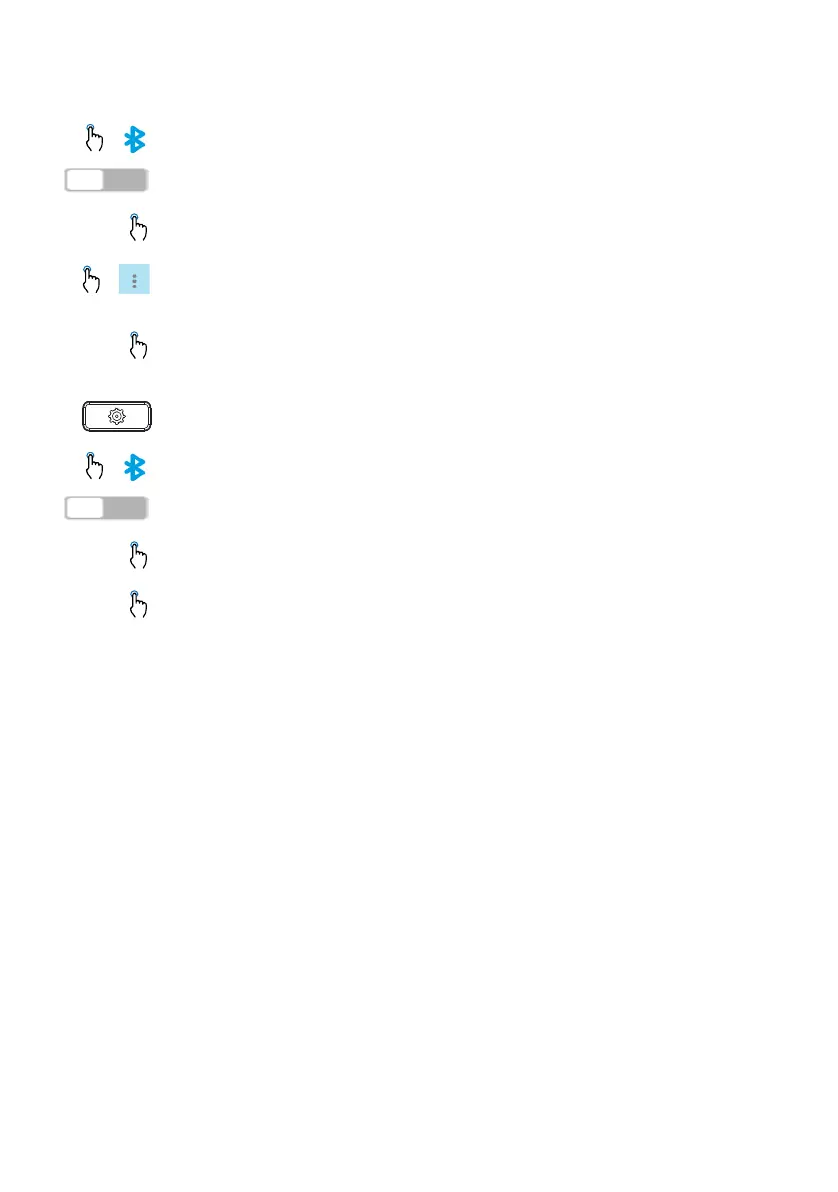
Press the Bluetooth icon.
Ensure that Bluetooth functionality is enabled. If it is not enabled, swipe the
Bluetooth toggle switch to the right.
Select the Bluetooth device you want to rename.
Press the options icon beside the Bluetooth device you want to rename and tap
the Rename softkey.
➔A dialog box appears, allowing you to edit the name of the Bluetooth device.
Edit the name of the device using the on-screen keyboard and tap the Save soft-
key to save your changes.
➔The Bluetooth device is renamed.
Connecting to a different or disconnected Bluetooth device
Press the settings key on the phone to enter the static settings menu.
Press the Bluetooth icon.
Ensure that Bluetooth functionality is enabled. If it is not enabled, swipe the
Bluetooth toggle switch to the right.
Select the Bluetooth device you want to connect to.
➔ The phone attempts to connect to the device.
Press OK button to acknowledge the successful connection.
➔ The Bluetooth device is connected and is ready to use.



 To Next Page