16 xTablet T1600 User Guide
Read Me First
Operating Your xTablet T1600
Icon Item Description
Keyboard
Tap the icon to display/hide the on-screen keyboard
(OSK.exe). (Windows 7 only)
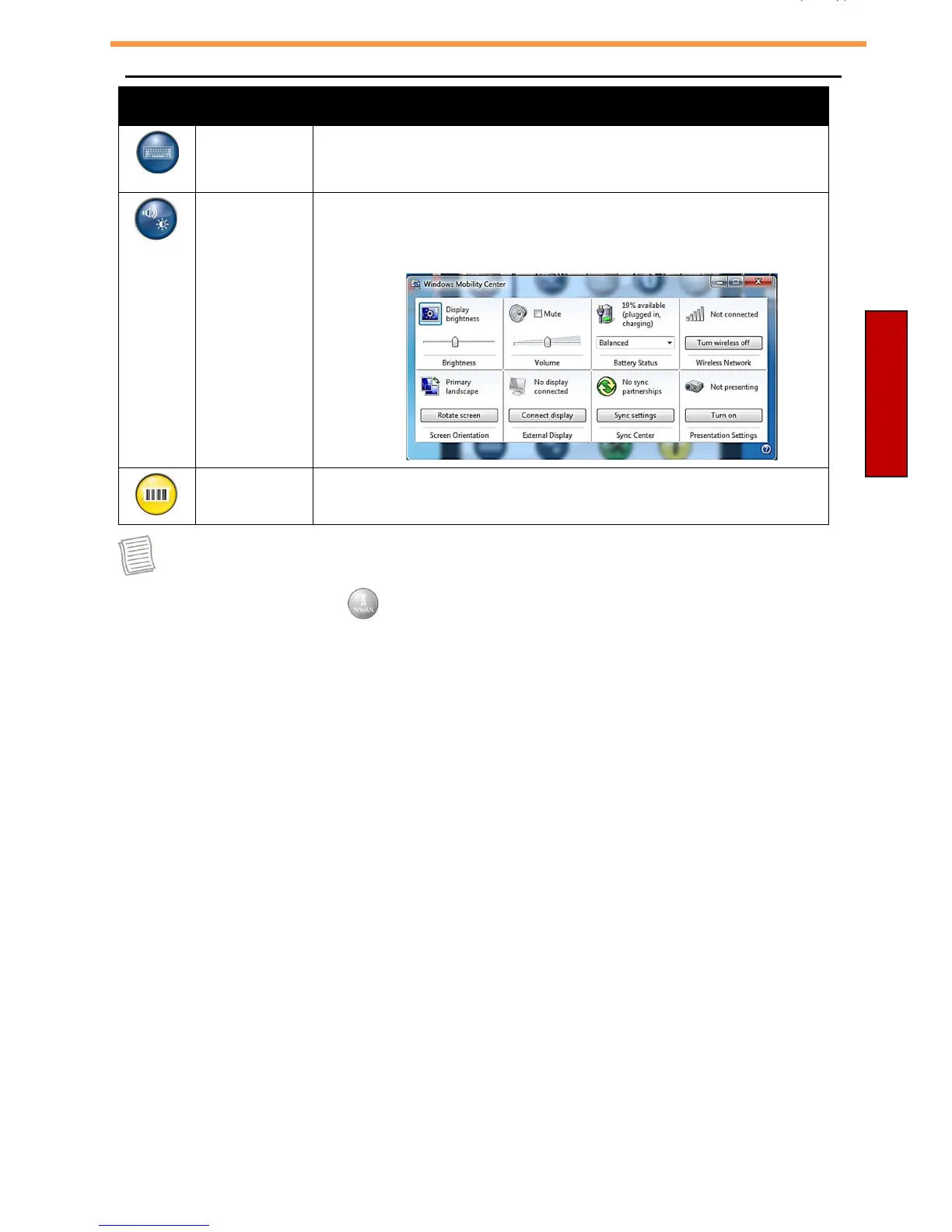
Mobility
center
Tap the icon to adjust brightness, screen orientation,
volume, external display, battery status, sync, wireless
network, and presentation settings.
Barcode
Tap the icon to enable/disable the Barcode function.
NOTE
•
If the icon is gray (i.e. ), this indicates the current function is disabled.



 To Next Page