www.mobotix.com • sales@mobotix.com
Once the MOBOTIX camera has been connected to the power supply and to the network,
you can access the user interface with the live camera image in the web browser. Internet
Explorer, Firefox, Safari, Konqueror, Opera, Camino or any other graphical browser with
activated JavaScript is suitable. It does not matter which operating system is used.
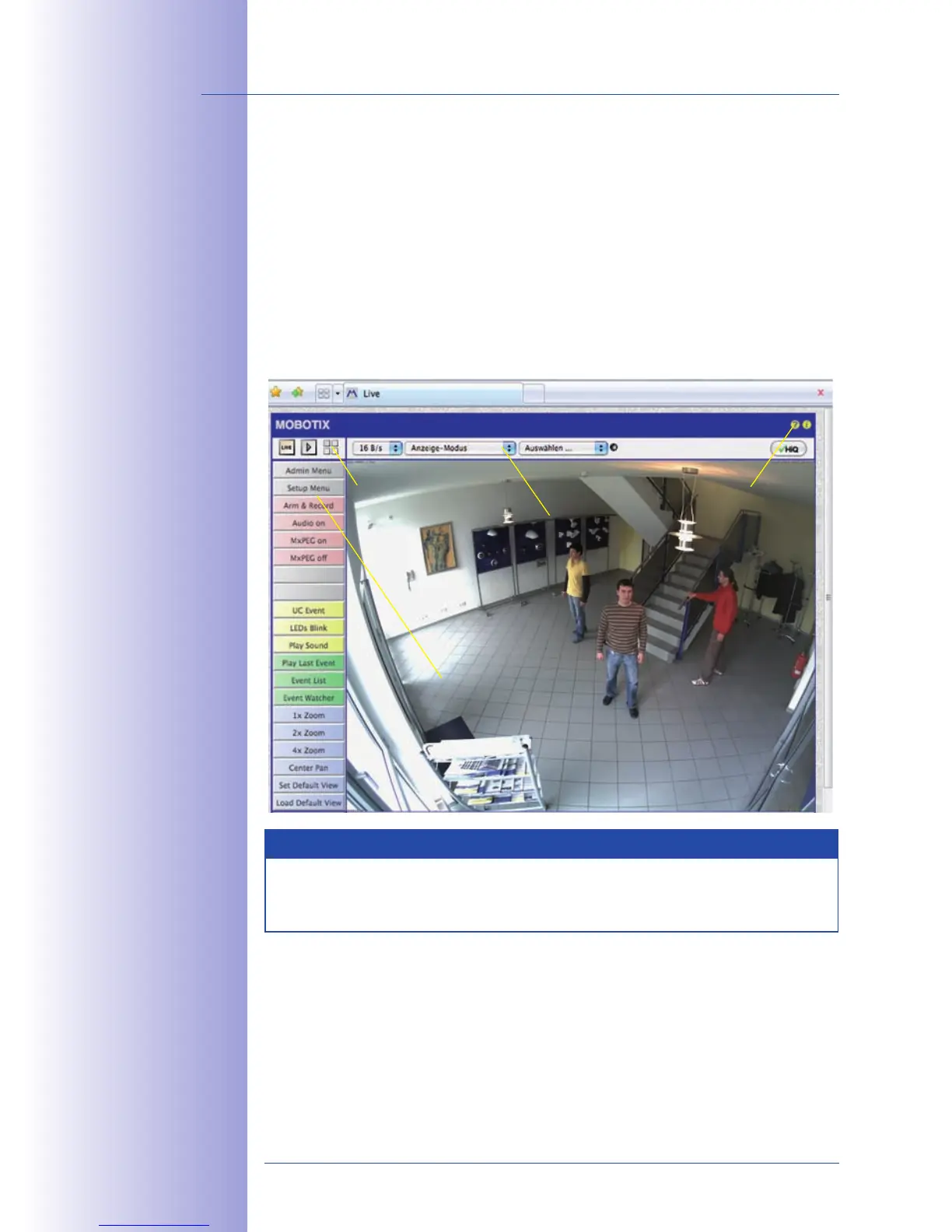
After entering the camera's IP address in the browser address bar, you will see the live
screen of the MOBOTIX camera with its user interface controls, such as softbuttons, buttons
for the dierent camera screens, pull-down menus (Quick Controls), symbols for access-
ing the online help and the camera status as well as status information elements above
and below the live image.
Notes
User Name: admin
Password: meinsm



 To Next Page