EasyManua.ls Logo

Mobotix D24M - Procedure for D24 M Basic

Mobotix D24M
148 pages
Print Icon
To Next Page IconTo Next Page
To Previous Page IconTo Previous Page
Loading...



www.mobotix.com • sales@mobotix.com
 
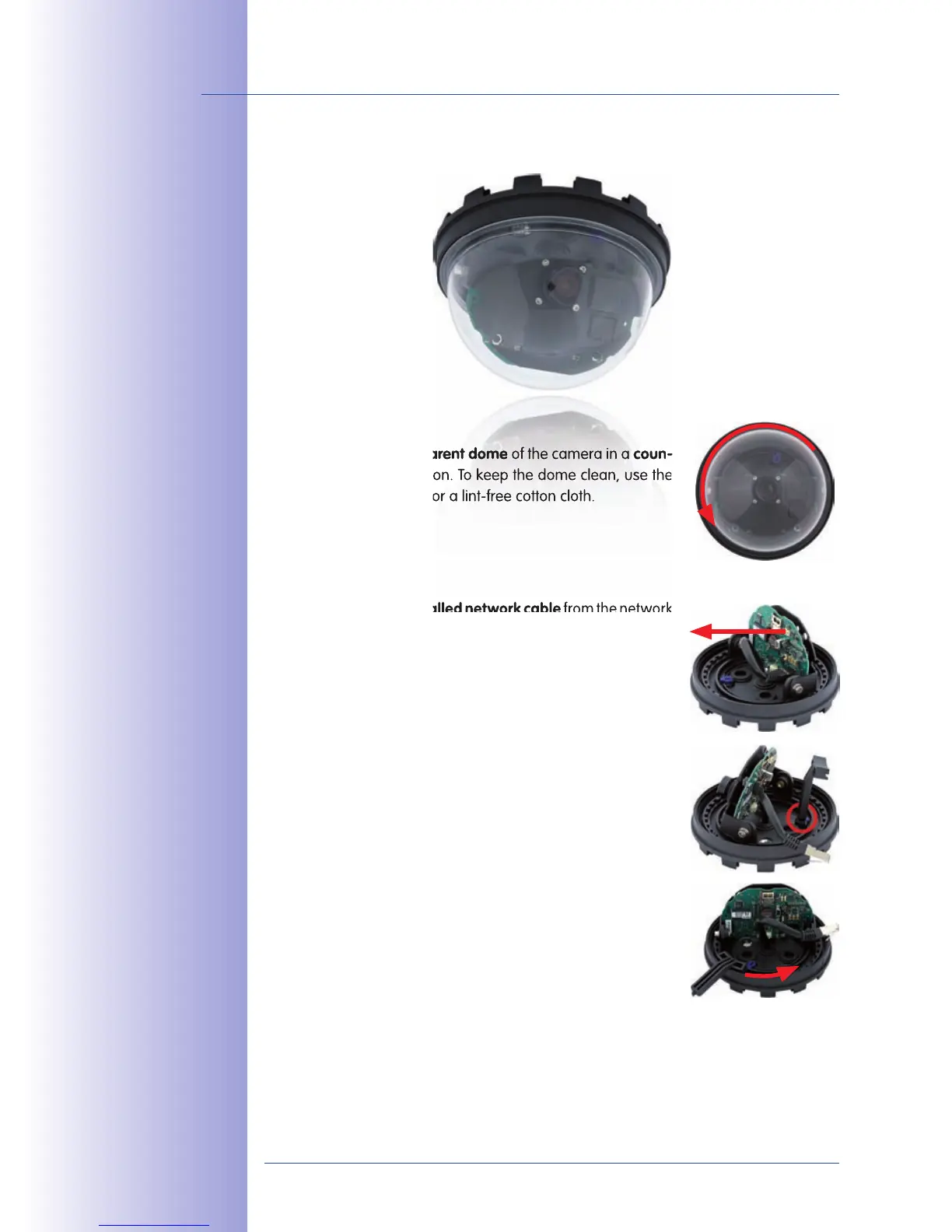
1.
Unscrew
the
transparent dome
transparent dome
of the camera in a
coun

direction. To keep the dome clean, use the
enclosed plastic foil or a lint-free cotton cloth.
2.

the


from t he n e t wo rk
connector inside the camera. Never touch electronic
components as the static electricity may damage them!
3.
 
by releasing the
two blue clamps with the thin side of the hook wrench.
Now turn the toothed ring in a counter-clockwise direction
using the other side of the hook wrench.


Table of Contents

Related product manuals