www.mobotix.com • sales@mobotix.com
The camera must be taken down to remove, insert or replace a MicroSD card. To avoid
data loss, be sure to deactivate MicroSD card recording in the camera software and reboot
the MOBOTIX camera before removing the card.
A MicroSD card may only be removed from the camera after you have deactivated
recording to a Flash device and rebooted the camera. Failing to do so may lead to
data loss! Before inserting the MicroSD card, make sure that it is not write-protected!
: Recording to MicroSD card must be deactivated (
). If MicroSD card recording is still
active, deactivate recording and reboot the camera. Section 3.4, Micro SD Card
Recording, contains more information on this topic.
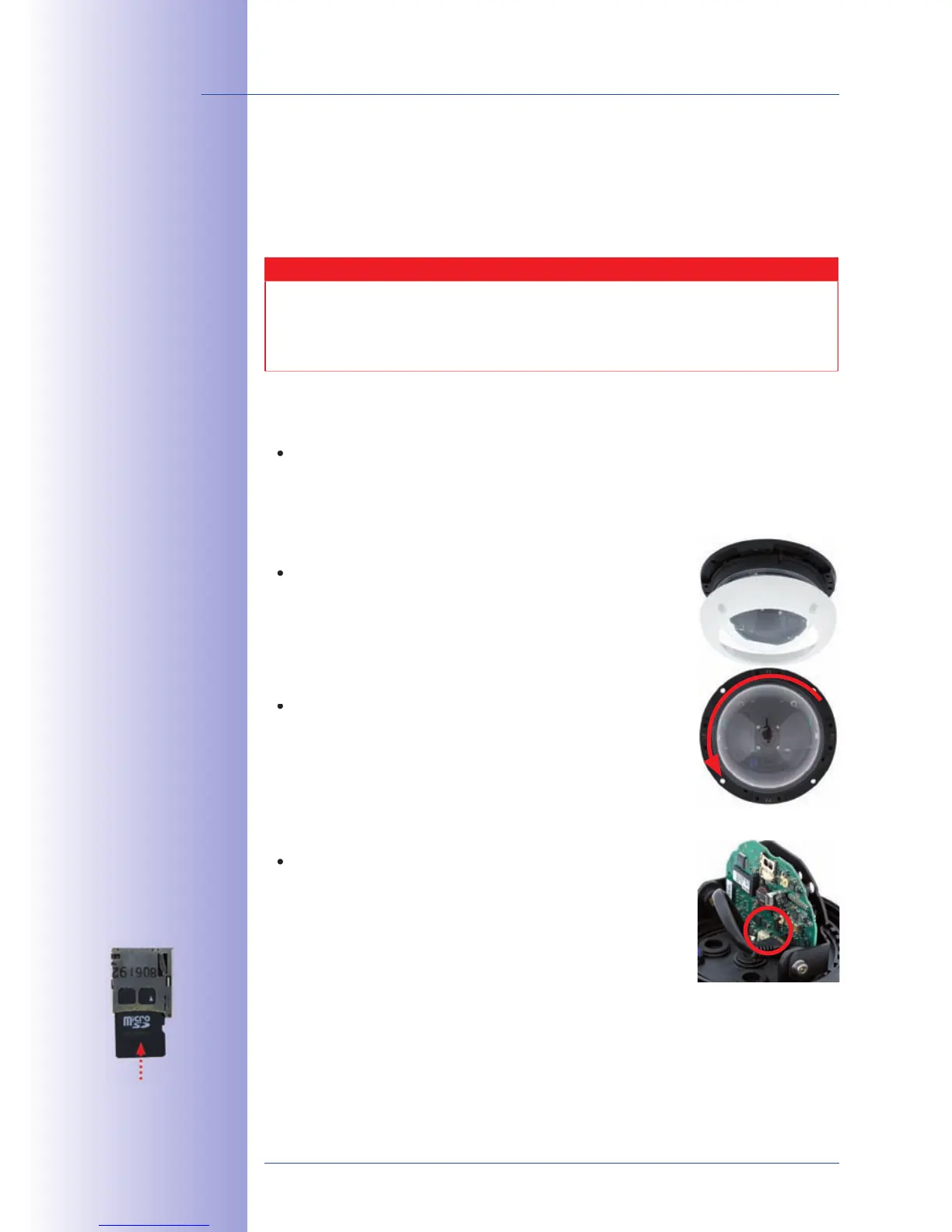
: Remove all four Allen screws using
the supplied Allen wrench and lift o the outer shell.
tic foil or a lint-free cotton cloth to remove the dome by
turning it in a counter-clockwise direction.
: Gently push on the MicroSD
card in the card slot of the camera. The card will be released
from the slot and can then be removed from the camera.
Push-push function: only
remove the MicroSD
card after rst gen-
tly pushing it in



 To Next Page