www.mobotix.com • sales@mobotix.com
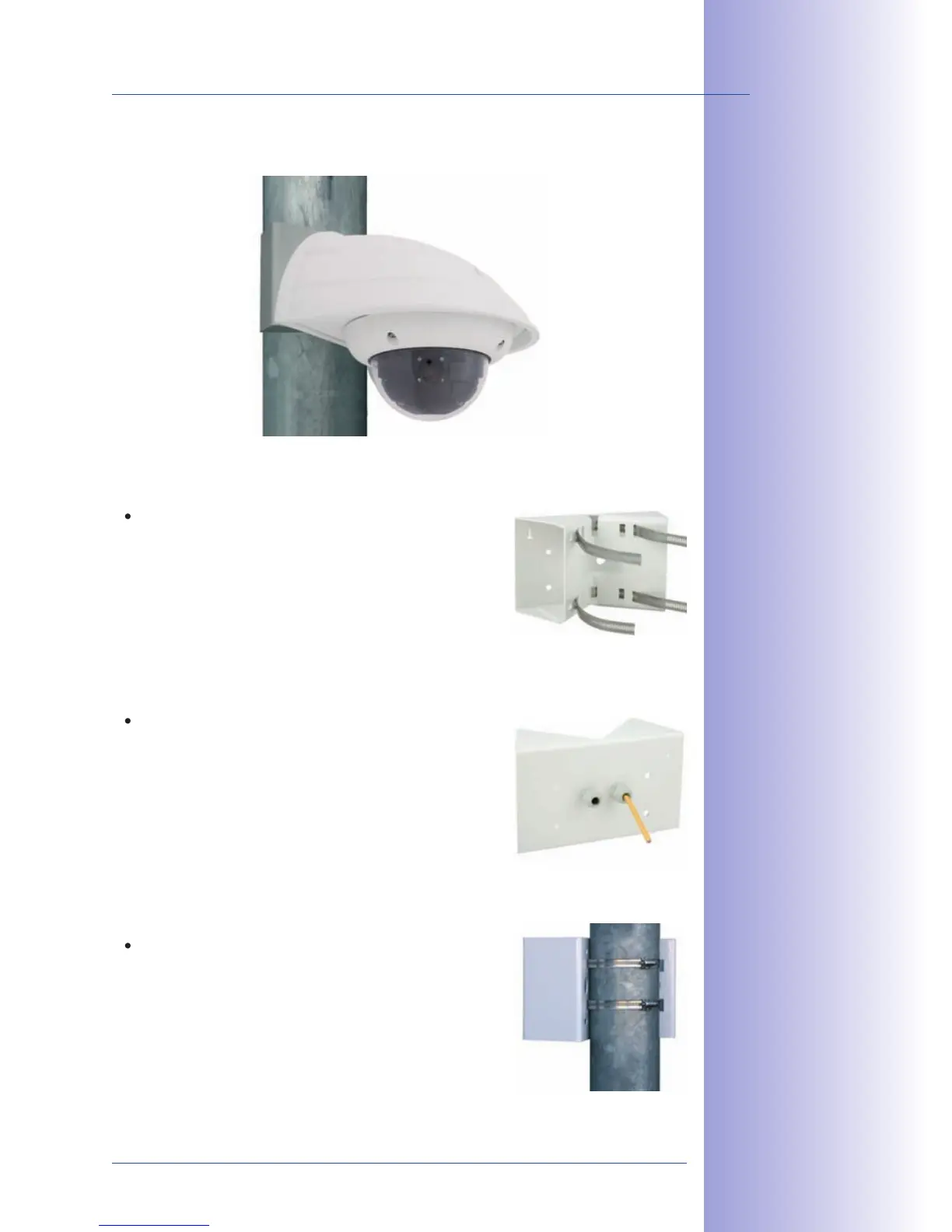
Use the supplied stainless steel straps to ax the Corner and Pole Mount to a pole.
openings in the Corner and Pole Mount as shown in
the diagram. Make sure that you are using the slots of
the mount that best fit for the thickness of the pole. The
stainless steel straps allow attaching the mount to poles
with diameters between 60 and 180mm.
Guide the on-site network cable from behind through
of the large round holes of the Corner and Pole
Mount. In order to properly protect the cabling, it is best
to pass the cabling from the inside of the pole through
the Corner and Pole Mount directly into the camera
stainless steel straps on the Pole Mount
with a screwdriver. If necessary, the ends of the straps



 To Next Page