www.mobotix.com • sales@mobotix.com
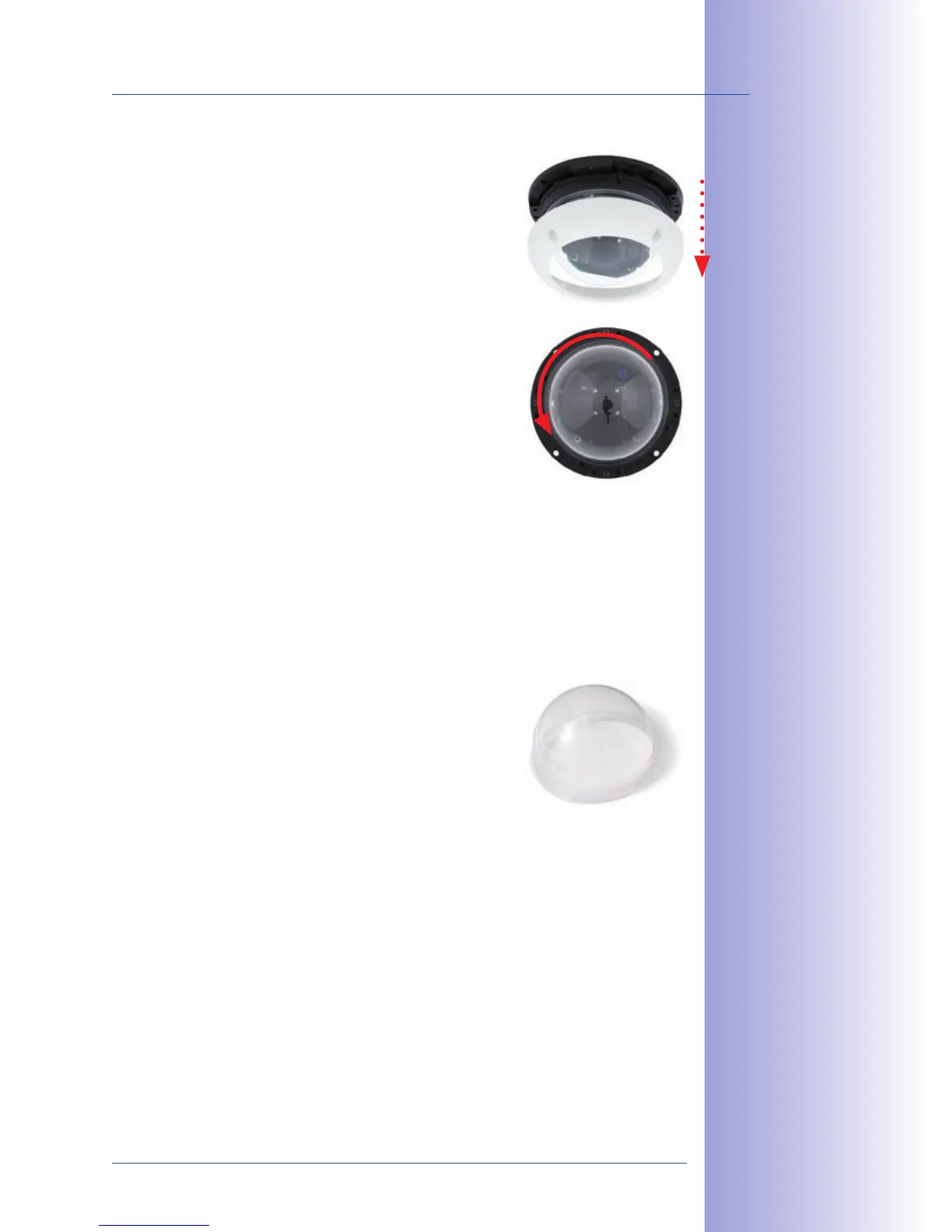
• Remove all four Allen
screws using the supplied Allen wrench and lift o the
outer shell.
• Unscrew the dome from
the housing. Package and store the
standard dome for possible use at a later time.
• When mounting the camera for the first time, please
proceed to Section 2.11, Aiming And Adjusting The Lens.
•
the Vandalism Set. Tighten
it using a soft cotton cloth. If
necessary, clean the dome with a cotton cloth before
installing it.



 To Next Page