© MOBOTIX AG • Security Vision Systems • Made in Germany
www.mobotix.com • sales@mobotix.com
123/146
MicroSD Card Recording
32GB MicroSD Card: Storage Requirements
6fps CIF 6fps VGA 1fps MEGA 1fps QXGA
M-JPEG M-JPEG MxPEG M-JPEG M-JPEG
File size single image 15kB 45kB – 120kB 240kB
Storage required per second 90kB 270kB 75kB 120kB 240kB
Storage required per 24 hrs 7.8GB 23.5GB 6.5GB 10.4GB 20.8GB
Time for one full cycle 4days 1.3days 4.8days 3days 1.5days
4GB MicroSD Card: Storage Requirements
6fps CIF 6fps VGA 1fps MEGA 1fps QXGA
M-JPEG M-JPEG MxPEG M-JPEG M-JPEG
File size single image 15kB 45kB – 120kB 240kB
Storage required per second 90kB 270kB 75kB 120kB 240kB
Storage required per 24 hrs 7.8GB 23.5GB 6.5GB 10.4GB 20.8GB
Time for one full cycle 12 hours 4 hours 14.4 hours 9.2 hours 4.4 hours
Caution
The MicroSD card’s service life depends on production quality and frequency of
use. Set the type of recording (event-controlled or continuous recording, frame rate,
resolution) according to your specific requirements.
We recommend changing the pre-installed, high-quality 4GB MicroSD card once a
year if you have it constantly set to continuous recording.
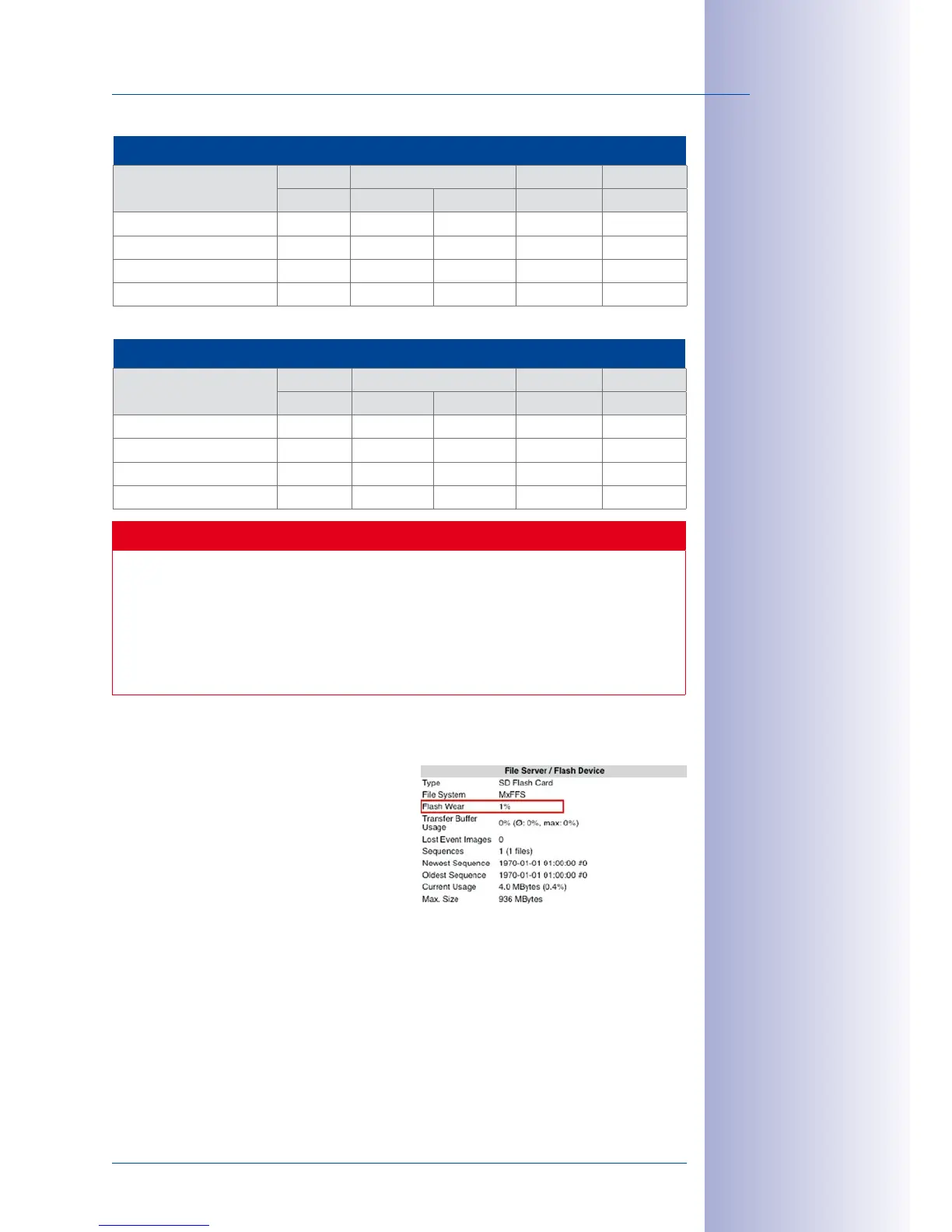
Monitoring The Cell Wear Of Flash Storage Devices (Patent Pending)
MOBOTIX uses its own technology for this pur
-
pose and has a pending patent. You can view
the flash wear in the status bar of the live image
or by opening Admin Menu> Camera Status.
In addition, the camera can send a warning
message (for example, via e-mail) if it detects a
critical error while storing data (Admin Menu>
Error Notification). You can then exchange the MicroSD card in order to secure the stored data.
All specications
are based on calcu-
lated averages



 To Next Page