www.mobotix.com • sales@mobotix.com
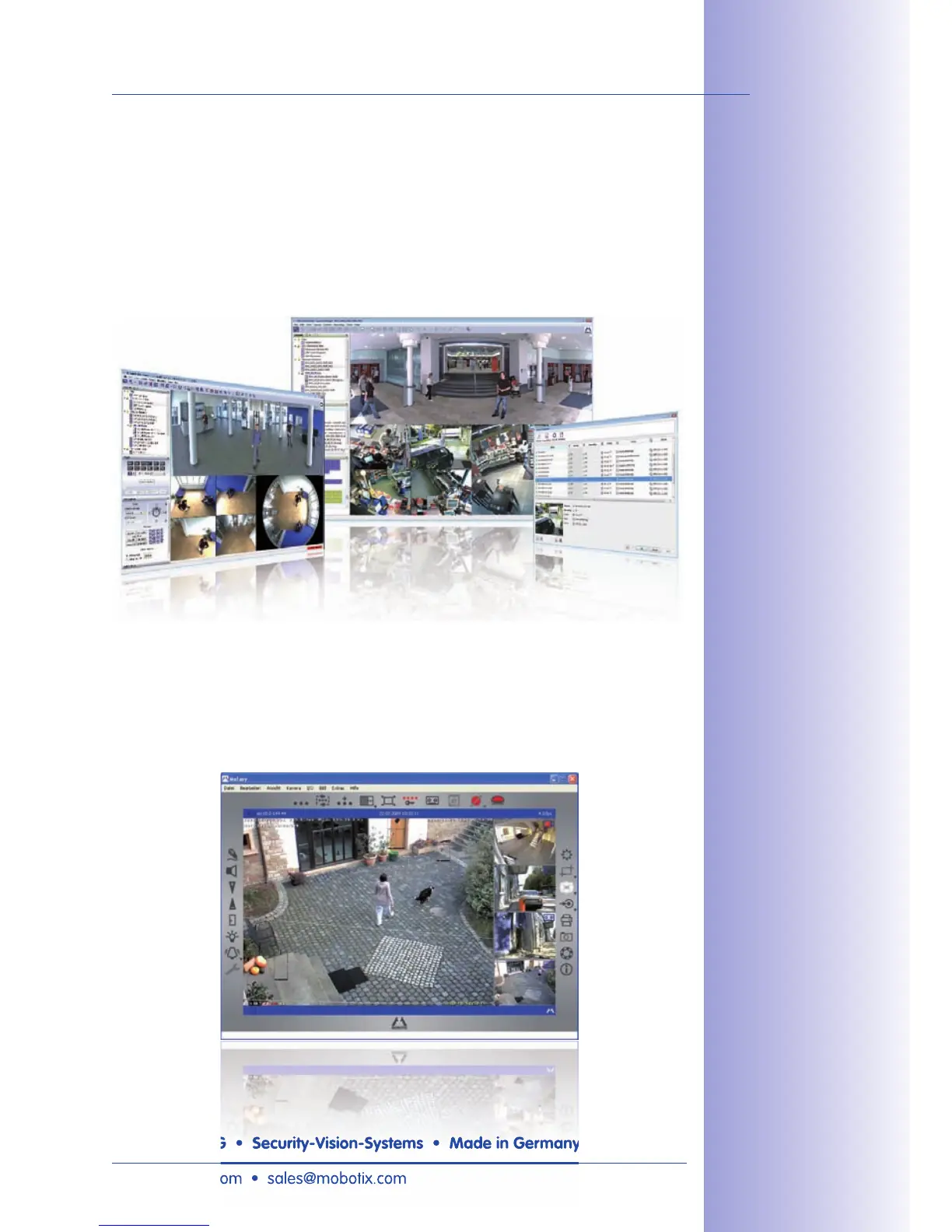
Instead of using a web browser, you can also download the free MxControlCenter from
the MOBOTIX website, which allows you to quickly display up to 30 MOBOTIX cameras
on one single monitor. In addition, MxControlCenter can process incoming alarms with
sound from the cameras and allows you to conveniently search and evaluate alarm video
clips (including audio). The integrated Layout Editor of MxControlCenter allows you to
quickly create floor plans by simply dragging/dropping the cameras onto a background
image. Load a floor plan as background image, drag & drop the cameras; done.
The new MOBOTIX MxEasy aims at easy operation of the most important camera functions
through its intuitive user interface, thus creating a new user experience when viewing and
controlling MOBOTIX cameras. The clear design allows up to 16 cameras to be managed,
and the application can show up to four cameras at the same time.
Free download at
www.mobotix.com
Free download at
www.mobotix.com
www.mobotix.com • sales@mobotix.com



 To Next Page