134/164
Q24M Camera Manual: Operating The Camera
© MOBOTIX AG • Security-Vision-Systems • Made in Germany
www.mobotix.com • sales@mobotix.com
In the Display Mode Quick Control, select the option Surround or Double Panorama.
You can fine-tune the views using the vPTZ via mouse or joystick and, as described
above, by unlocking and locking the standard view using the lock icon (open lock,
correct display and close lock again).
Note
For each of the
subviews
(
North
,
East
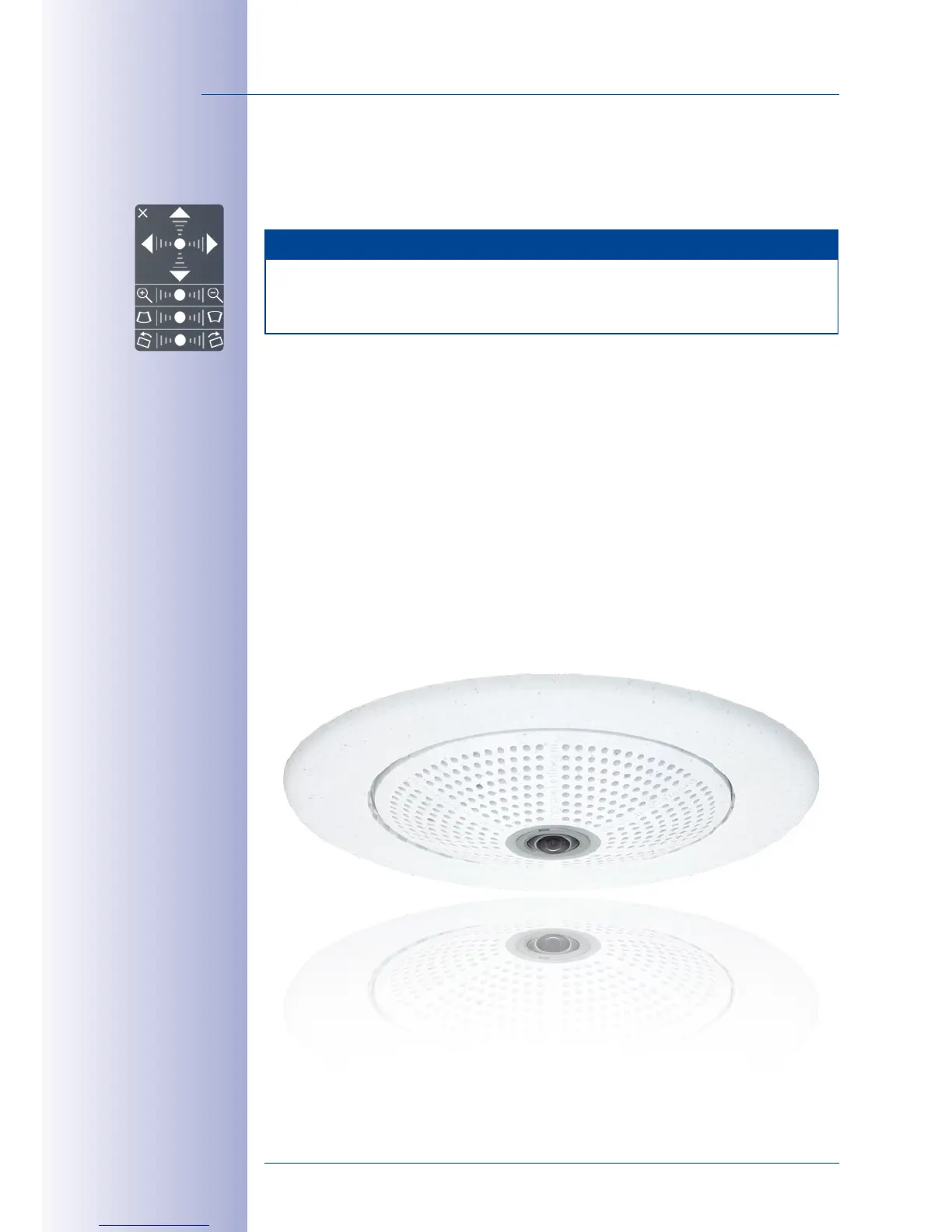
, etc.), the OnScreen Control on the side can be
used to adapt it (open lock, click on subview, adapt view, click on next subview, adapt
view and close lock again).



 To Next Page