EXACTA
21
INSTALLATION AND TRANSPORT
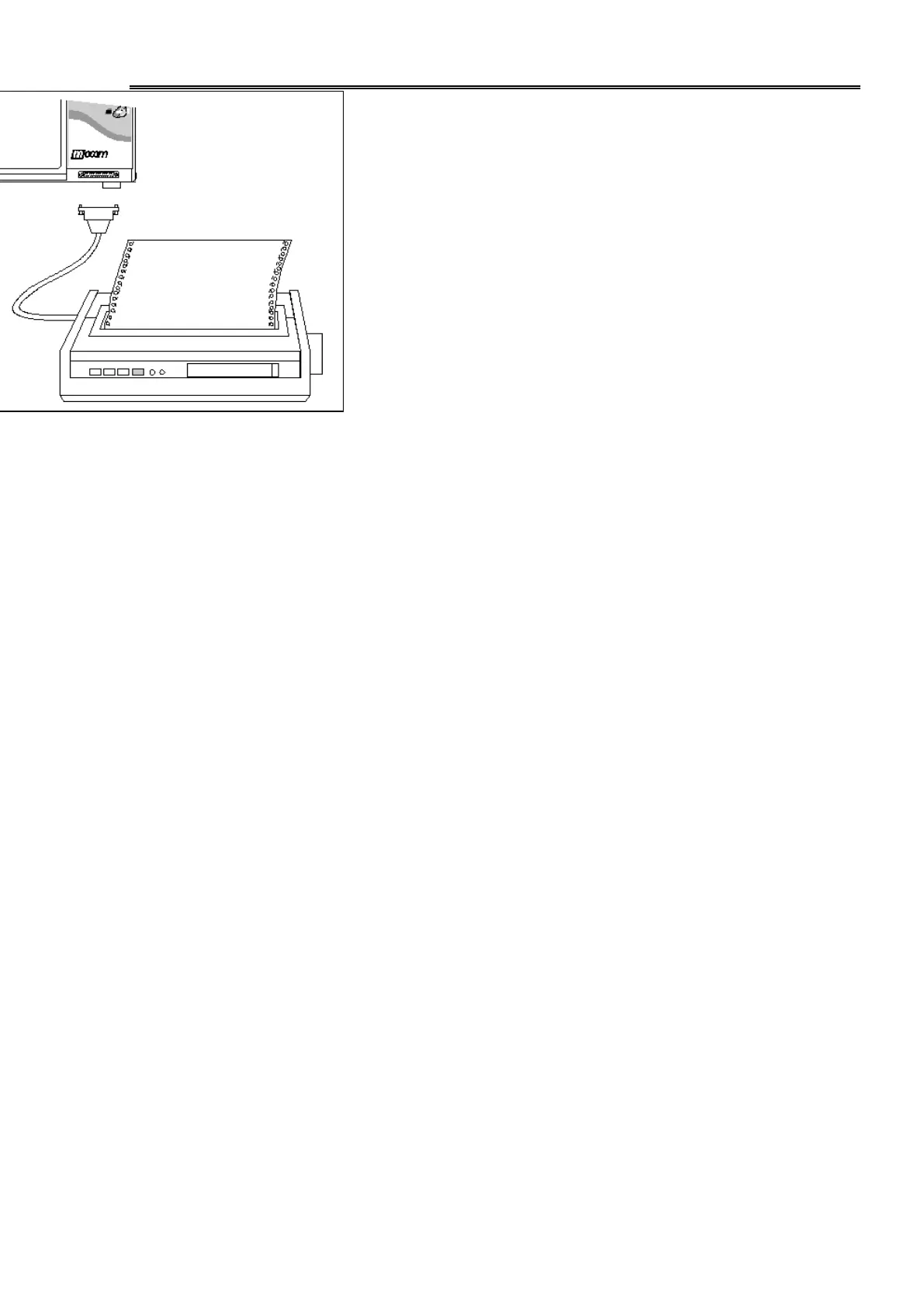
To connect the printer use a parallel cable of
length less of 2 meters and headed autoclave
side with DB 25 pin male connector.
* SWITCH ON THE PRINTER BEFORE
SWITCHING ON THE AUTOCLAVE IN OR-
DER TO HAVE PRINTED THE SETTING DA-
TA.
The printout contains the report for all the cy-
cle phases and the final result of the process,
this document may be filed as certification of
the carried out operation.



 To Next Page