EXACTA
27
If a printer is used, it is necessary to set date
and time values that will be printed out on the
report.
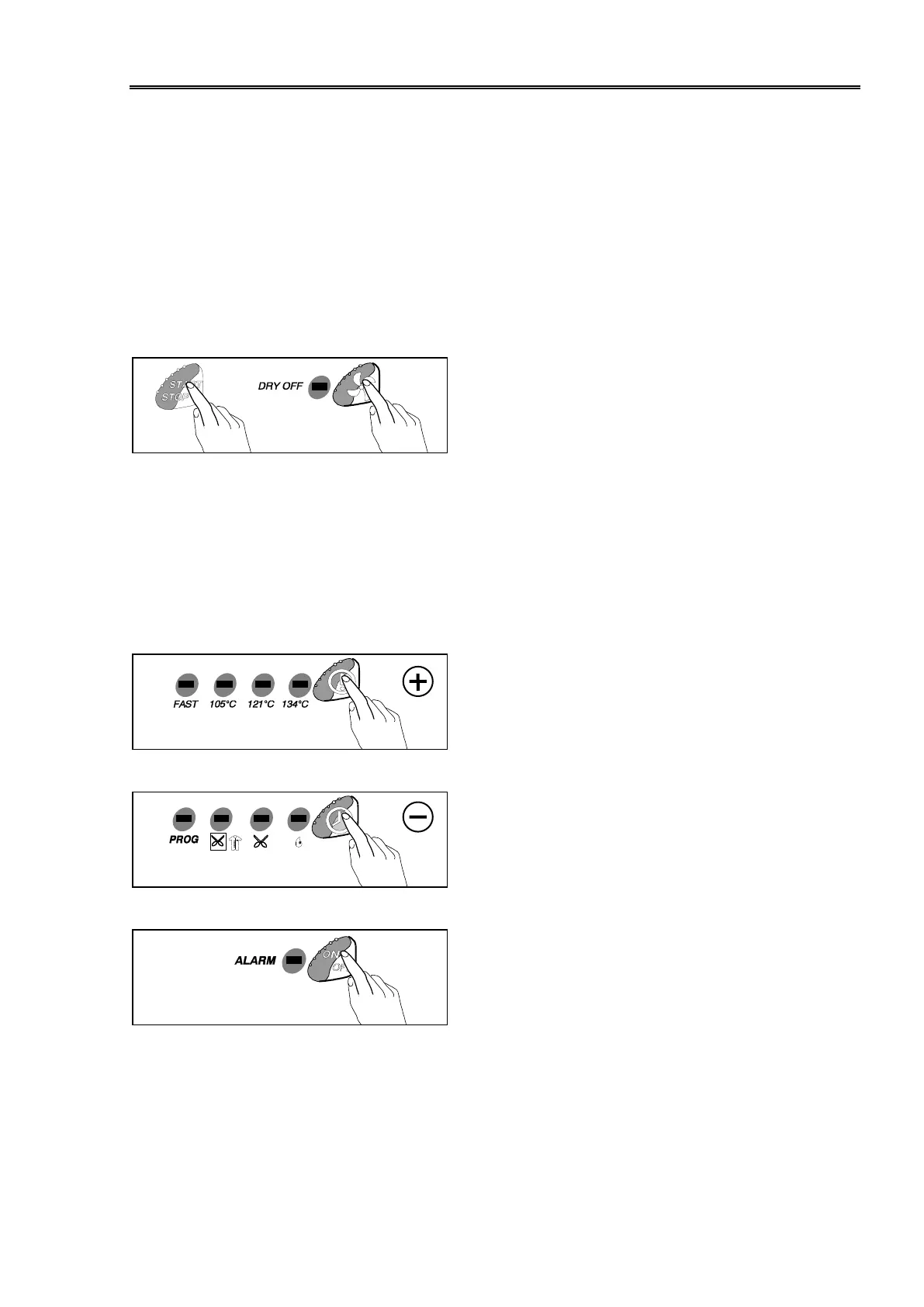
– Switch on the machine, and push on
the same time on the DRY OFF and
START/STOP keys.
– the machine enters in the date/time
programming function
– the items displayed on timer will dis-
play as the following order:
seconds
minutes
hour
day
month
year
– push on the Temperature selection
key to increase the value;
– push on the Load selection key to
decrease the value;
– push on the ON/OFF key to store the
values and exit the programming
function.
PROGRAMMING DATE AND TIME



 To Next Page