C-75 Installation Guide
8
C-75 Overview
C-75 is a 3x3 802.11a/b/g/n/ac access point/sensor. This chapter provides an overview of the C-75 and
describes front and the rear panels.
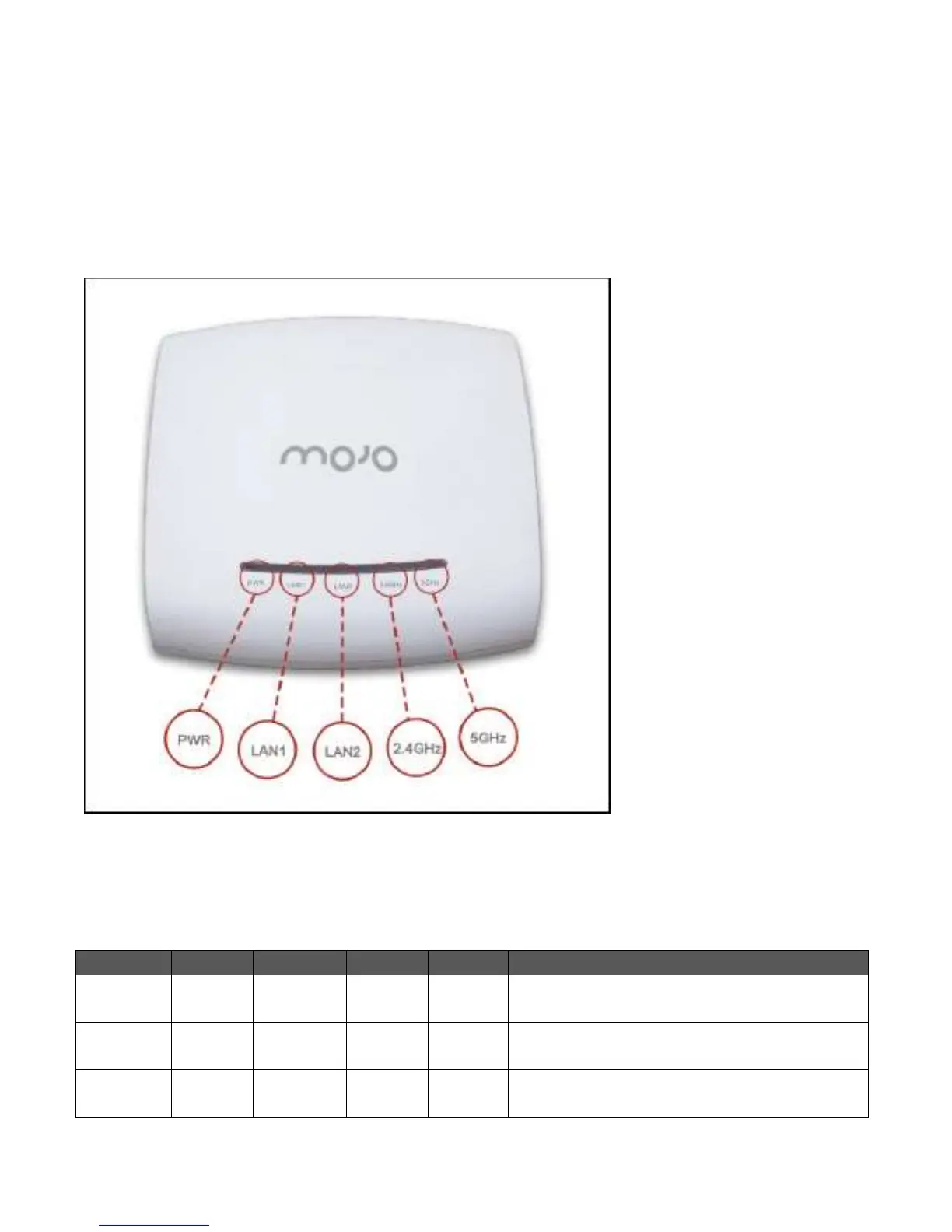
The front panel of the C-75 has 5 LEDs that indicate the working of the device.
Figure 0-1 Front Panel of C-75
The following table indicates the device states based on the LEDs.
Table 0-1 LED Details for C-75 in the AP mode
The AP is powered on and is working normally.
The AP is connected to the server.
The AP upgrade is in progress.
The AP is unable to get Ethernet link.


 To Next Page