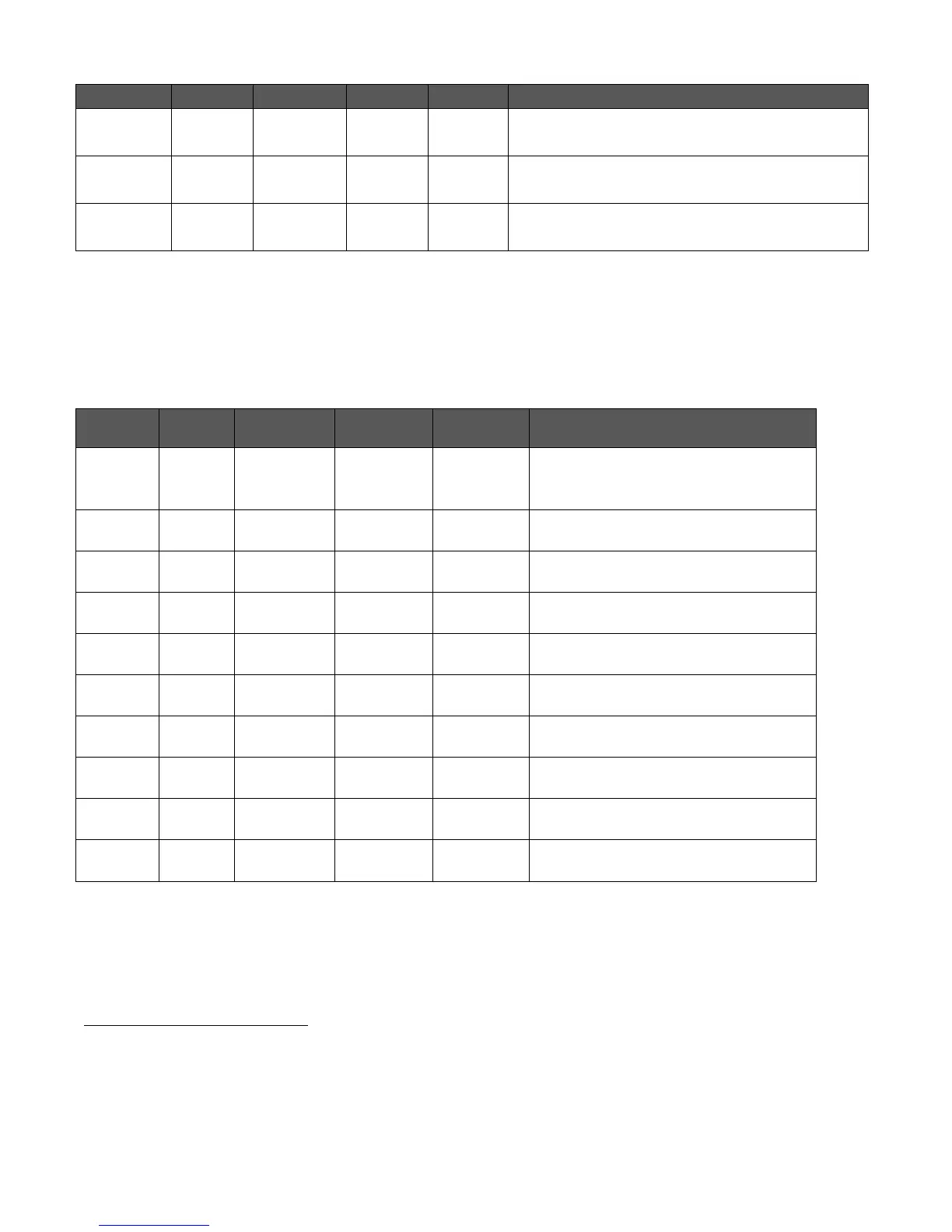
C-75 Installation Guide
9
The AP did not receive a valid IP address via the
DHCP.
The AP is unable to connect to the server.
The AP is not powered on or it is in the process
of starting up.
Note: LAN2 is ON if the link is up, and is OFF if the link is down. The 2.4 GHz and 5 GHz LEDs blink when there is
activity on the respective radio(s).
Table 0-2. LED Details for C-75 in Sensor mode
The sensor is powered on and is
working normally. The sensor is
connected to the server.
The sensor is performing
troubleshooting on 802.11a/b/g/n.
The sensor is performing intrusion
prevention on 802.11a/n/ac.
The sensor upgrade is in progress.
The sensor is unable to get Ethernet
link.
The sensor did not receive a valid IP
address via the DHCP.
The sensor is unable to connect to the
server.
There is an error on 802.11a/b/g/n
interfaces.
The sensor is experiencing a software
error.
The sensor is not powered on or it is in
the process of starting up.
Note: LAN2 is ON if the link is up, and is OFF if the link is down. The 2.4 GHz and 5 GHz LEDs blink when there is
activity on the respective radio(s).
If the Ethernet connection for the AP switches to 10/100 Mbps mode while in operation, the Orange LED for
LAN1 starts blinking, while the state of the Green LED for LAN1 is retained. The Orange LED for LAN1 might
continue to blink even if the Ethernet switches back to 10/1000 Mbps mode, and would stop only on rebooting
the device.


 To Next Page