Hardware Reference Guide SST-DN4-PCU
1.5.2.1 HLTH LED
The HLTH LED indicates the channel’s health status. The HLTH LED’s behavior is described in
the following table.
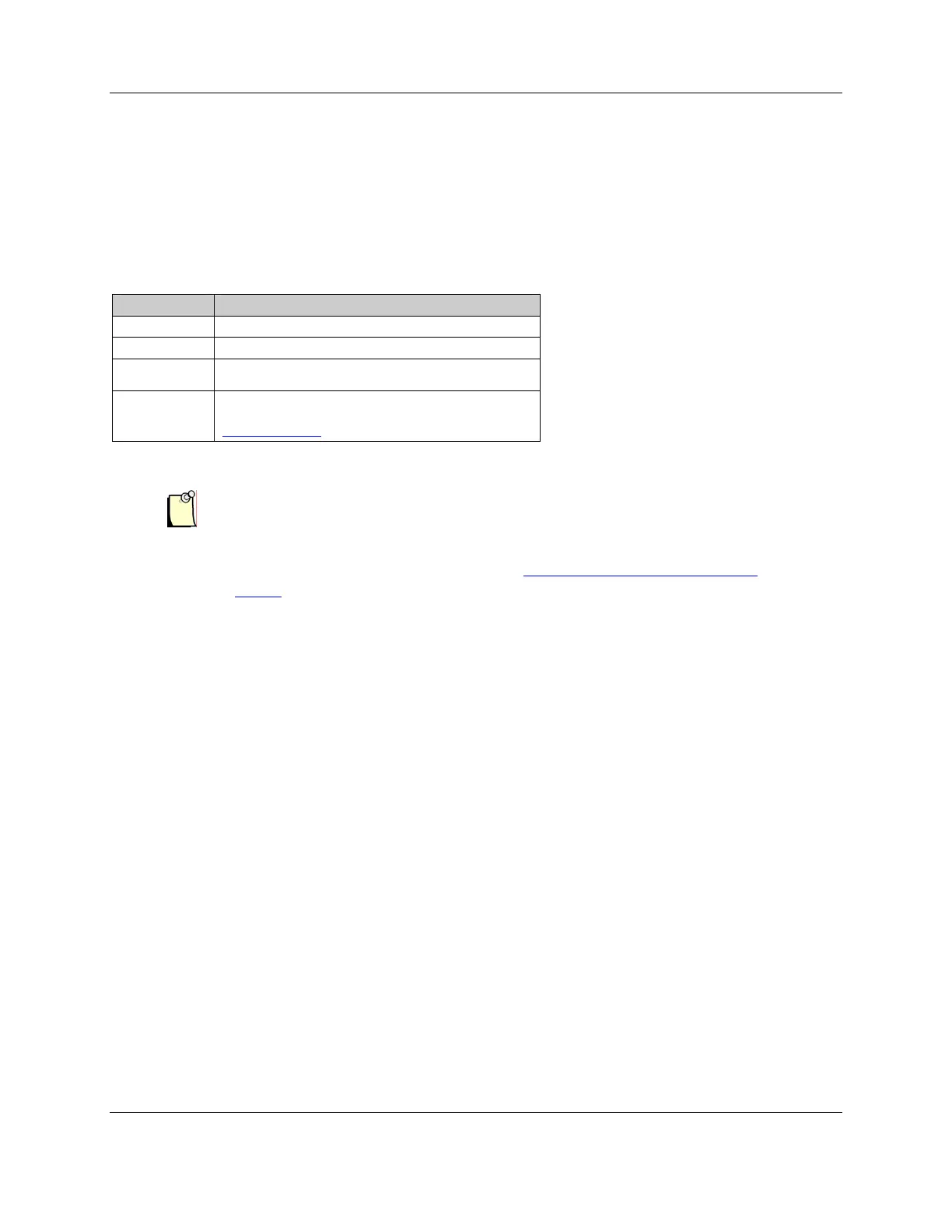
Table 3: HLTH LED Behavior
Color Status
Off Card initialization failed or the card is not powered
Green The firmware is loaded and running
The card has not loaded, an error occurred during the
load or there is a firmware run-time error
Red
Amber Startup self-test complete, no firmware loaded. The
firmware must be reloaded (refer to Section 4.1,
HLTH LED is Red).
Note
Card Overview 19
©2009 Molex Inc.Automation & Electrical Products, Integrated Products Division
Document Edition: 1.0, Document #: 715-0101, Template Edition: 1.1, Template #: QMS-06-045
Use, duplication or disclosure of this document or any of the information contained herein is subject to the restrictions on page ii of this document.
If the HEALTH LED is flashing, there may have been a startup failure.
For more details, refer to Section A.3, Fatal Hardware Self-Test Flash
Codes.
1.5.2.2 COMM LED
The COMM LED indicates the network status. This LED’s meaning and behavior are
determined by the currently loaded firmware module. Refer to the module’s reference guide for
more details.



 To Next Page