SETBYFOLD
1.TurntheEmergencyStopbuttonclockwisetoswitchthepoweron,andselectthe
maindisplayscreen.
2.SettheSetUpswitchtoitsMid-position.
3.TurntheSettingDialclockwiseuntildisplayreads‘SEtFoLd’or‘SEtPos’,flickthe
SetUpswitchupwardstochangefromonetotheother.(select
4.TurntheSettingDialanti-clockwiseuntilthedisplayreads‘CrEES’or‘FoLd’,flickthe
SetUpswitchupwardstoselect‘on’or‘oF’foreachasrequired.
5.TurntheSettingDialanti-clockwisetoselectthemaindisplay,flicktheSetUp
switchdown,pressandholddownthepushbuttonPB1andturn theSettingDialto
selectfoldtypei.e.hCGetc.ReleasepushbuttonPb1.
6.TurntheSettingDialclockwisetoselectpaperlength‘LEn’.
7.HolddownPB1orPB2,andturntheSettingDialclockwisetoadjustthepaper
lengthin10.0mmor0.1mmincrements.ReleasePB1orPB2.
8.TurntheSettingDialclockwisetoselectpapertype‘PAPEr’,i.e.stiffnessofpaper,
notnecessarilythepaperthickness.
9.HolddownPB1andturntheSettingDialtoadjustthepapertype.ReleasePB1.
i.e.PAPEr0isforlighteststock
PAPEr1isforlightstockof120gsmupwards
PAPEr2isforheavystockof180gsmupwards
PAPEr3isforheavieststockof200gsmupwards
‘SEtFoLd’)
10.SettheDeliveryConveyorSystemasdescribedonpage20.
11.AdjusttheBatchCountasdescribedonpage21,ifrequired.
12.Theprogramsettingscannowbestored,ifrequired,asdescribedonpage22.
NOTE: Thesepapertypesareaguideonly,allfoursettingsshouldbetried
beforeadjustingthecreaseorfoldpositions.
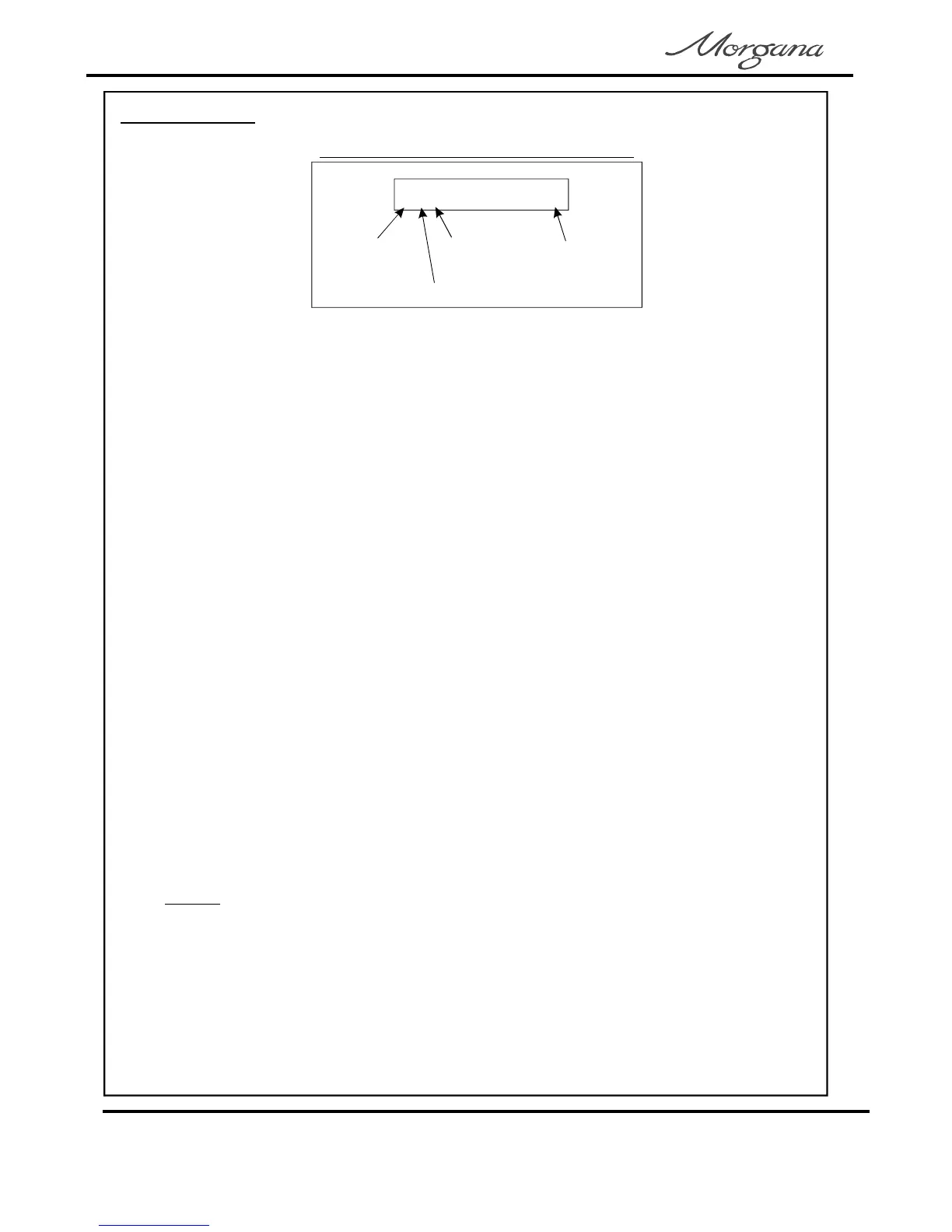
LcF0
foldtype
L=letter
creaseon
foldon
count
OperatingtheDigifold
TypicalmaindisplayscreenSetbyFold
Page12
CREASING/FOLDING



 To Next Page