OperatingtheDigifold
SETBYPOSITION
IMPORTANTNOTES.
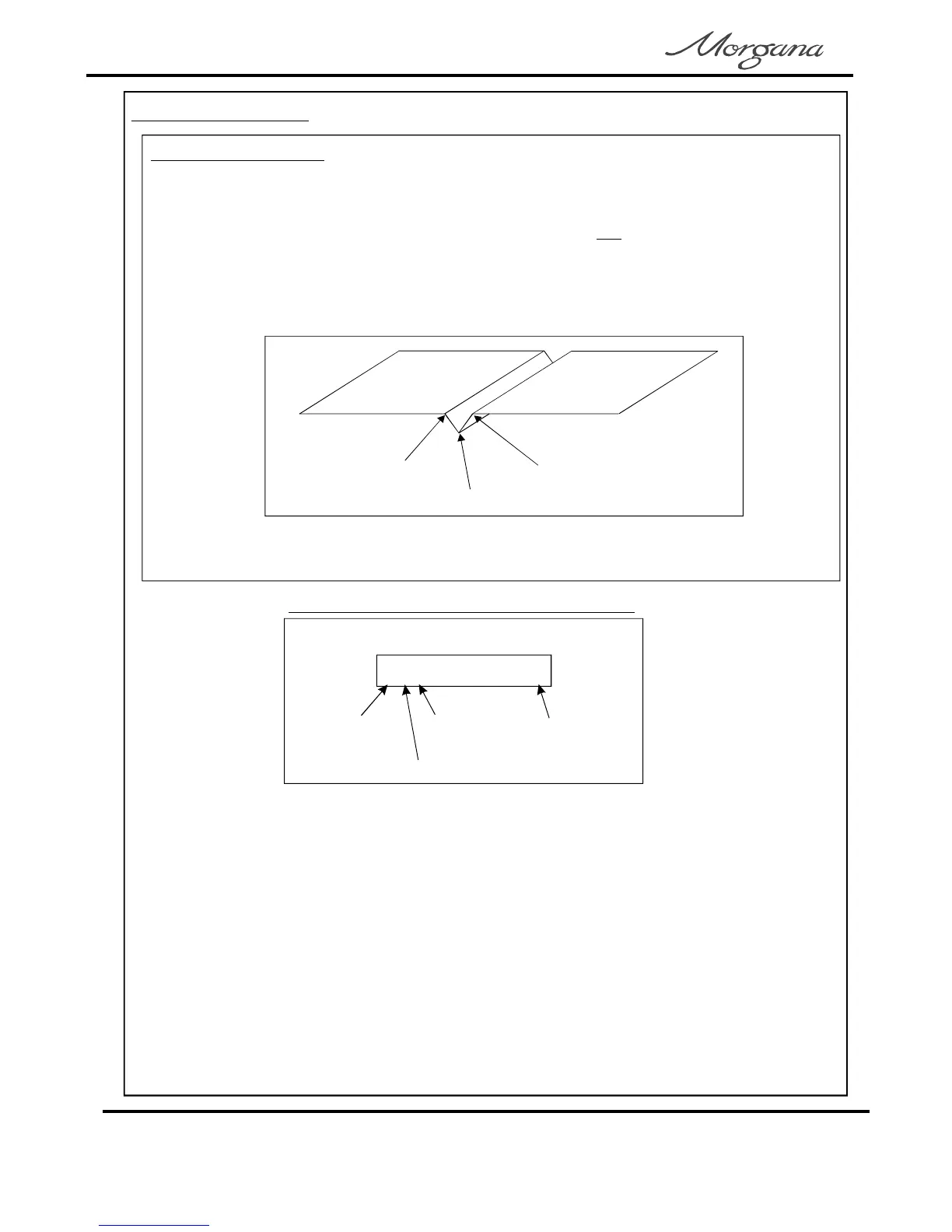
1.Ifthefoldistoonear,oronthecenterlineofthecrease;thefoldwilltrytofold
diagonallyacrossthecreaseprofileandpullthefoldoutofsquaretothepaper.
Thebestfoldsquarenessisachievedwhenthefoldisonthecenterlineofthe
crease,itshouldbetoonesideofthecreasecenterlineasshownbelow.
ThusforacreasesettingofCr1=100forexample,thefoldshouldbesettoafigure
slightlysmallerorgreaterthan100.
2.Whenusingalldimensionsarefromtheleadingedgeofthepaper
asshownintheexampleonpage16.
not
SetByPosition,
centerlineofcrease
idealfoldline
idealfoldline
TypicalmaindisplayscreenSetbyPosition
2cF0
creases
creaseon
foldon
countnumberof
1.TurntheEmergencyStopbuttonclockwisetoswitchthepoweron,andselectthe
maindisplayscreen.
2.SettheSetUpswitchtoitsMid-position.
3.TurntheSettingDialclockwiseuntildisplayreads‘SEtFoLd’or‘SEtPos’,flickthe
SetUpswitchupwardstochangefromonetotheother.(select‘SEtPos’)
4.TurntheSettingDialanti-clockwiseuntilthedisplayreads‘CrEES’or‘FoLd’,flickthe
SetUpswitchupwardstoselect‘on’or‘oF’foreachasrequired.
5.TurntheSettingDialanti-clockwiseuntilthemaindisplayscreenisdisplayedand
switchdowntheSet-upswitch
Page14
CREASING/FOLDING



 To Next Page