EasyManua.ls Logo

Mostek z80 - Initial Checkout Procedure

Default Icon
116 pages
Print Icon
To Next Page IconTo Next Page
To Previous Page IconTo Previous Page
Loading...
2-10
2.8
INITIAL
CHECKOUT
PROCEDURE
The
following
checkout
procedure
may
be
used
to
verify
the
basic
operationof
AIM-Z80AE. To
perfonn
this
checkout
procedure,
a
suitable
Target
system
is
required.
The
minimal
'rarget
system
of
FIGURE
2.1
or
Mostek
lVlDX-CPUl
should
be
used.
Whatever
Target
system
is
used,
Target
manory
should
not
be
enabled
for
address
space
0-0FFH
during
the
initial
checkout
procedure.
1.
Perfonn
the
installation
procedure
in
section
2.7.
2.
Enter
the
following
underlined
text
and
verify
the
printout.
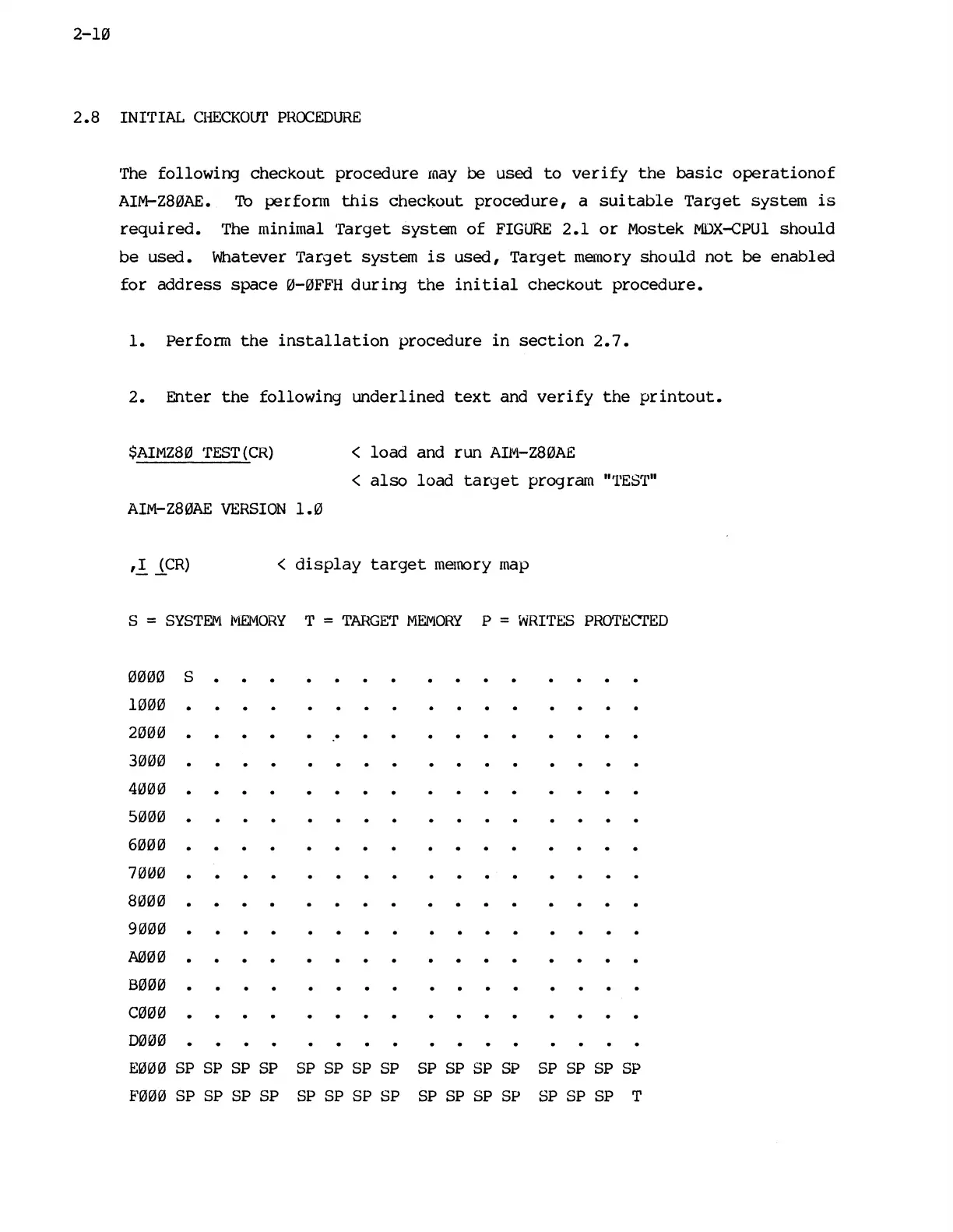
$AIMZ80
TEST(CR)
<
load
and
run
AIlVJ.-Z80AE
<
also
load
target
program
"'1'ES
r
l'"
AIM-Z80AE
VERSION
1.0
<
display
target
memory map
S =
SYSTEM
I~ORY
T =
TARGET
MEMORY
P =
WRITES
PROTECTED
0000
1000
2000
3000
4000
5000
6000
7000
8000
9000
A000
8000
C000
D000
S
.
E000 SP SP
SP SP SP
SP SP
SP
SP SP SP
SP
SP SP
SP
SP
F000 SP SP SP SP
SP
SP SP SP
SP SP
SP SP SP SP SP T

Other manuals for Mostek z80