EasyManua.ls Logo

Mostek z80 - E-Execute Command; Description of E Command

Default Icon
116 pages
Print Icon
To Next Page IconTo Next Page
To Previous Page IconTo Previous Page
Loading...
3-20
3.23
3.24
E-EXECUTE
COMMAND
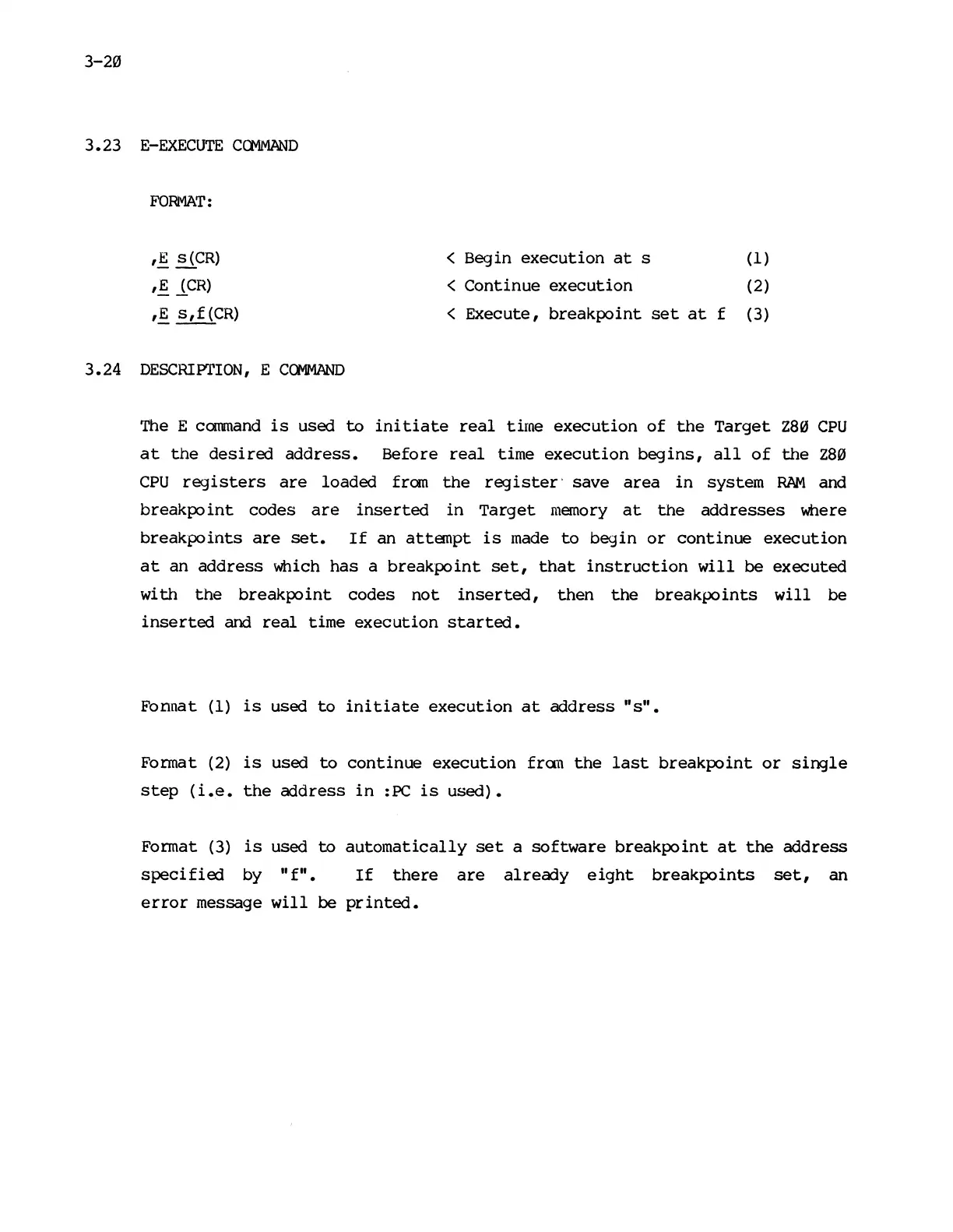
FORMAT:
,~
3
CR
)
<
Begin
execution
at
s (1)
,!
lCR)
<
Continue
execution
(2)
,E
s,f
(CR)
<
Execute,
breakpoint
set
at
f (3)
DE
SC
RI
Pl'ION
,
E
CQ\1MAND
The E
command
is
used
to
ini
tiate
real
time
execution
of
the
Target
Z80
CPU
at
the
desired
address.
Before
real
time
execution
begins,
all
of
the
Z80
CPU
registers
are
loaded
from
the
register'
save
area
in
system
RAM
and
breakpo
int
codes
are
inserted
in
Target
memory
at
the
addresses
where
breakpoints
are
set.
If
an
attempt
is
made
to
begin
or
continue
execution
at
an
address
which
has
a
breakpoint
set,
that
instruction
will
be
executed
with
the
breakpoint
codes
not
inserted,
then
the
breakpoints
will
be
inserted
and
real
time
execution
started.
Fonnat
(1)
is
used
to
initiate
execution
at
address
"s".
Format (2)
is
used
to
continue
execution
fram
the
last
breakpoint
or
single
step
(i.e.
the
address
in
:PC
is
used).
Format
(3)
is
used
to
automatically
set
a
software
breakpoint
at
the
address
specified
by
"f".
If
there
are
already
eight
breakpoints
set,
an
error
message
will
be
printed.

Other manuals for Mostek z80