EasyManua.ls Logo

Mostek z80 - S-Step Command; Description of S Command

Default Icon
116 pages
Print Icon
To Next Page IconTo Next Page
To Previous Page IconTo Previous Page
Loading...
3.59
3.60
3-39
S-STEP
CCMMAND
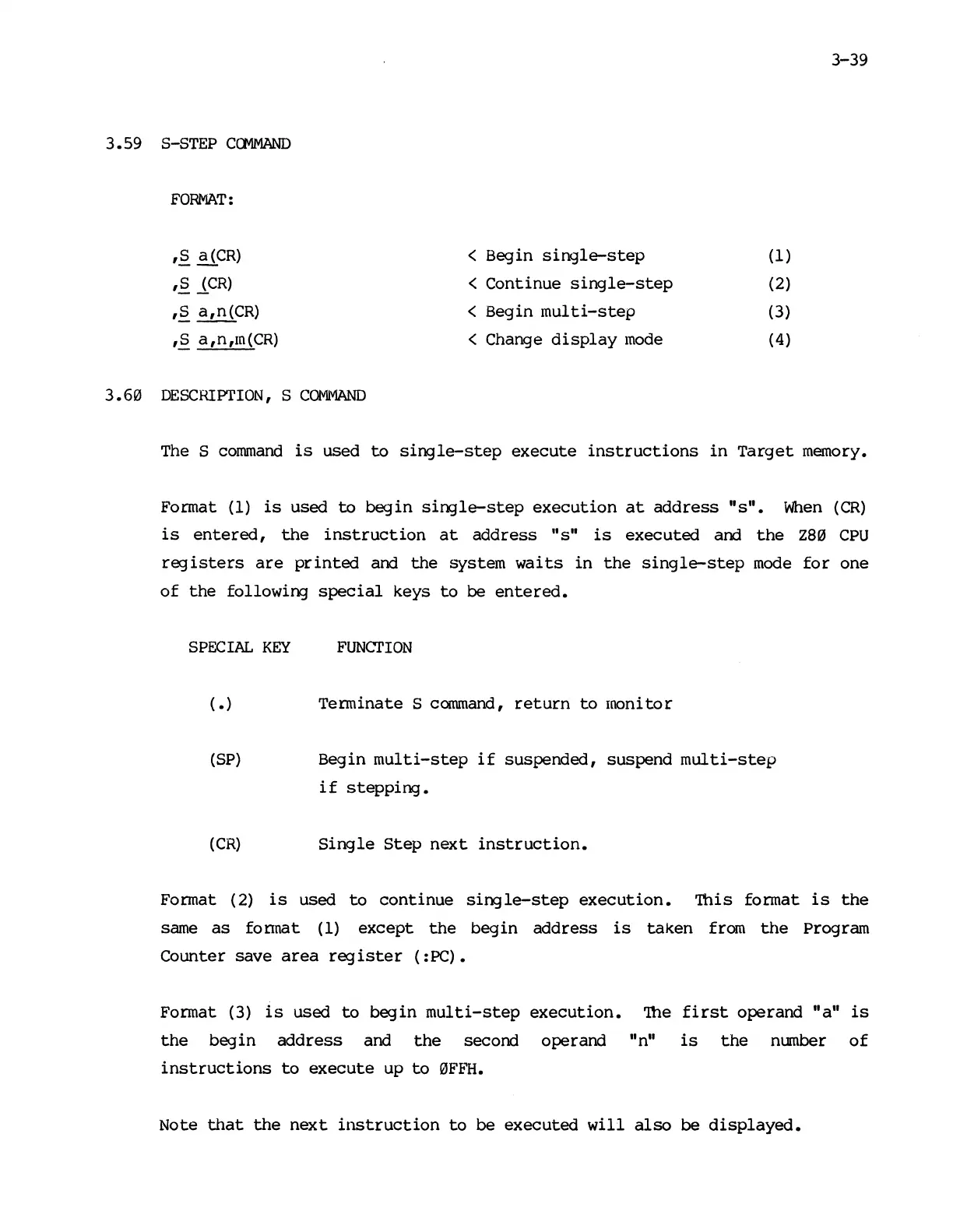
FORMAT:
'§.
~CR)
< Begin
single-step
(1)
,§.lCR)
< Continue
single-step
(2)
'§. a,n(CR)
<
Begin
multi-step
(3)
'§. a,n,m(CR)
<
Change
display
mode
(4)
DESCRIPTION,
S
COMMAND
The
S
command
is
used
to
single-step
execute
instructions
in
Target
memory.
Format (1)
is
used
to
begin
single-step
execution
at
address
"s".
When
(CR)
is
entered,
the
instruction
at
address
liS"
is
executed and
the
Z80
CPU
registers
are
printed
and
the
system
waits in
the
single-step
mode
for
one
of
the
following
special
keys
to
be
entered.
SPECIAL
KEY
FUNCTION
(.)
Terminate S
conunand,
return
to
monitor
(SP)
Begin
multi-step
if
suspended, suspend
multi-step
if
stepping.
(CR)
Single
Step
next
instruction.
Format (2)
is
used
to
continue
single-step
execution.
'iliis
format
is
the
same
as
fonnat
(1)
except
the
begin
address
is
taken
from
the
program
Counter save
area
register
(:PC).
Format (3)
is
used
to
begin
multi-step
execution.
'!he
first
operand "a"
is
the
begin
address
and
the
second operand
II
nil
is
the
mnnber
of
instructions
to
execute
up
to
0F~~.
Note
that
the
next
instruction
to
be executed
will
also
be
displayed.

Other manuals for Mostek z80