EasyManua.ls Logo

Mostek z80 - Page 78

Default Icon
116 pages
Print Icon
To Next Page IconTo Next Page
To Previous Page IconTo Previous Page
Loading...
3-42
The T coomand
may
be
used
at
any
time
even
if
the
Target
program
is
being
executed.
If
the
Target
program
is
not
executing,
the
Trace
printout
will
begin
as
soon
as
(CR)
is
entered
for
the
T command.
If
the
History
module
is
not
sampling
(sampling
stops
if
the
Trigger
word/strobe
compares and no
hardware
breakpoint
is
set)
the
Trace
printout
will
also
begin
immediately.
If
the
History
module
is
sampling,
then
the
word
"SAMPLING"
will
be
printed.
The
user
may
then
enter
either
(CR)
or
(.)
If
(.)
is
entered
the
AIM
monitor
will
be
reentered
with
no
changes.
If
(CR)
is
entered,
the
history
sampling
will
be
tenninated
and
the
Trace
printout
begun.
Fonnat
(2)
allows
the
number
of
lines
of
history
printed
to
be
specified.
The
operand
"n"
is
a
hexadecimal
number between 1
and
0FFH
which
specifies
the
number
of
lines
printed.
Format
(3)
is
used
to
specify
the
offset
from
the
breakpoint
in
the
history
RAM
to
begin
display.
The
second
operand
"0"
is
a
signed
hexadecimal
number
between
-3FFH and
3FFH
which
specifies
this
offset.
If
an
offset
is
specified
which
is
before
the
start
of
the
history,
the
earliest
sample
is
the
default.
If
an
offset
is
specified
which
is
after
the
end
of
history,
the
n~st
recent
sample
is
the
default.
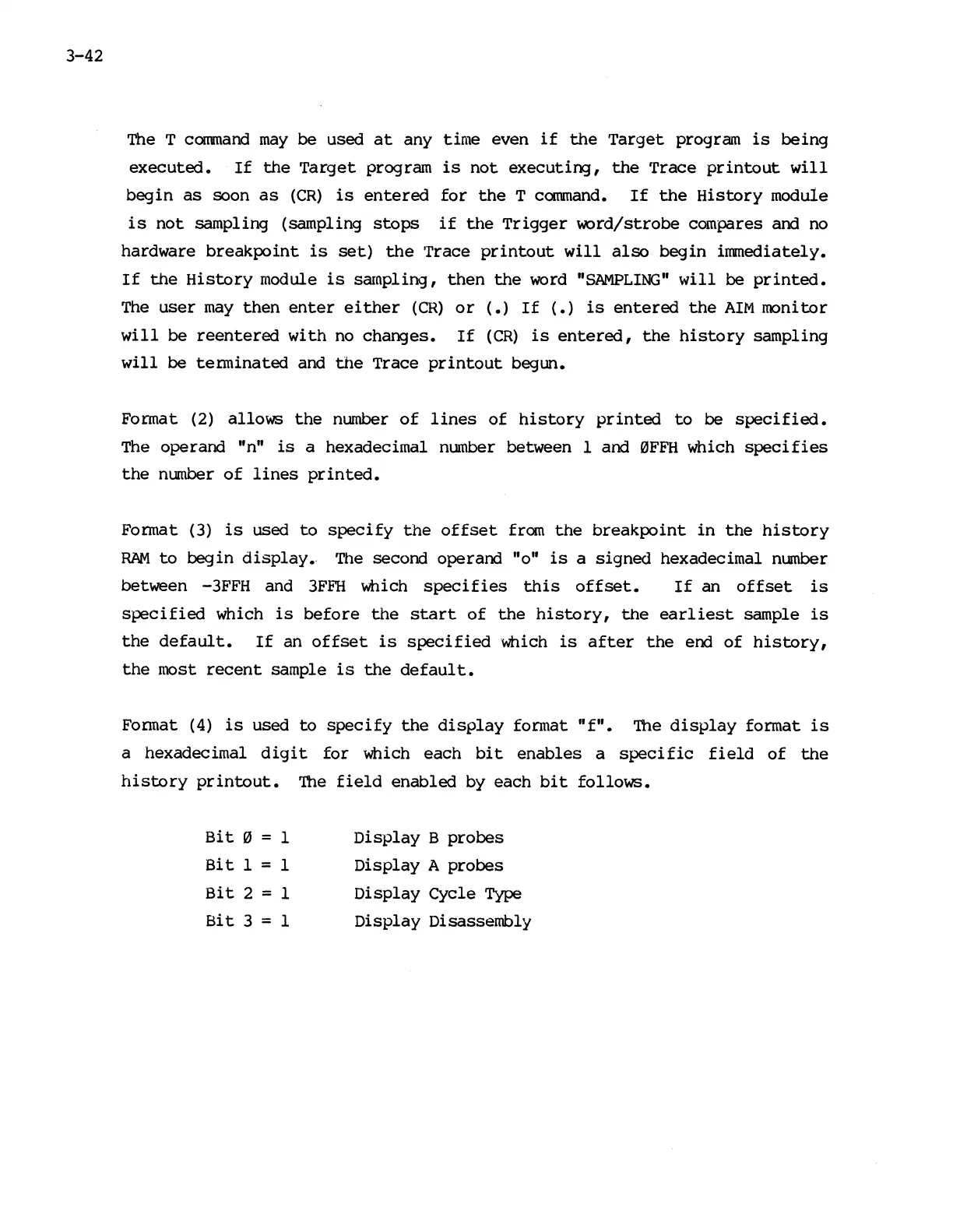
Fonnat
(4)
is
used
to
specify
the
display
format
"f".
The
display
format
is
a
hexadecimal
digit
for
which
each
bit
enables
a
specific
field
of
the
history
printout.
The
field
enabled
by
each
bit
follows.
Bit
0 = 1
Bit
1 = 1
Bit
2 = 1
Bit
3 = 1
Display
B
probes
Display
A
probes
Display
Cycle
Type
Display
Disassembly

Other manuals for Mostek z80