20
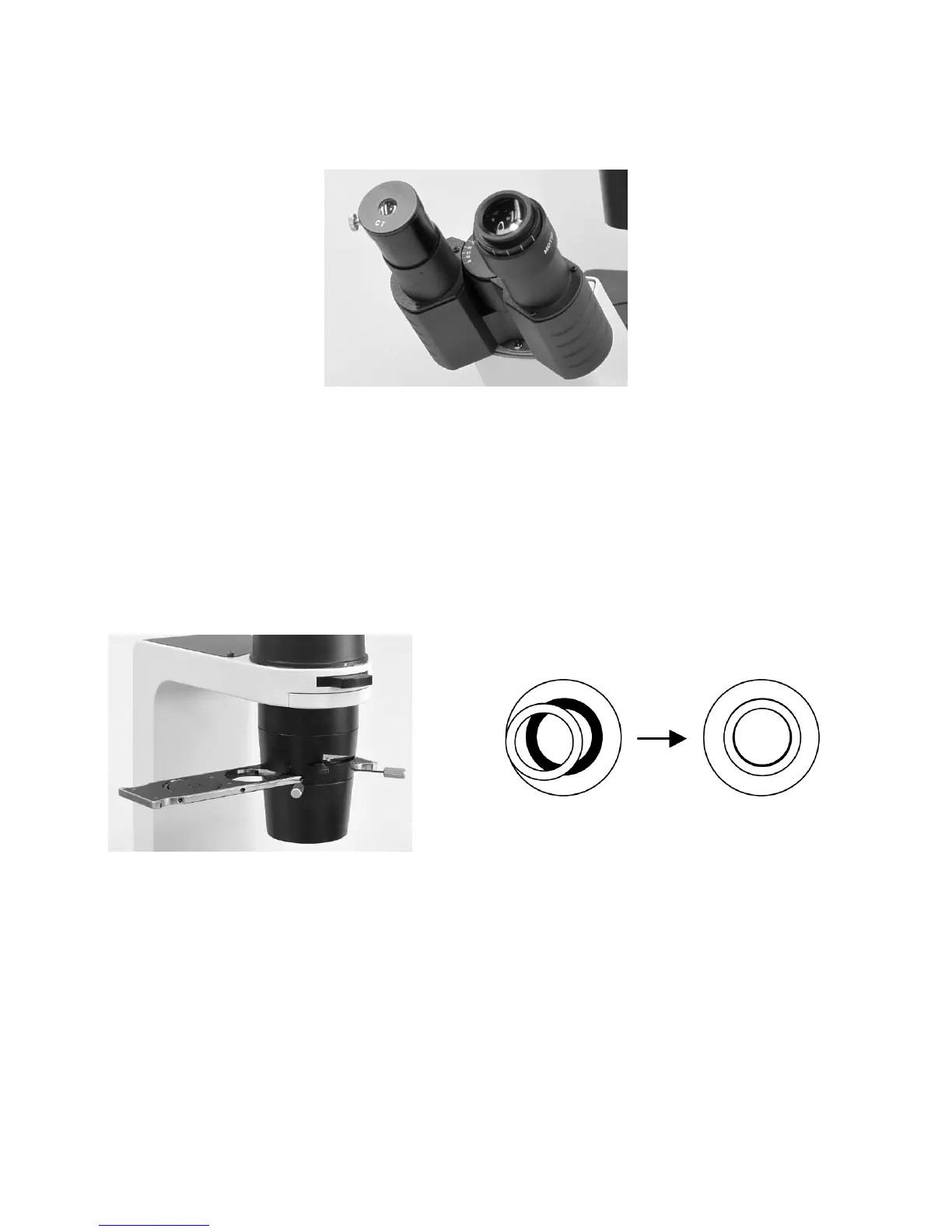
(Fig.25)
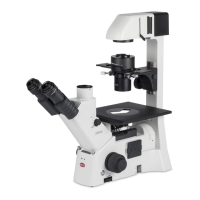
y If the objective phase plate and the annular of the slider do not coincide, use the two hexagonal
screwdrivers (1.5mm) supplied with the microscope (Fig.26) to bring the slider annular ring to the
centre of the phase plate (Fig.27), so that the image of the annular diaphragm is concentric with the
phase plate image.
If the slider annular ring image is diverged from the phase plate image in the objective, a low phase
contrast image will result.
(Fig.26) (Fig.27)
y For phase contrast microscopy at the maximum contrast, use GIF (Green interference filter) in the
optical path.
y Change the annular diaphragm if necessary, noted that place it into phase slider in correct direction
(Fig.28) and use 2 hexagonal screwdrivers (1.5mm) supplied to bring the annular ring to the center
of the phase slider (Fig.29).
y Put the phase slider back to condenser


 To Next Page