21
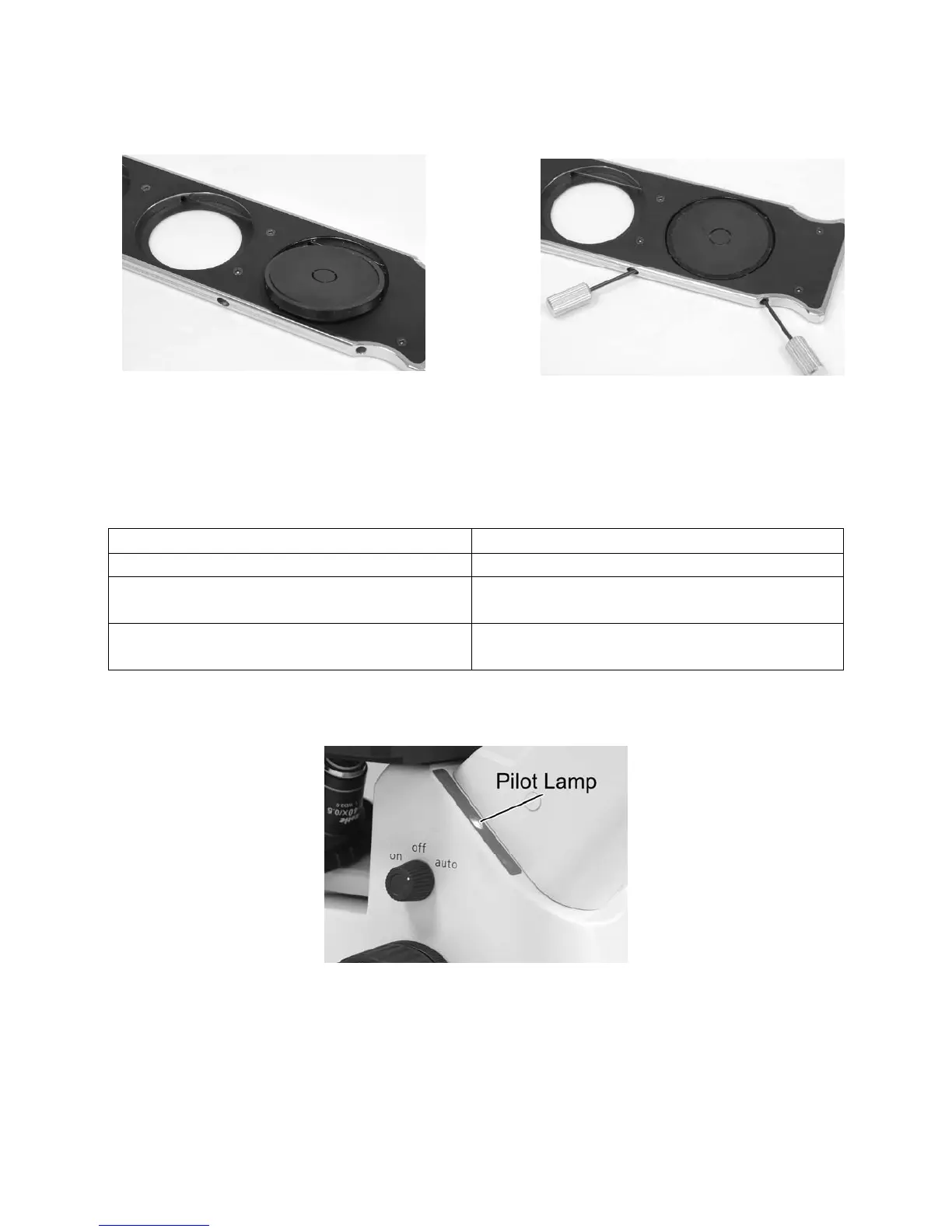
(Fig.28) (Fig.29)
8. Filter selection
Filter holder could hold two pieces of filters
Filter type Procedure
ND (Neutral Density) filter For intensity adjustement in photomicrography
GIF (Green Interference) filter 546nm
For phase contrast and contrast adjustment with
black and white film
Blue filter
For general microscopy and colour
photomicrography
9. Auto power off function
(Fig.30)


 To Next Page