WARNING
!
Whenthetopcasecontrolunitisrstdelivered,threestan-
dard programs are stored:
1 Standard in bar
2 Using Metallic Powder
9 Standard in Nm3
Create New Program
With the following sequence a new program can be created:
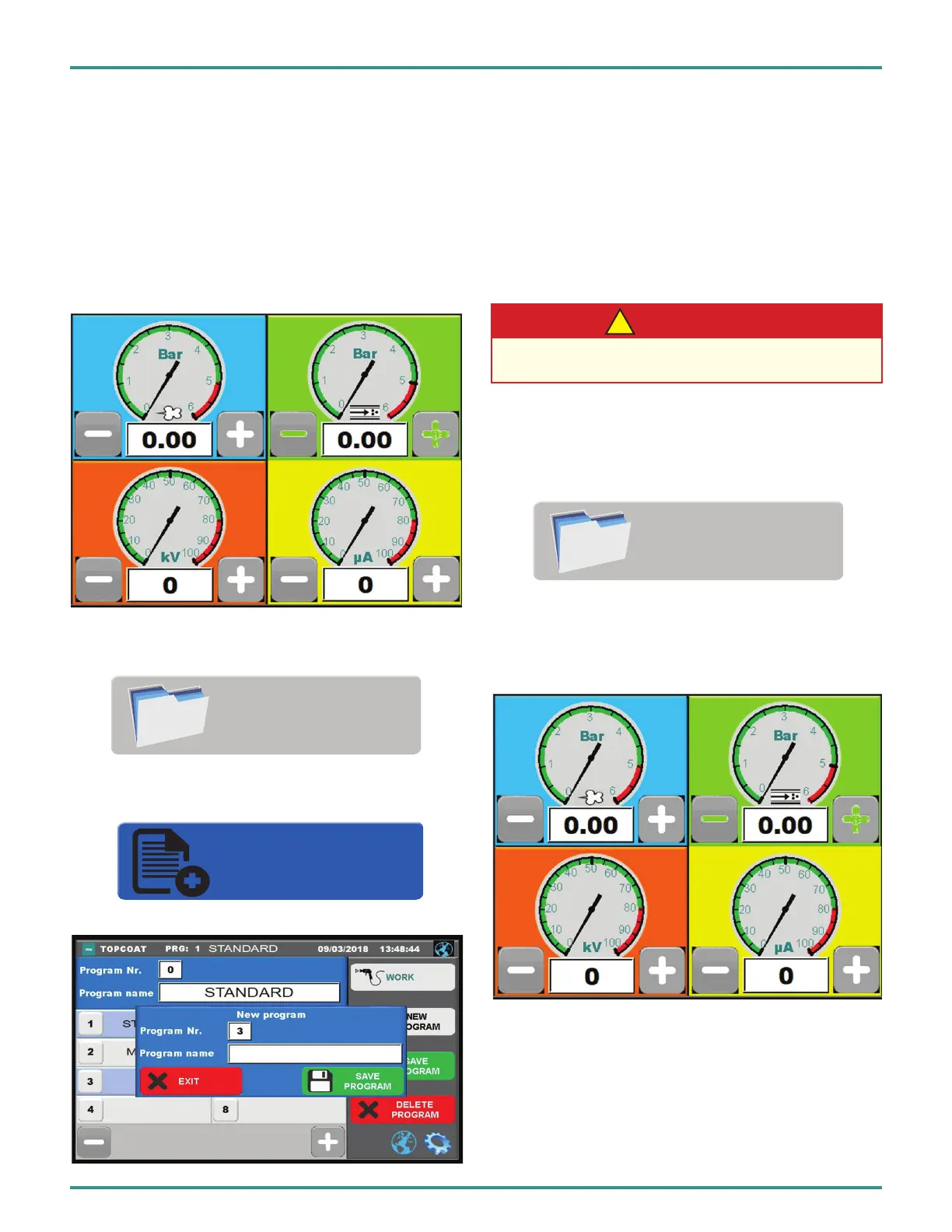
1. First, the required settings can be adjusted in the
working view.
2.Next,pressthePROGRAMSbuttontoenterinthe
program menu.
3. Then, press the NEW PROGRAM button to enter a
name for the program.
Make sure that no programs are overwritten.
NEW
PROGRAM
PROGRAMS
4. Select the desired number and give the program a
name.Bypressingontheeld,akeyboardwillbecalled
automatically.
5. After changes are made and checked, the program can
be stored pressing the SAVE PROGRAM button.
The display switches back to the working view.
Adjust Program
1. Press the PROGRAM button to enter in the
program menu.
2. Select the program to be adjusted. The workspace is
automatically called.
3. Adjust desired settings.
PROGRAMS
PA-18-02-R0 (08/2018) 34 / 52 www.carlisleft.com
EN
INSTALLATION


 To Next Page