USER MANUAL V1.0 | Updated January 19, 2019 14
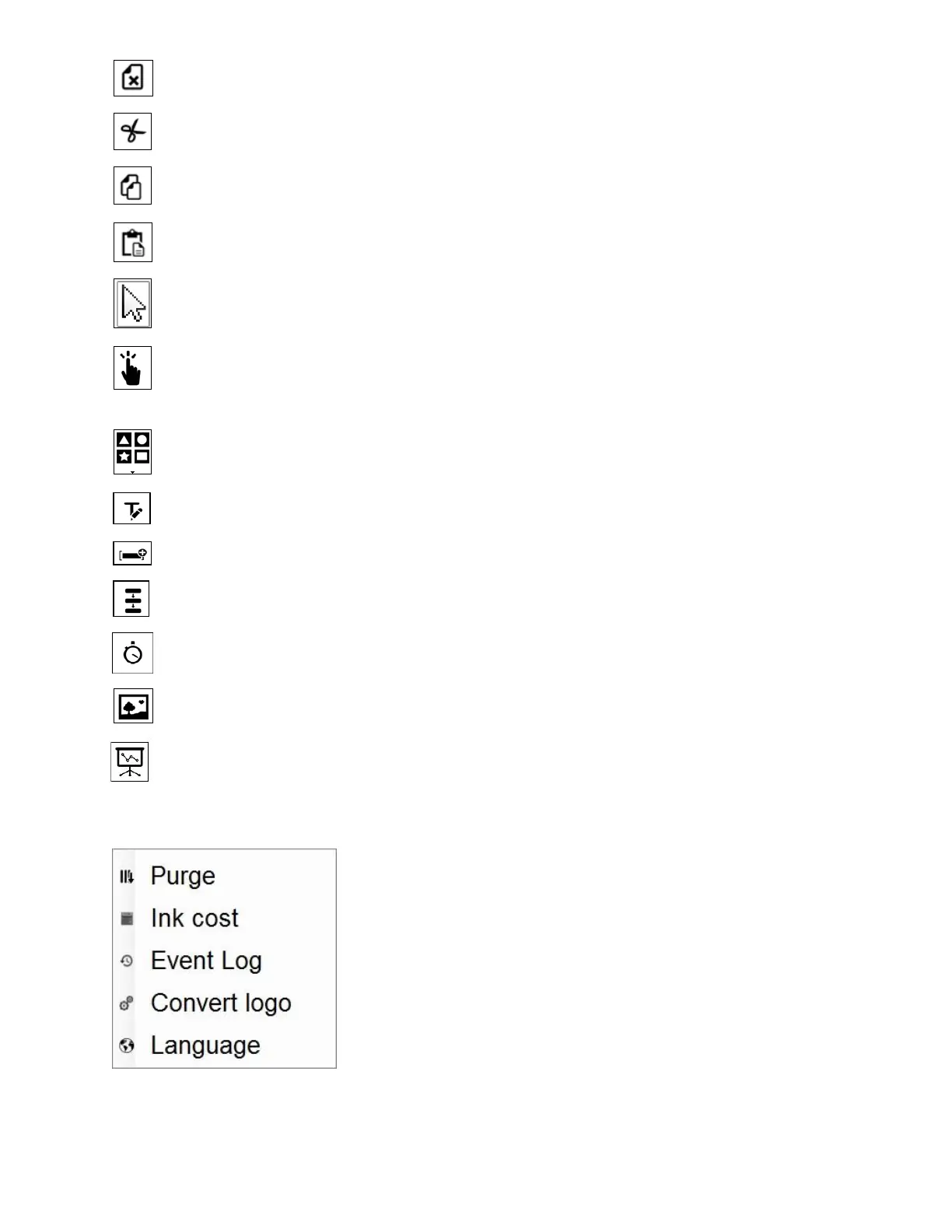
Delete: Delete object.
Cut: Cut object.
Copy: Copy object.
Paste: Paste object.
Select Tool: Select to function and edit each object on the message.
Hand Pan: Move designing area to right/left to function on the hidden area in case
your message is not fully displayed on the screen.
Shapes: Select shape to insert into message: Line, Rectangle, Square, Circle and Oval.
Static Text: Insert characters and barcodes.
Data Fields: Insert data.
Serial Number: Insert counter.
Shift Code: insert shift code.
Image: Insert image or logo.
POD: Insert POD fields.
TOOLS
Purge: all of nozzle on the cartridge will push out some ink.
This will help clean all of the cartridge.
Ink Cost: calculate number of prints, ink price, price for each
print.
Event Log: view all of action that user did on application.
Convert logo: using export image to .hex file and update into
printer.
Languages: Change interface languages on PC app.



 To Next Page