USER MANUAL V1.0 | Updated January 19, 2019 13
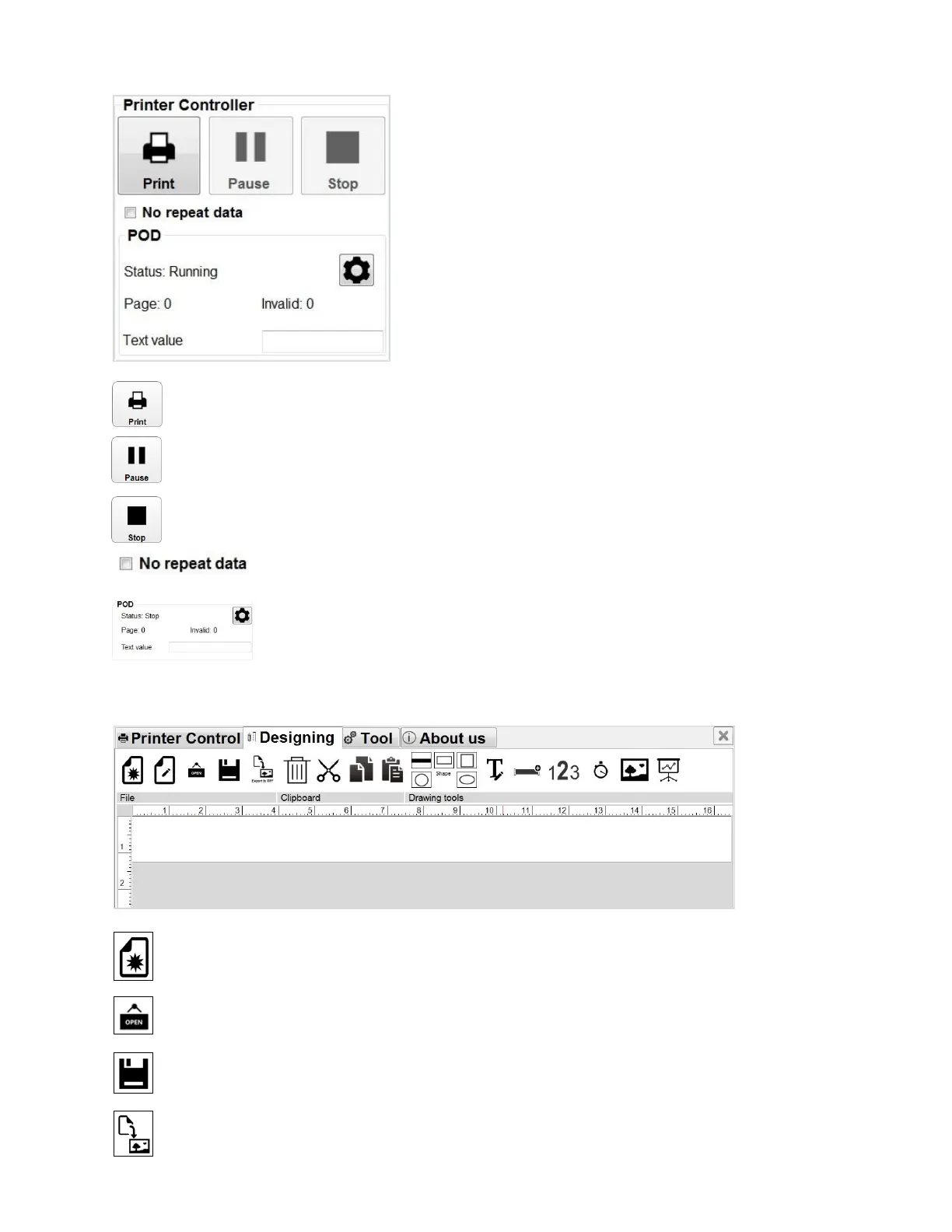
Printer Controller
Print: Select to print
Pause: Select to temporary stop printing
Stop: stop printing. This must be applied before adjusting parameters or editing the
message.
Please tick check here if you don’t want to repeat data.
Settings POD.
DESIGNING MESSAGES
New template: Create new message with free template design.
Open: Open message from PC.
Save template: Save message to PC.
Export to .tiff files: Export message in Tiff format.



 To Next Page