USER MANUAL V1.0 | Updated January 19, 2019 12
Immediate : Machine will print continuously when a sensor is triggered for the first time.
When Continue mode is applied, distance between the messages on the same object
should to be set.
Go to Continue Fixed Length to input the value or select the value by click up or down at
.
Printing Status
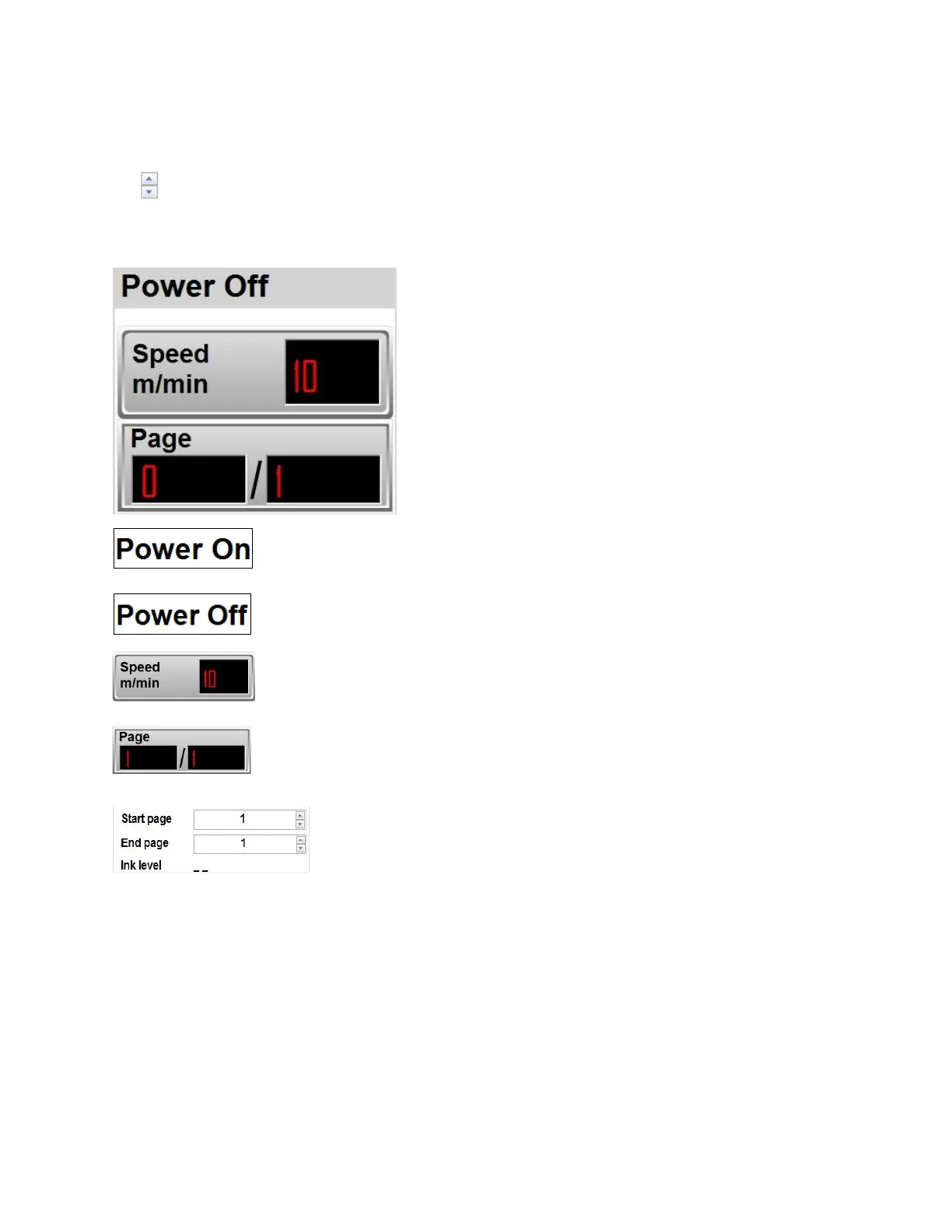
Machine is connected to PC.
Machine is disconnected from PC.
Displays the current speed of conveyor synchronized by encoder.
Displays the number of pages printed (left) per the total pages to print
(right).
Select page to Start/End printing, apply for counter, barcode, data
field. The data will continue to be printed from the start page.
Ink level will show ink-volume when we insert cartridge into printer.



 To Next Page