USER MANUAL V1.0 | Updated January 19, 2019 25
Step 1 Setup Counter 1 first and insert into the message
Counter 1
Start: 0
Current: 0
Reset: 200
Step: 1
Up/Down: Up
Fill zero: Enable
Step 2 Then setup Counter 2 and insert into the same message
Counter 2
Start: 0
Current: 0
Reset: 100
Step: 1
Up/Down: Up
Fill zero: Enable
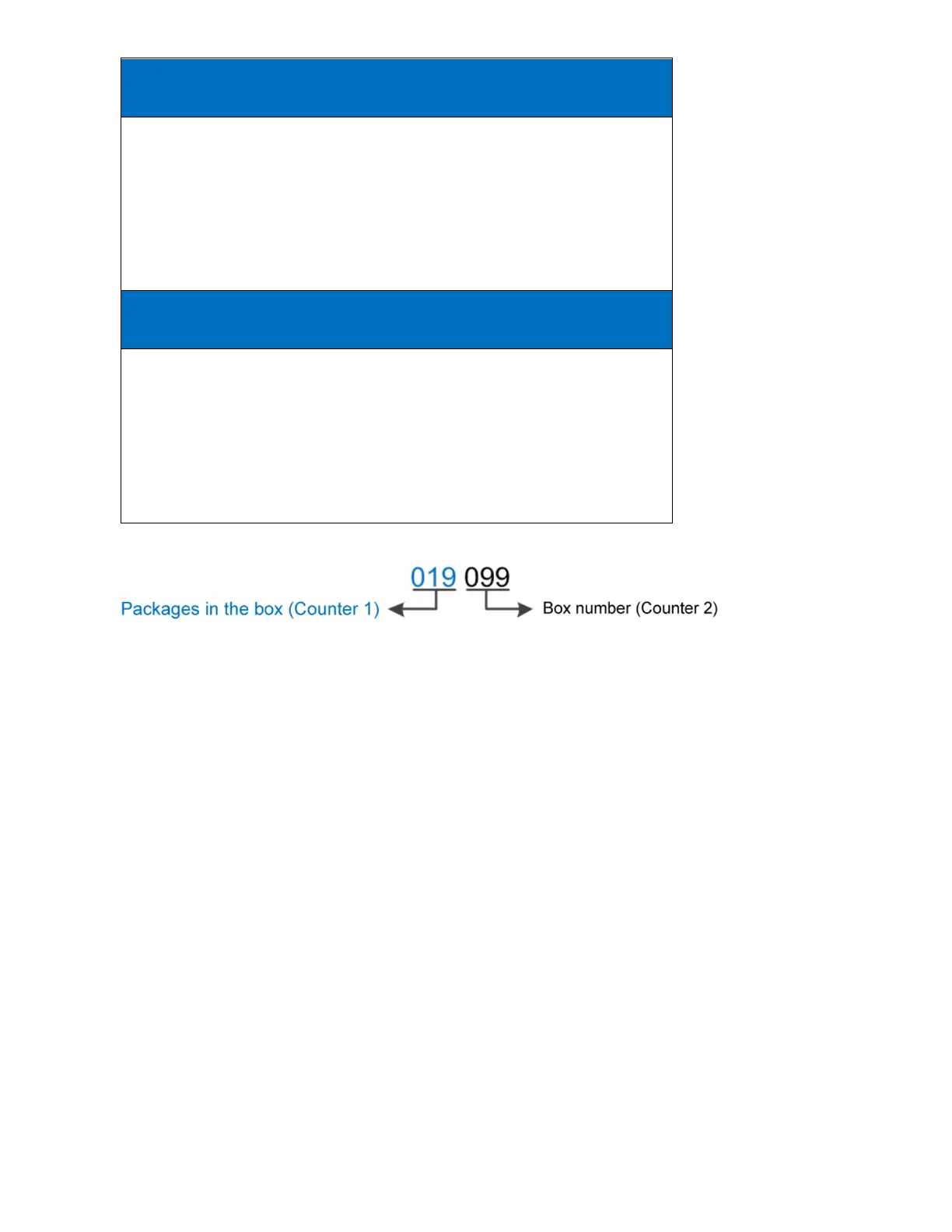
The two counters will be printed as below:
NOTES:
Press Enter to apply each setting.
Setup Counter 1, then Counter 2.
Maximum value of Reset is up to 2,000,000,000.
Maximum value of Step is 250.
Counter will be backup and continue in case of power failure.
Date
Insert current date into message.
In the input section of Edit Messages, press Insert, then use or arrow keys to move the
cursor to Date and press Enter.
• Input date format in Format.
• Press Enter to insert into message.
Format
Select your desired format below to input into the Format section. Otherwise, date will not be
displayed in the message.
Day: d or dd.
Month: M, MM or MMM.
Year: yy or yyyy.
Julian date: JJJ.



 To Next Page