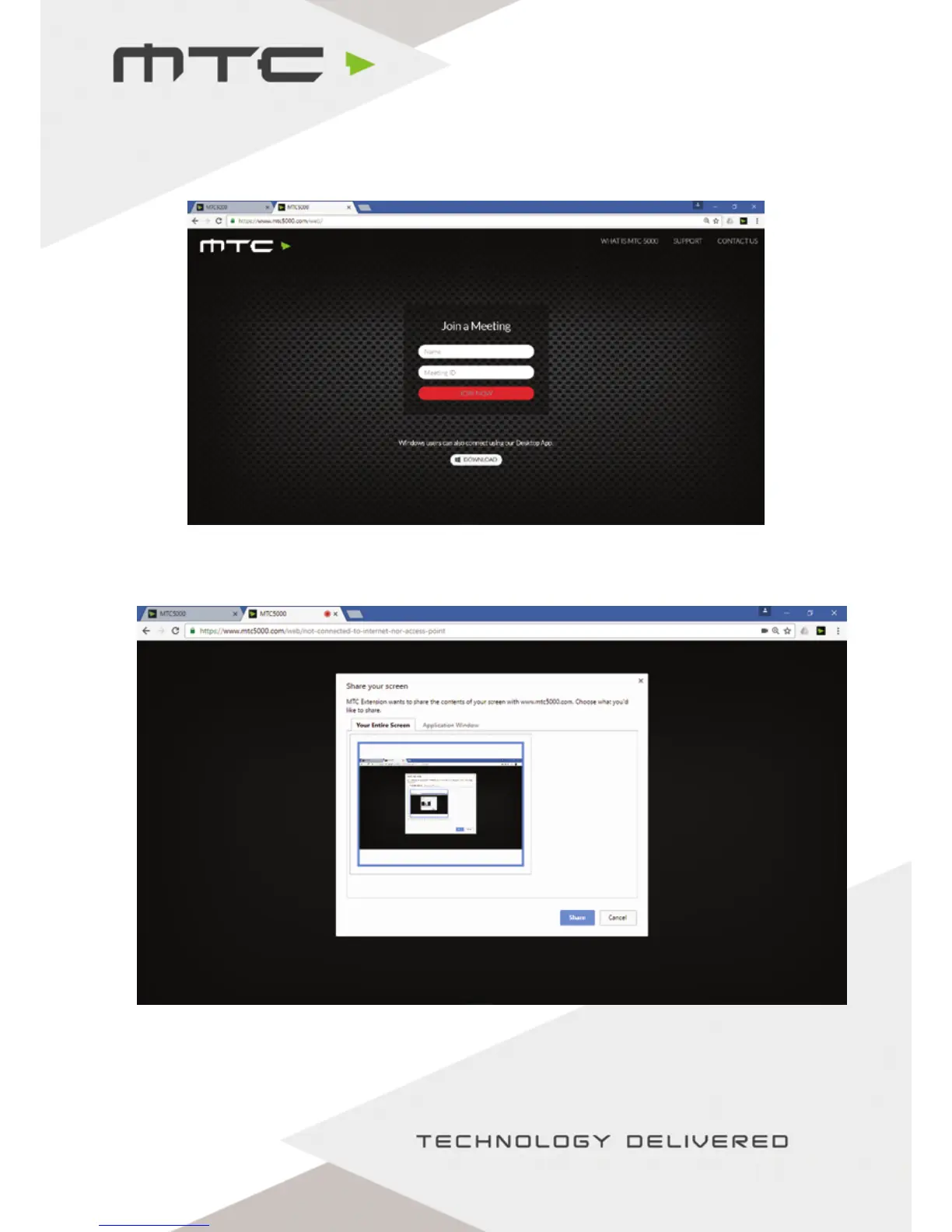
Connecting using the Web Client
Enter Attendee’s Name, Meeting ID and optional pin for additional security. Click ‘Join Now’ when ready to
connect.
Next, a prompt will appear asking what the attendee wishes to share – either the entire desktop or a
specific window. Once an option is selected, click ‘Share’ to be connected to the meeting.
When connected using the web client, attendees must keep the Chrome® browser window open in
order to stay connected to the meeting.
www.mtc-technologies.com info@mtc-technologies.com
11


 To Next Page