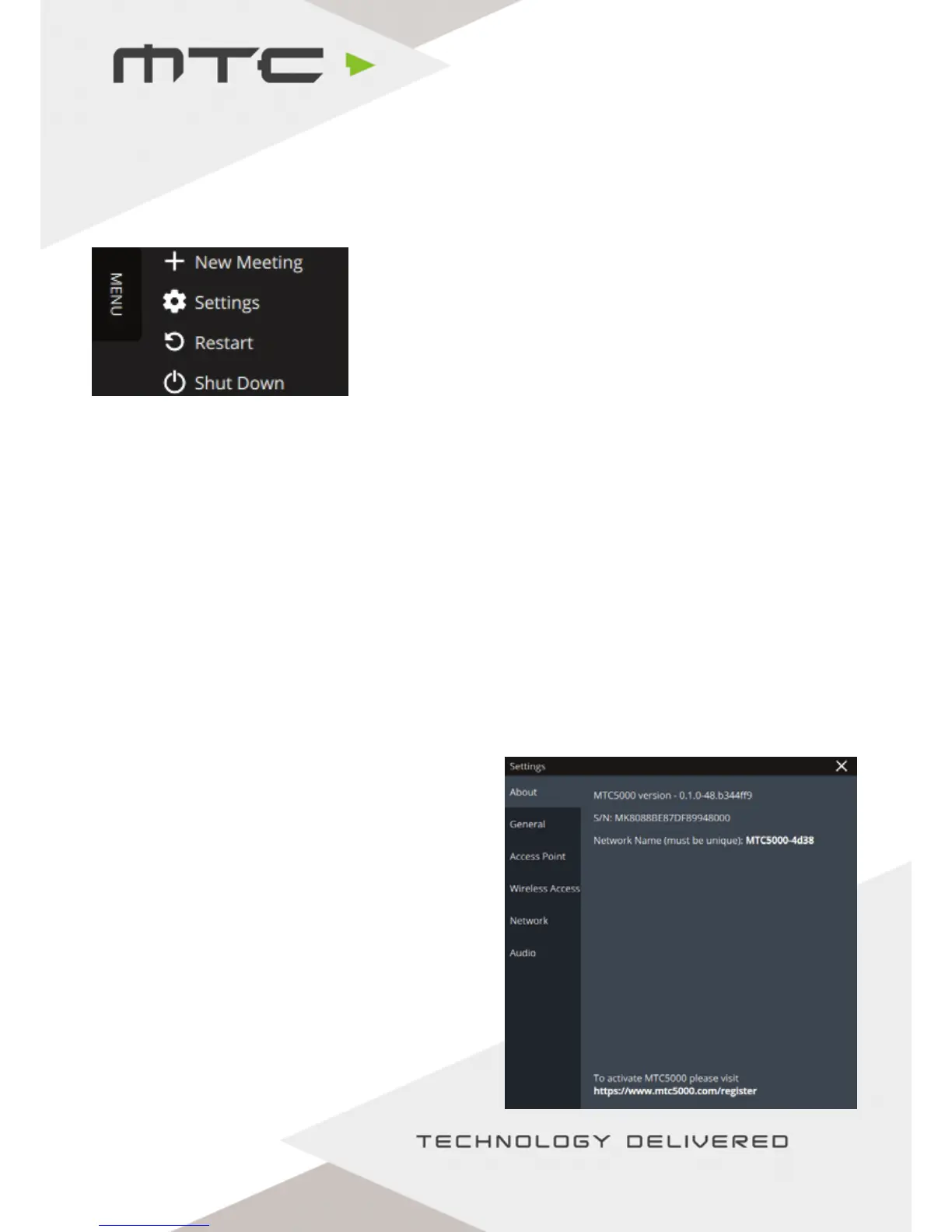
MTC 5000 unit settings
To access the settings menu, click or tap on the ‘Menu’ button on the top left corner of the MTC 5000 home
screen. The drop down will appear – tap or click on Settings.
The settings are arranged into a number of different tabs:
About – To view general information on the MTC-5000 unit: Version, Serial Number, SSID.
General – To modify features, such as cloud connectivity, file sharing, iOS and Miracast®
receiver settings or to set a PIN for extra security.
Access Point – Enable or disable the Access Point or change wireless settings.
Wireless Access – Connect MTC-5000 to a wireless network.
Network – View MAC addresses and set between dynamic and static IP
Audio – Change audio inputs and outputs
MTC-5000 information
The About tab in the settings contains information about the MTC-5000 Unit.
MTC5000 Version: The version of MTC5000 Unit
currently running on the unit. The unit will check for
updates automatically if connected to the Internet.
Any available updates will be notified in the Status
Bar, giving the option to install if required.
S/N: The MTC-5000 Serial Number. This will be
needed to register the unit at
http://www.mtc5000.com/register
Network name: The network name that will show
on devices connecting by Miracast® or Airplay®.
www.mtc-technologies.com info@mtc-technologies.com
20


 To Next Page