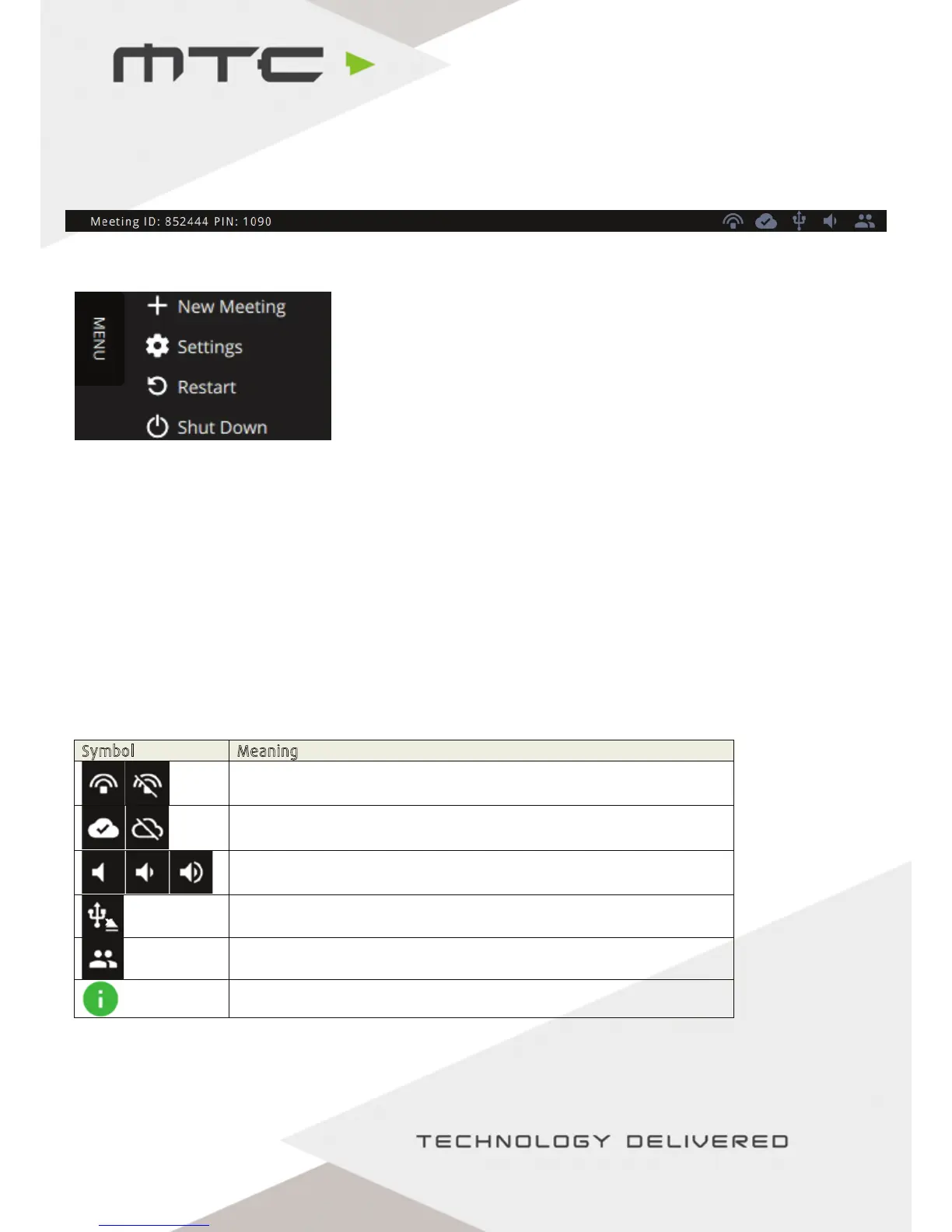
The Status Bar Menu
The status bar menu is at the bottom of the display and contains a group of status icons to the right.
The meeting menu is accessible by tapping or clicking on the menu icon in the top left corner, revealing
the options above.
These options enable a new meeting to be started, settings to be viewed and the MTC-5000 unit to be
restarted or shut down.
Click or tap on the Meeting ID at the bottom any time to view the MTC-5000 Meeting ID screen. This
can be closed by using the ‘X’ in the top right hand corner.
On the right side of the status bar there are some information icons;


 To Next Page